

RoomDesign Genius

AI Room Decorator

Upload a photo of an empty or partially furnished room to see it furnished with rugs, seating and lighting, or clear out a cluttered space to start over.

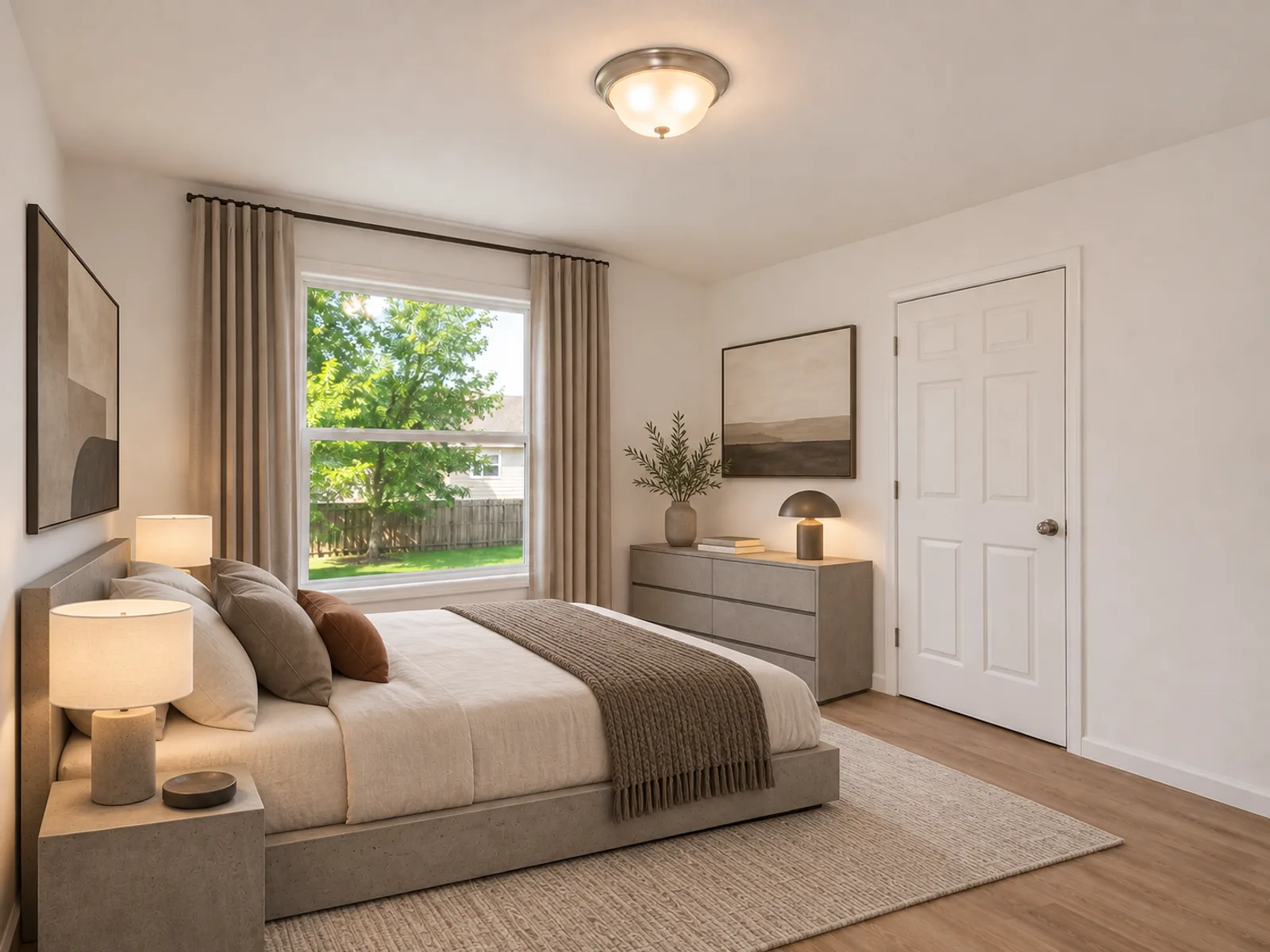
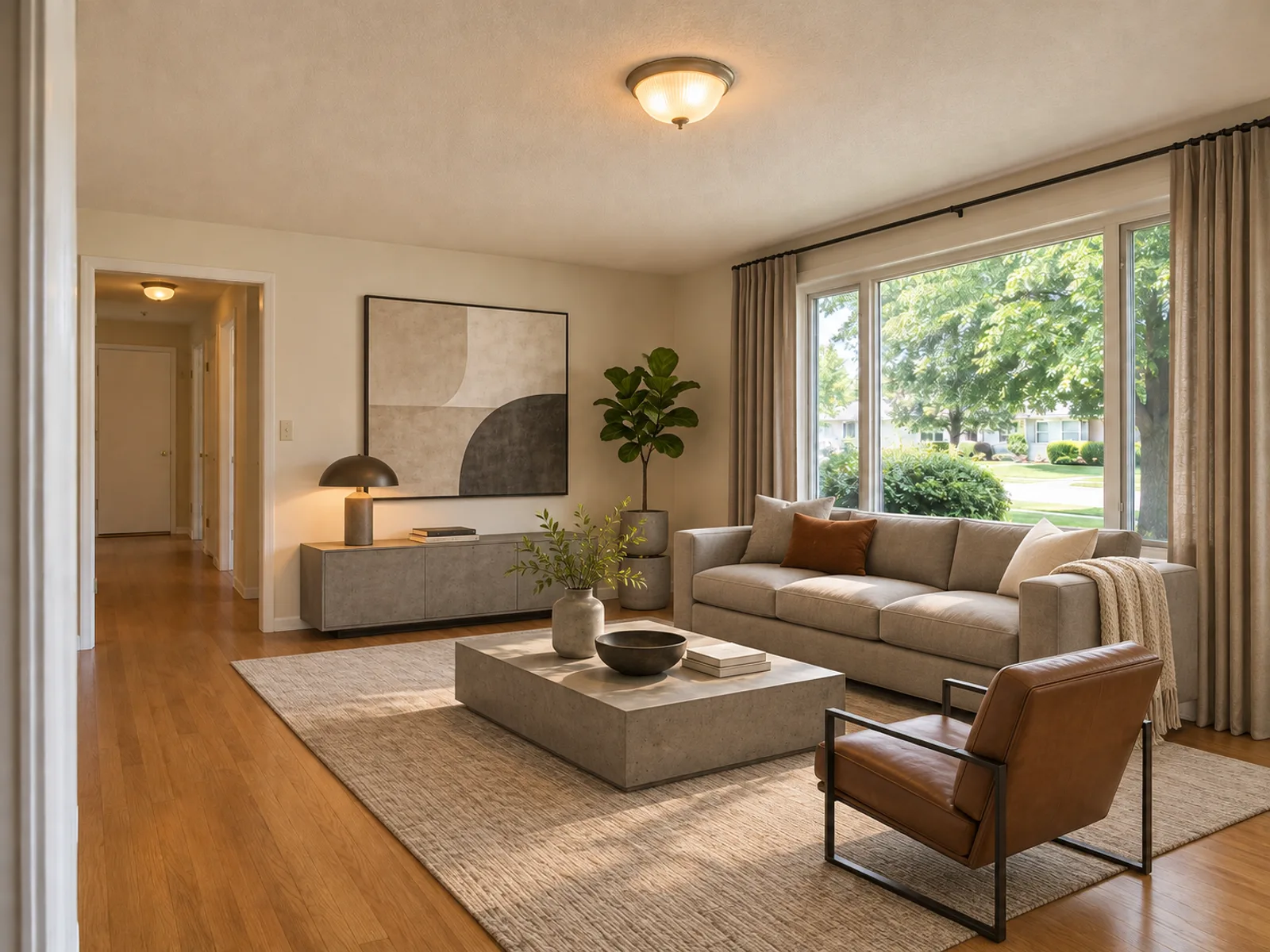
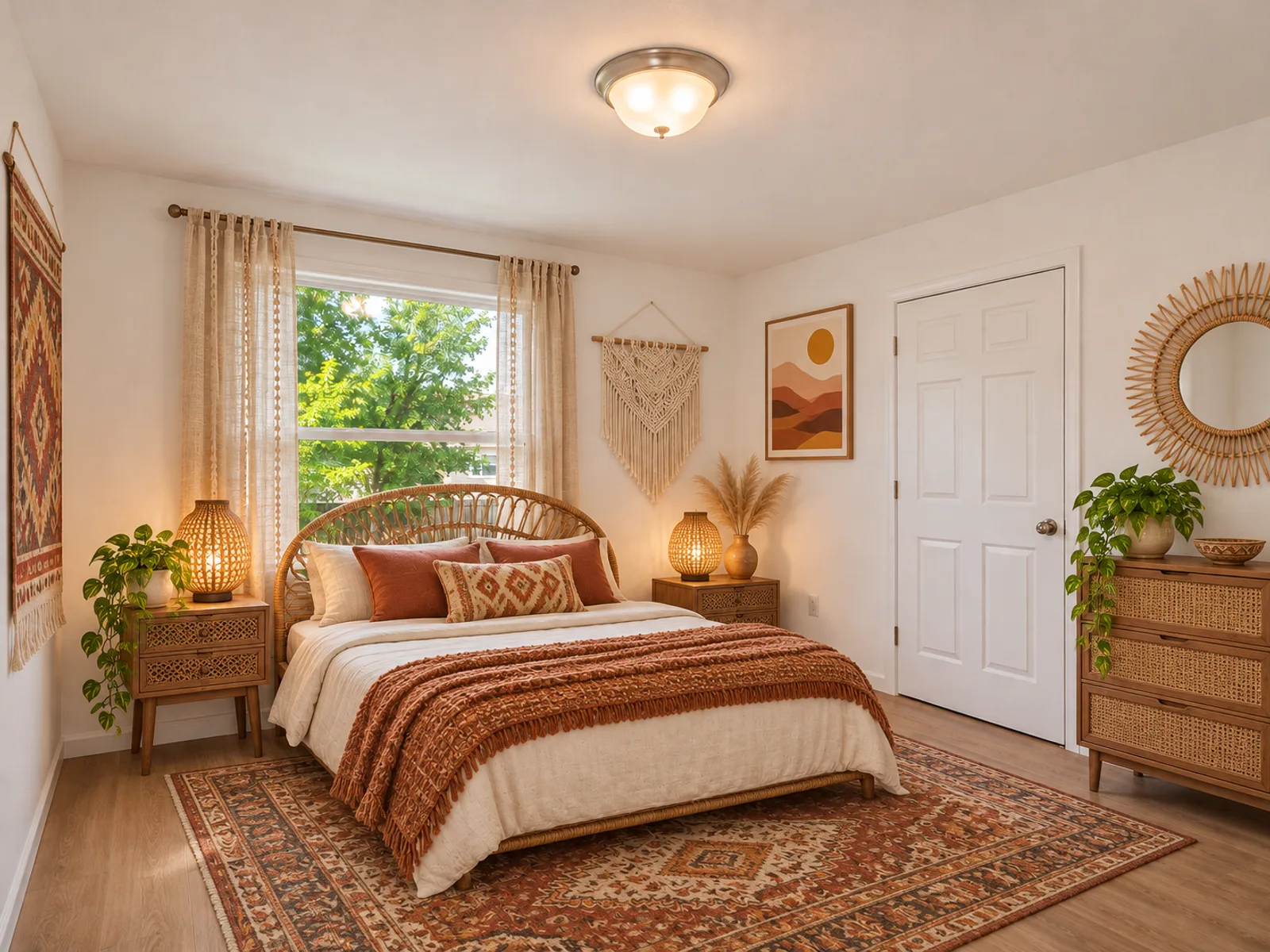
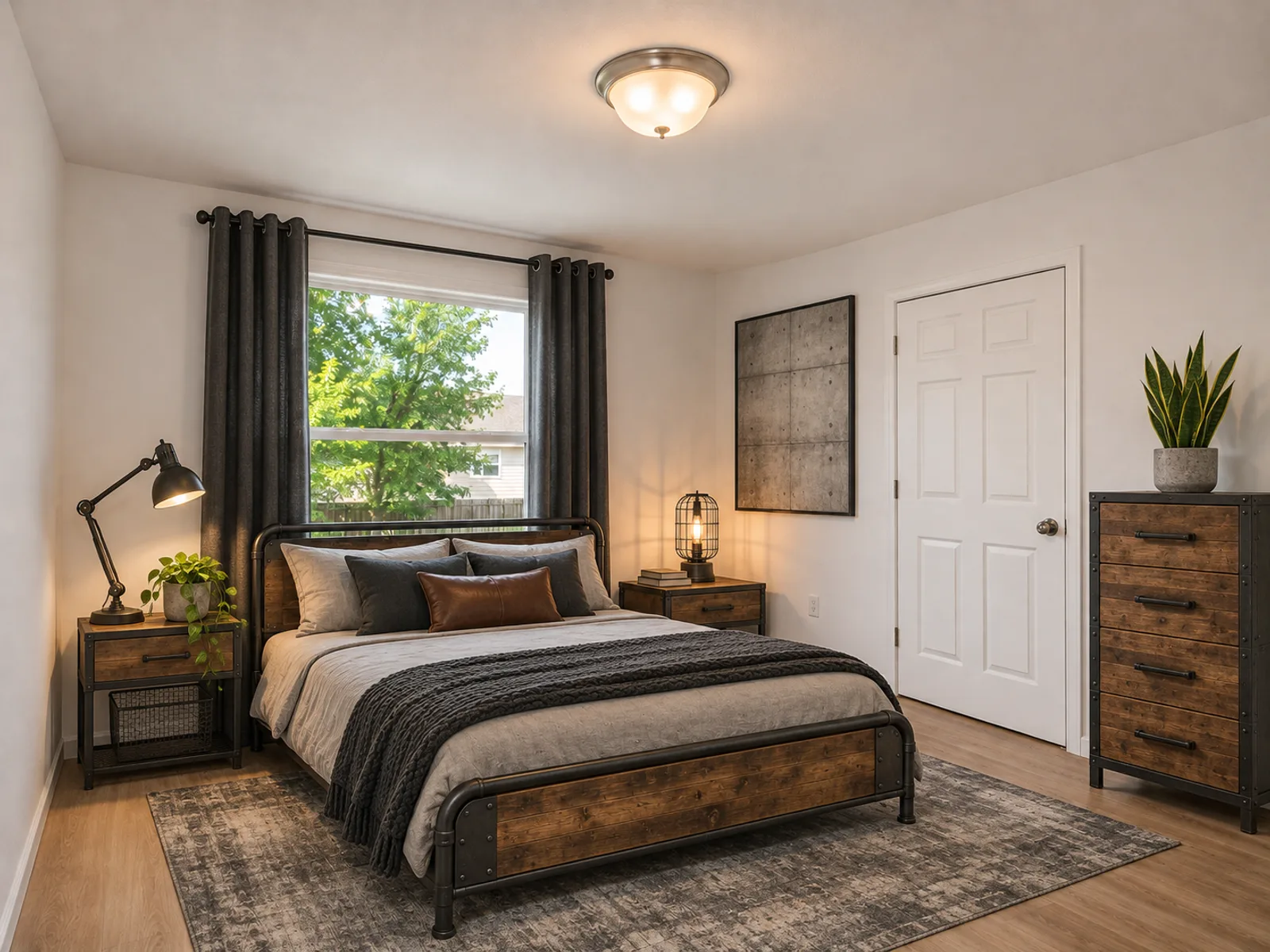
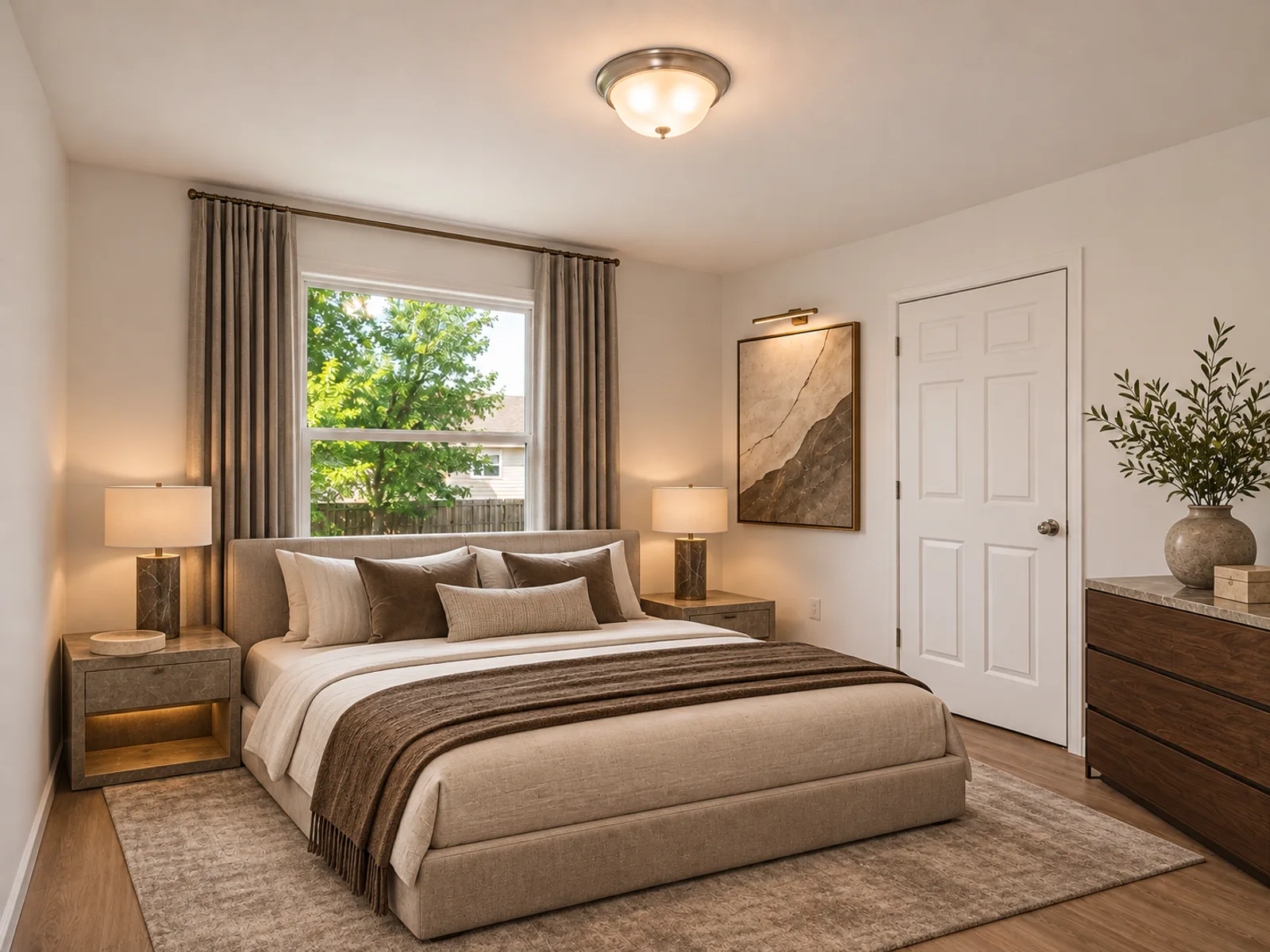
Empty bedroom furnished in Modern style by the AI room decorator
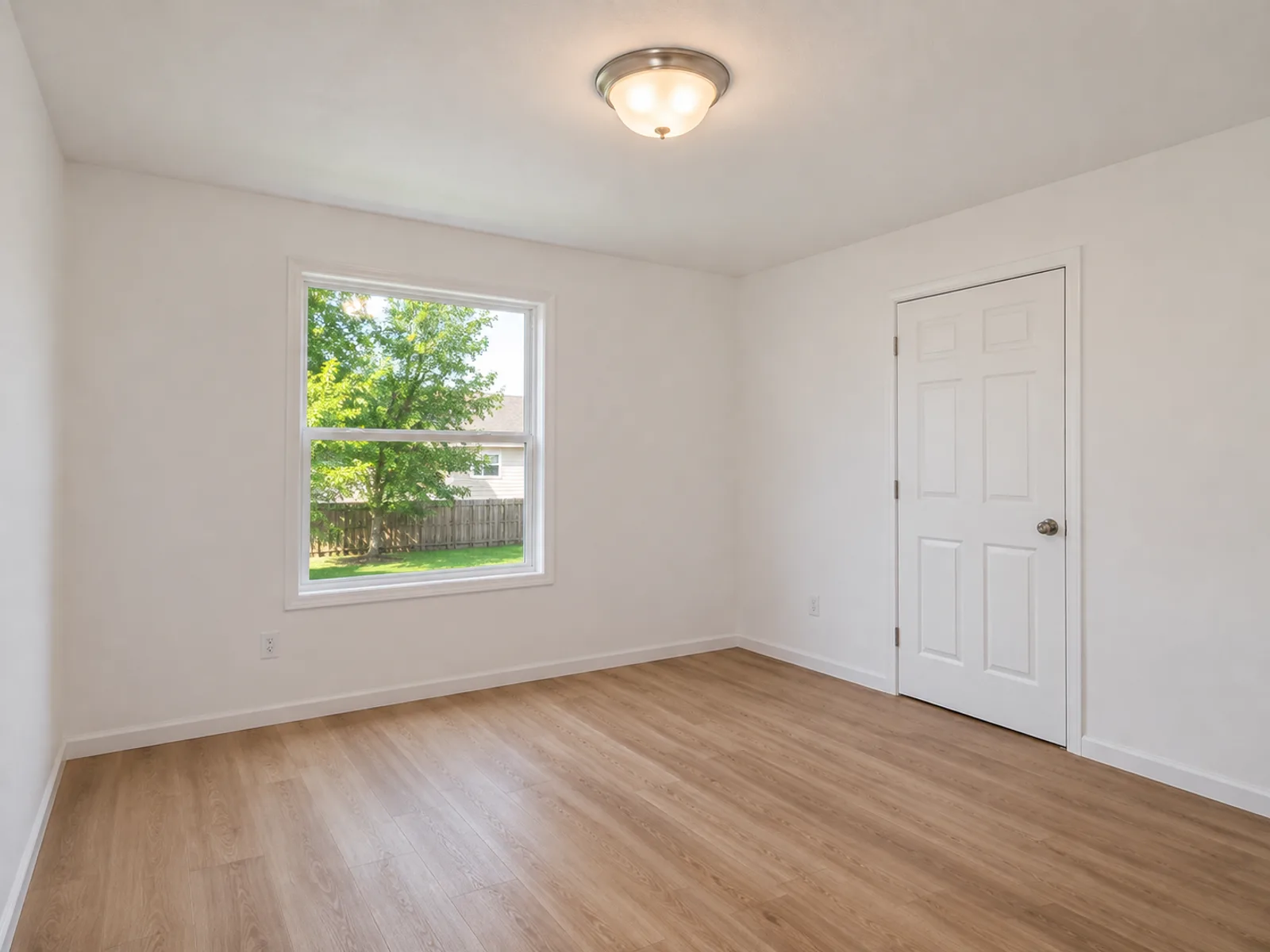
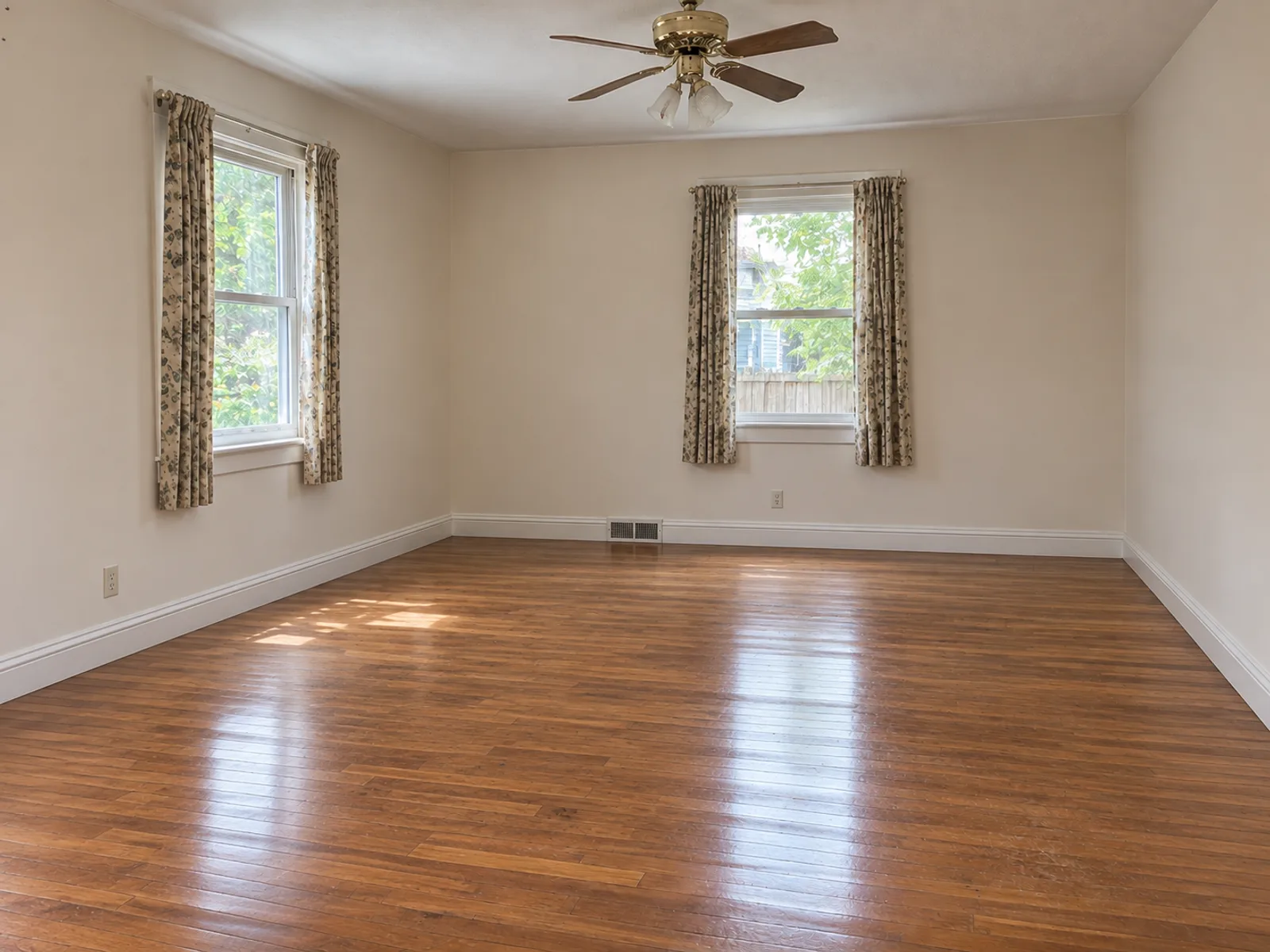
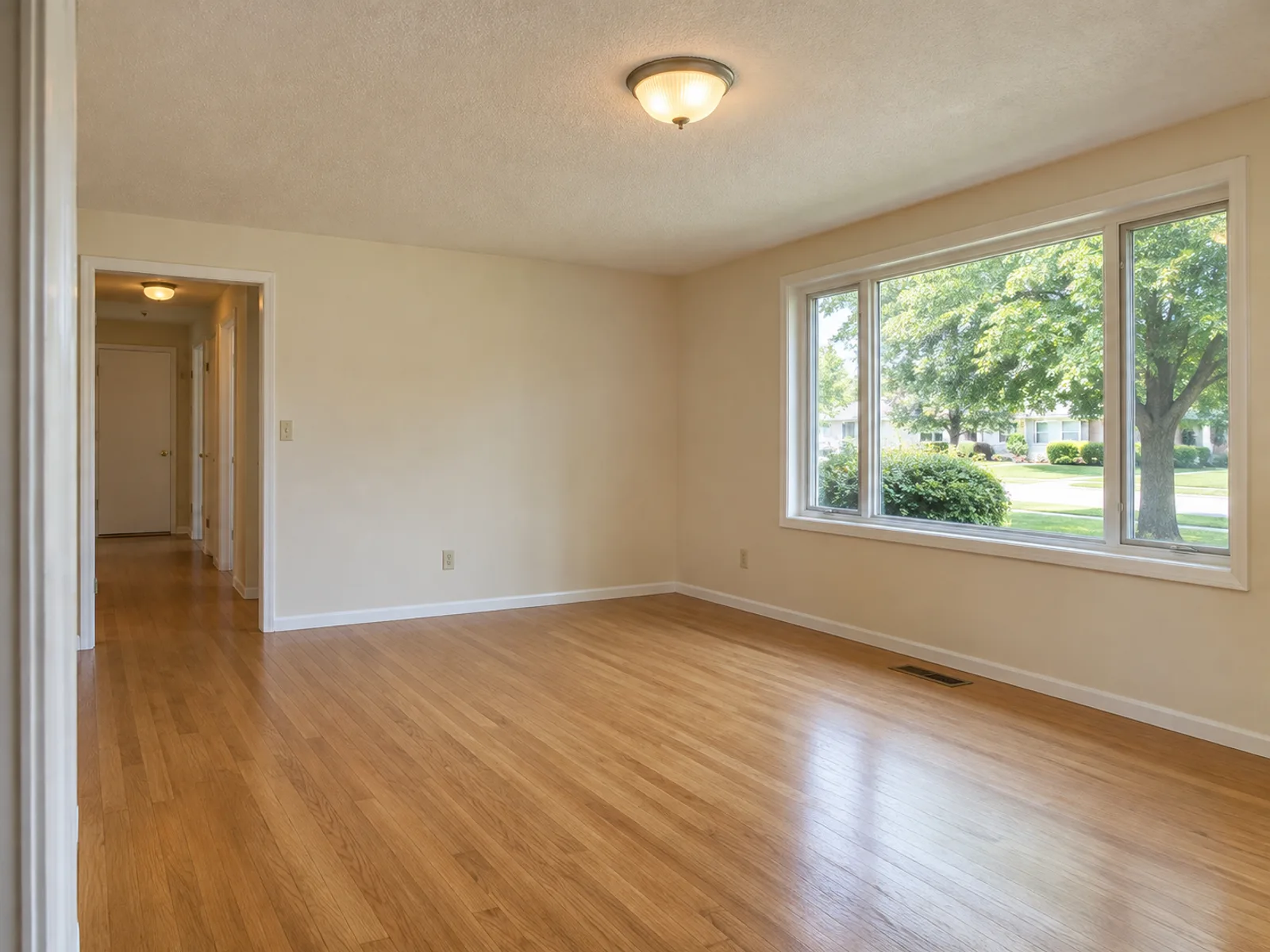
Empty bedroom before the AI room decorator furnished it
BeforeAfter

Empty Rooms, Furnished by AI

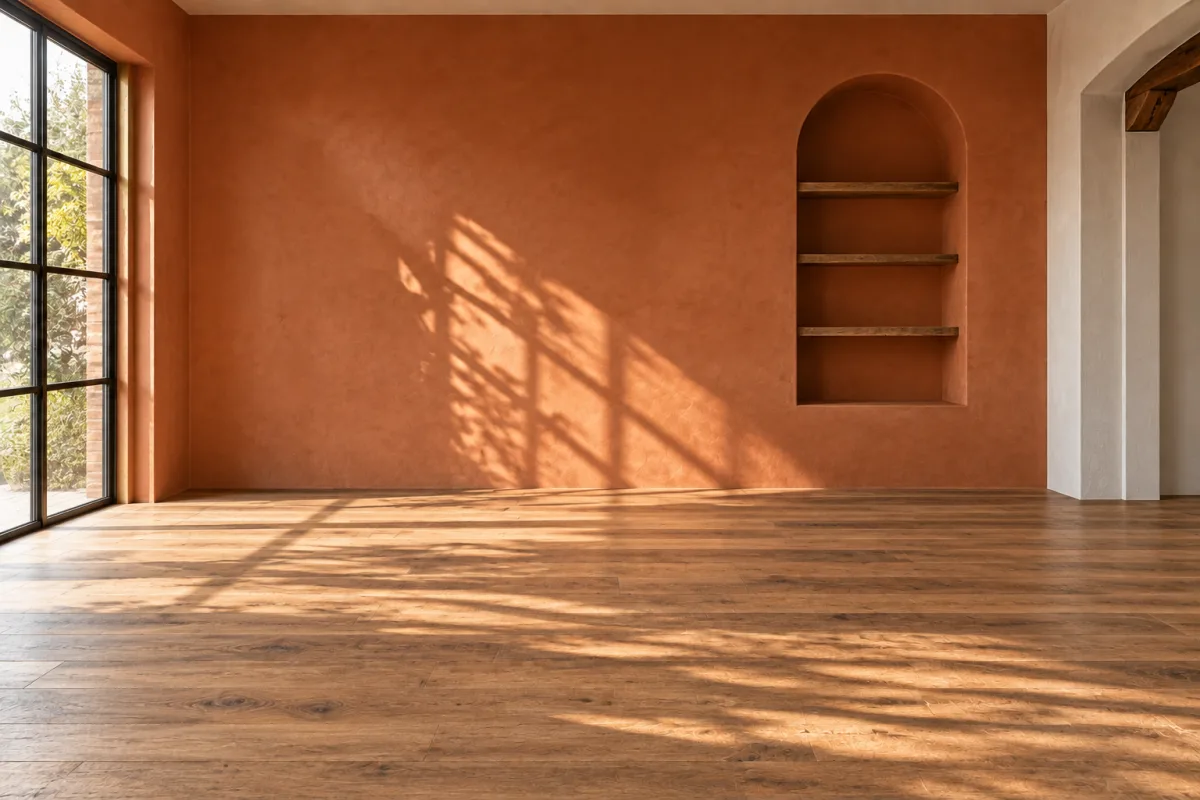
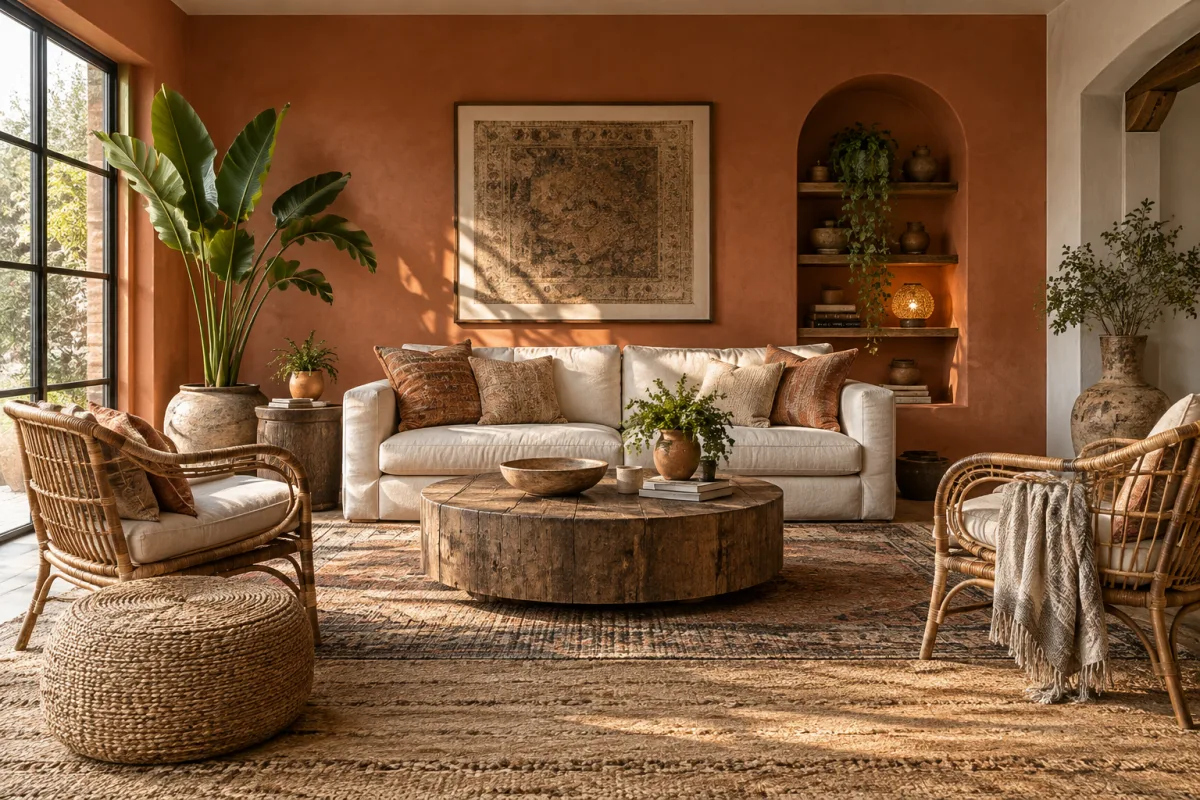
Empty room with terracotta walls, an arched wall niche and a warm wood floorThe same room furnished in Bohemian style: rattan chairs, jute rug, round wood coffee table and large plantsAfter
Living room · furnished in Bohemian
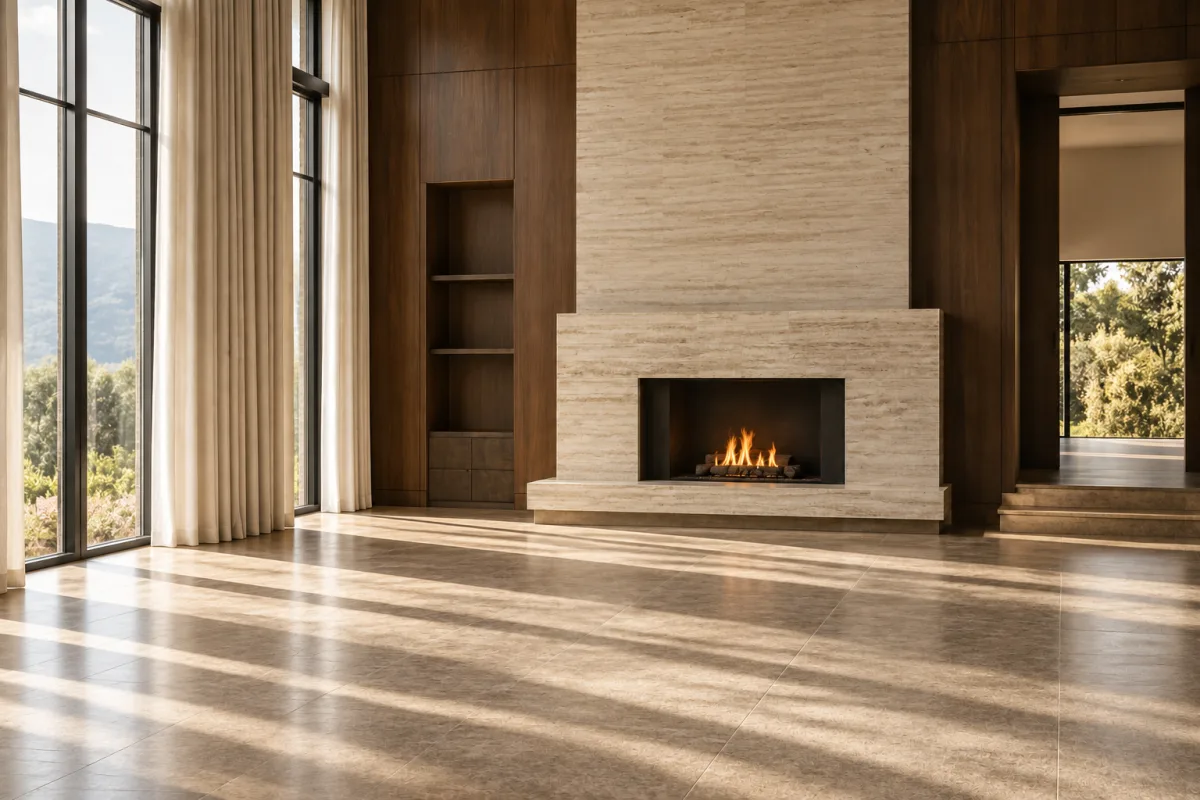
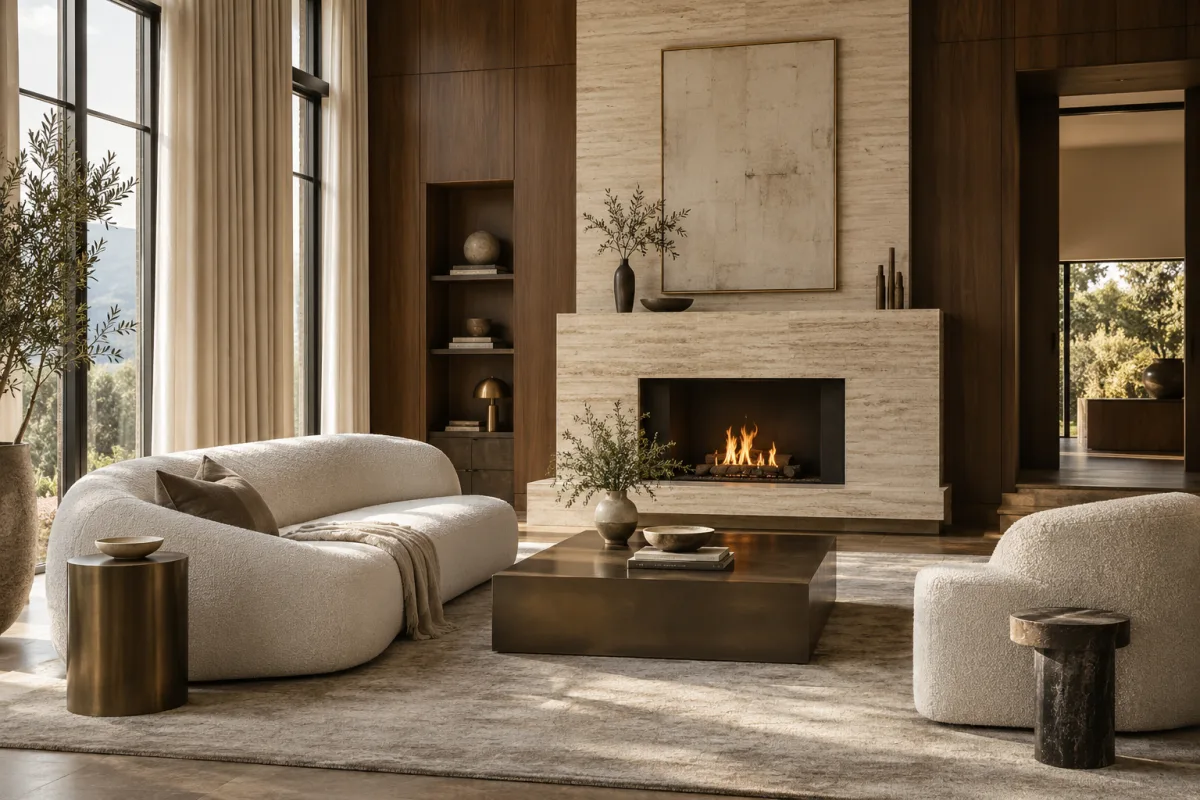
Empty living room with a travertine fireplace, walnut panels and floor-to-ceiling linen drapesThe same living room furnished in Luxury style: curved boucle sofa, bronze coffee table and sculptural side tablesAfter
Living room · furnished in Luxury
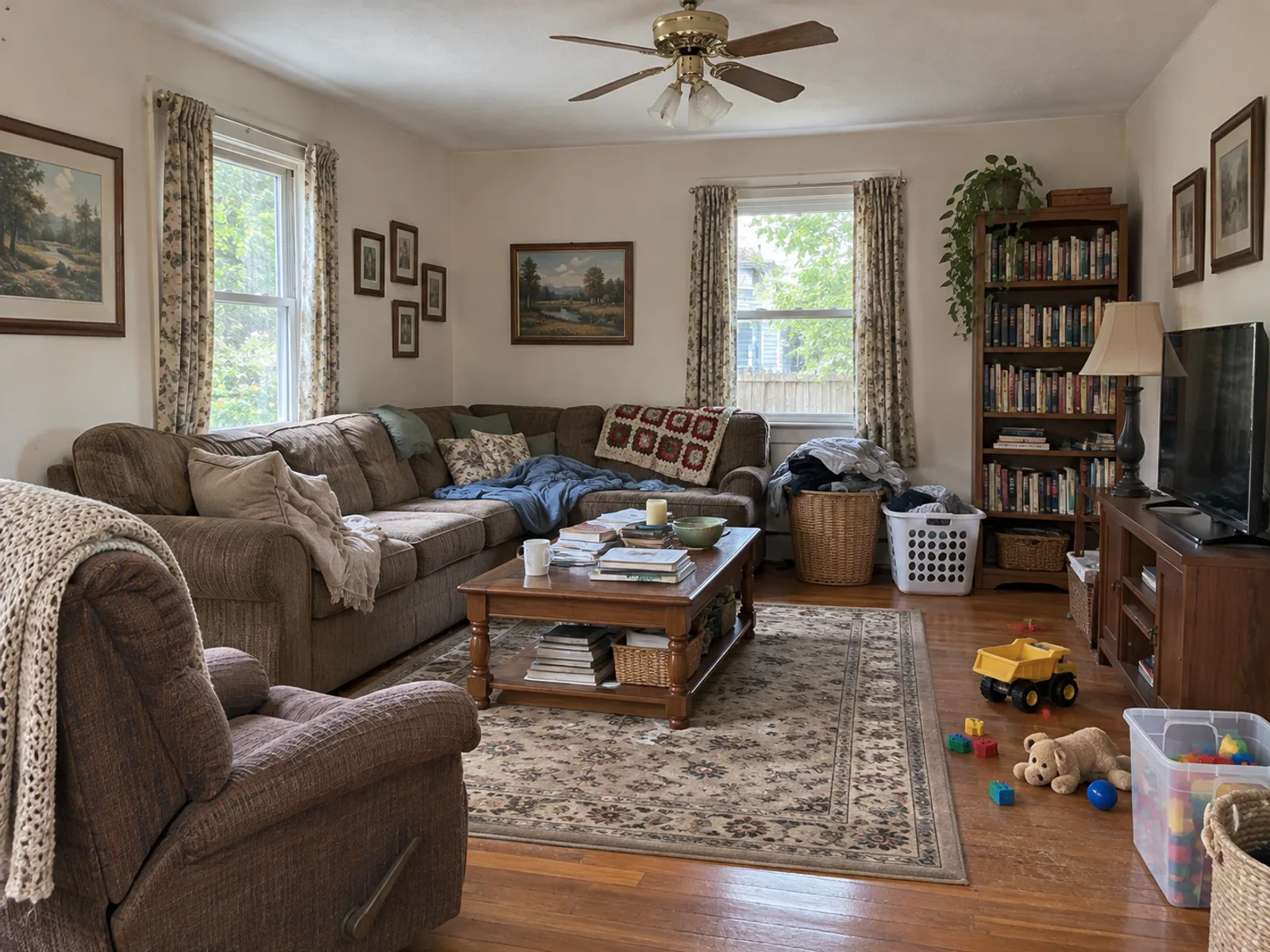
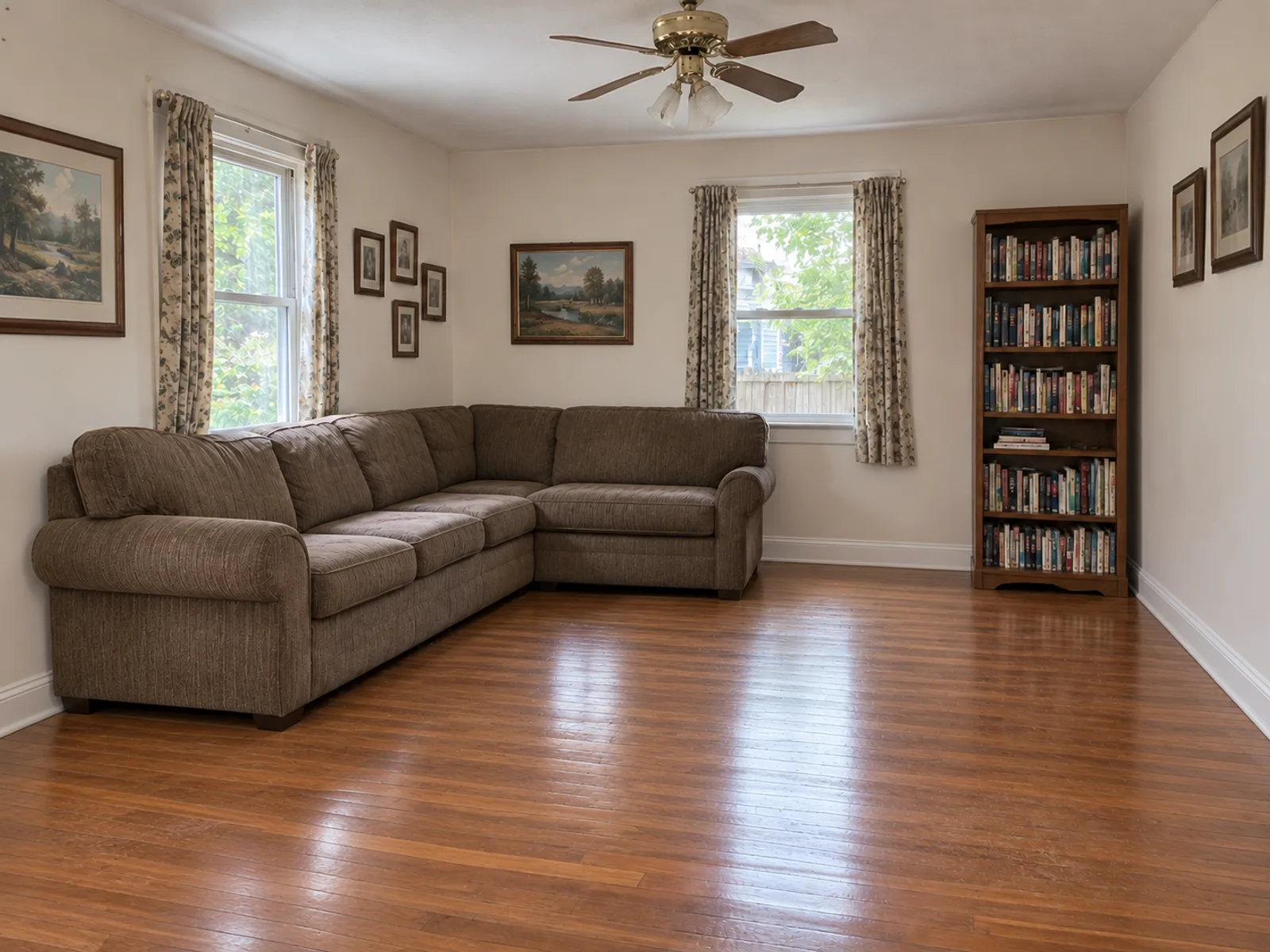
Cluttered living room before emptying it with the AI room decoratorCluttered living room emptied by the AI room decorator, keeping the sofa and bookcaseAfter
Living room · cleared, sofa and bookcase kept
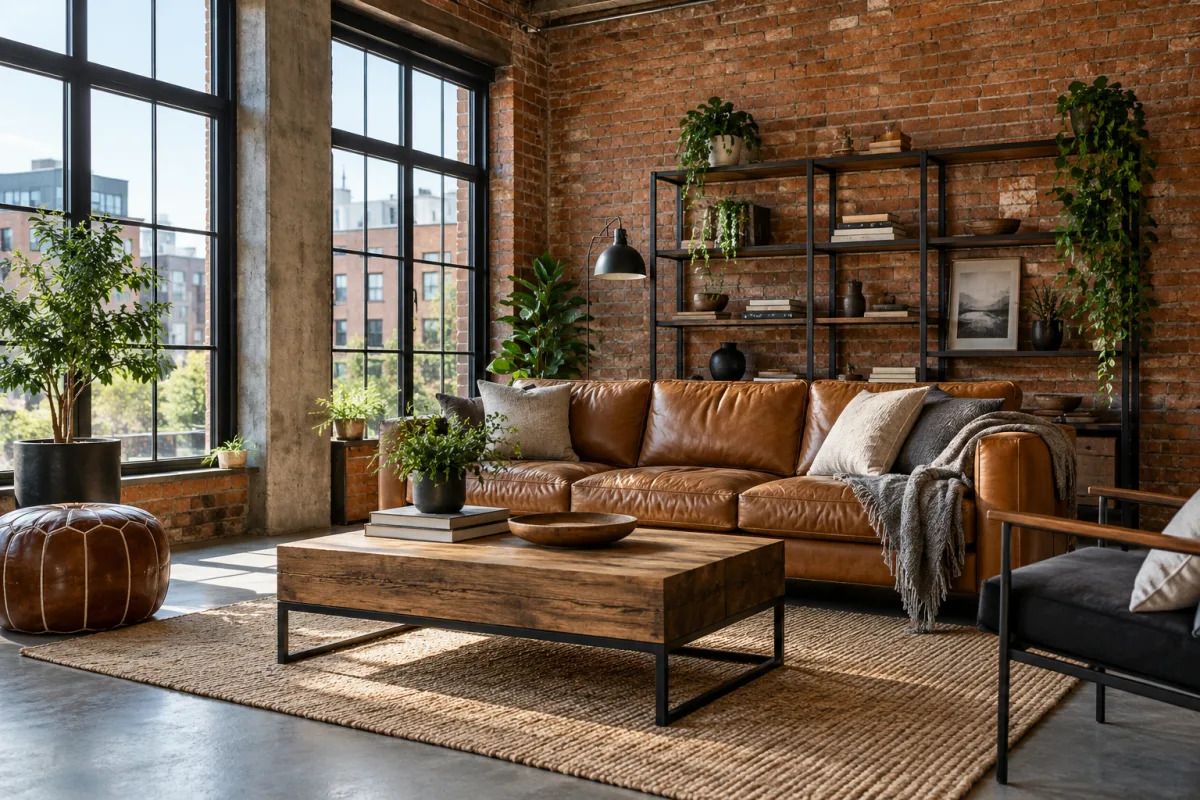
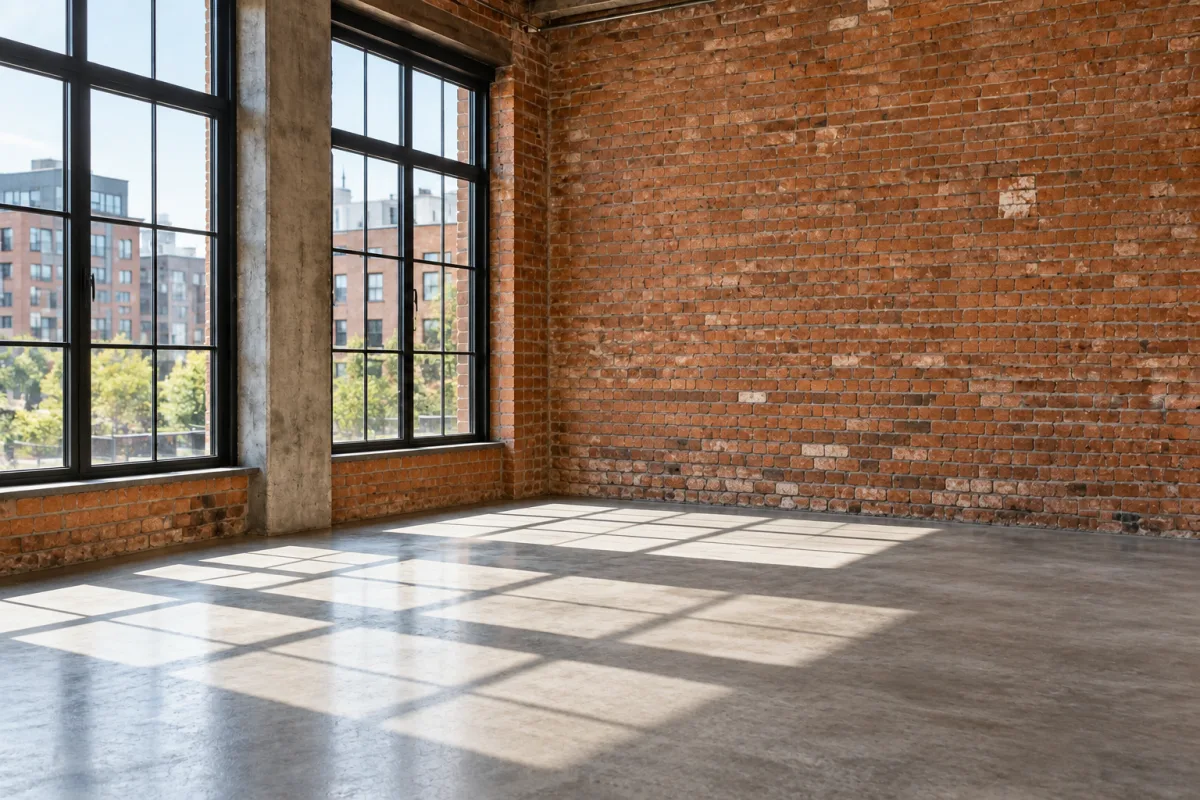
The same loft furnished in Industrial style: cognac leather sofa, metal shelving, reclaimed wood coffee table and plantsEmpty loft with exposed brick, concrete floor and tall black-framed windowsAfter
Industrial loft · cleared
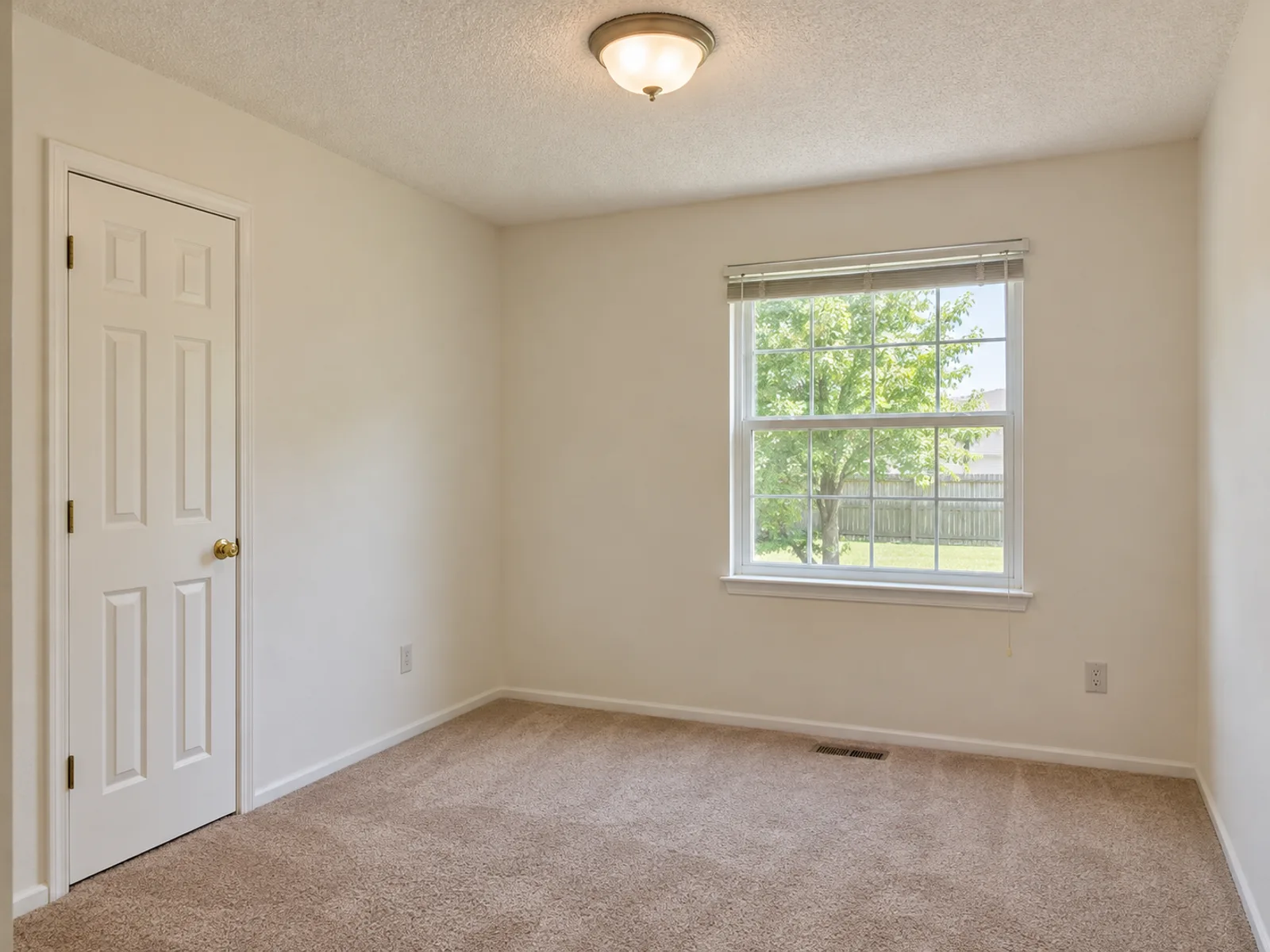
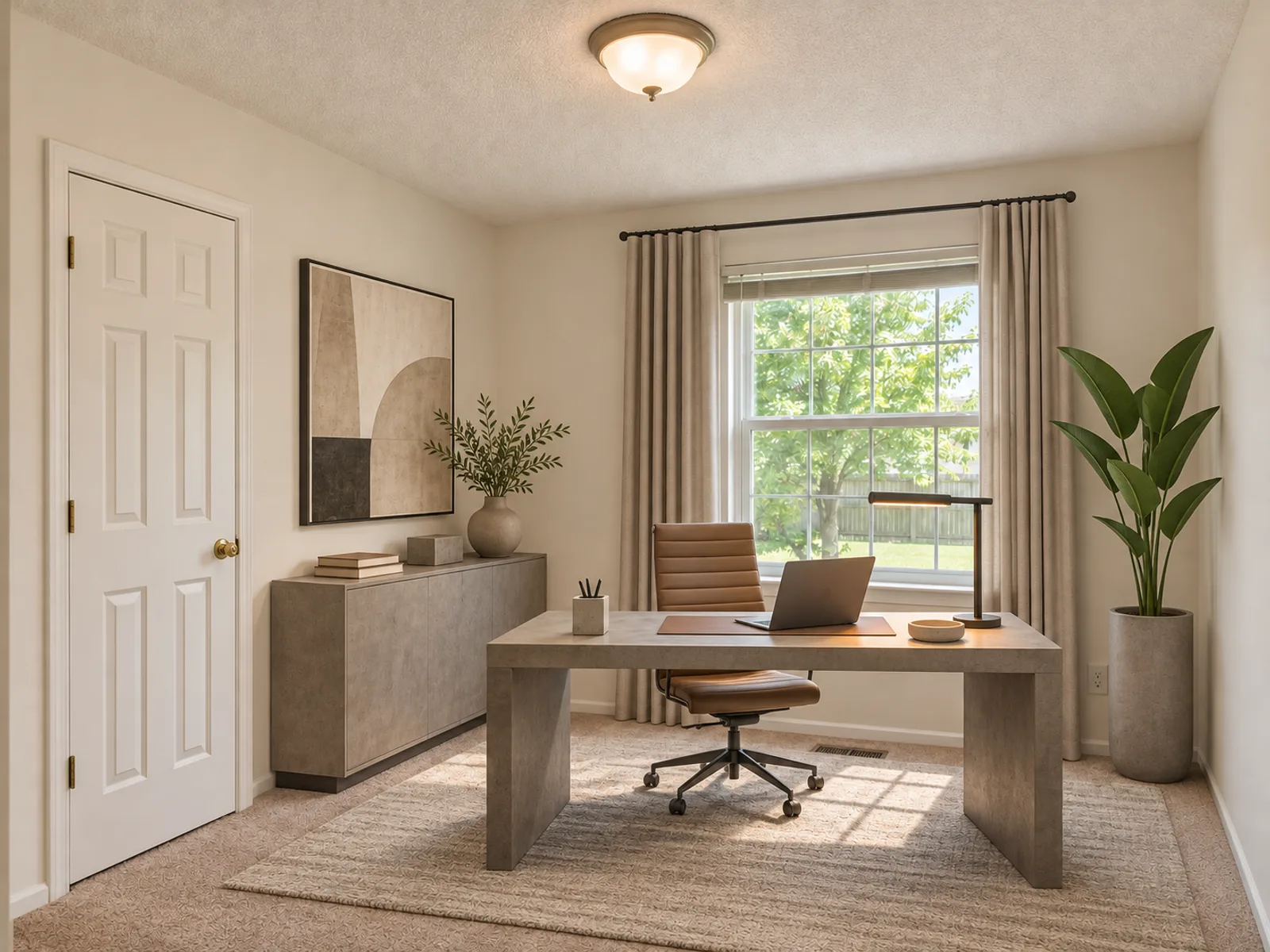
Empty spare room with beige carpet and a windowModern home office with a desk and ergonomic chairAfter
Home office · furnished in Modern
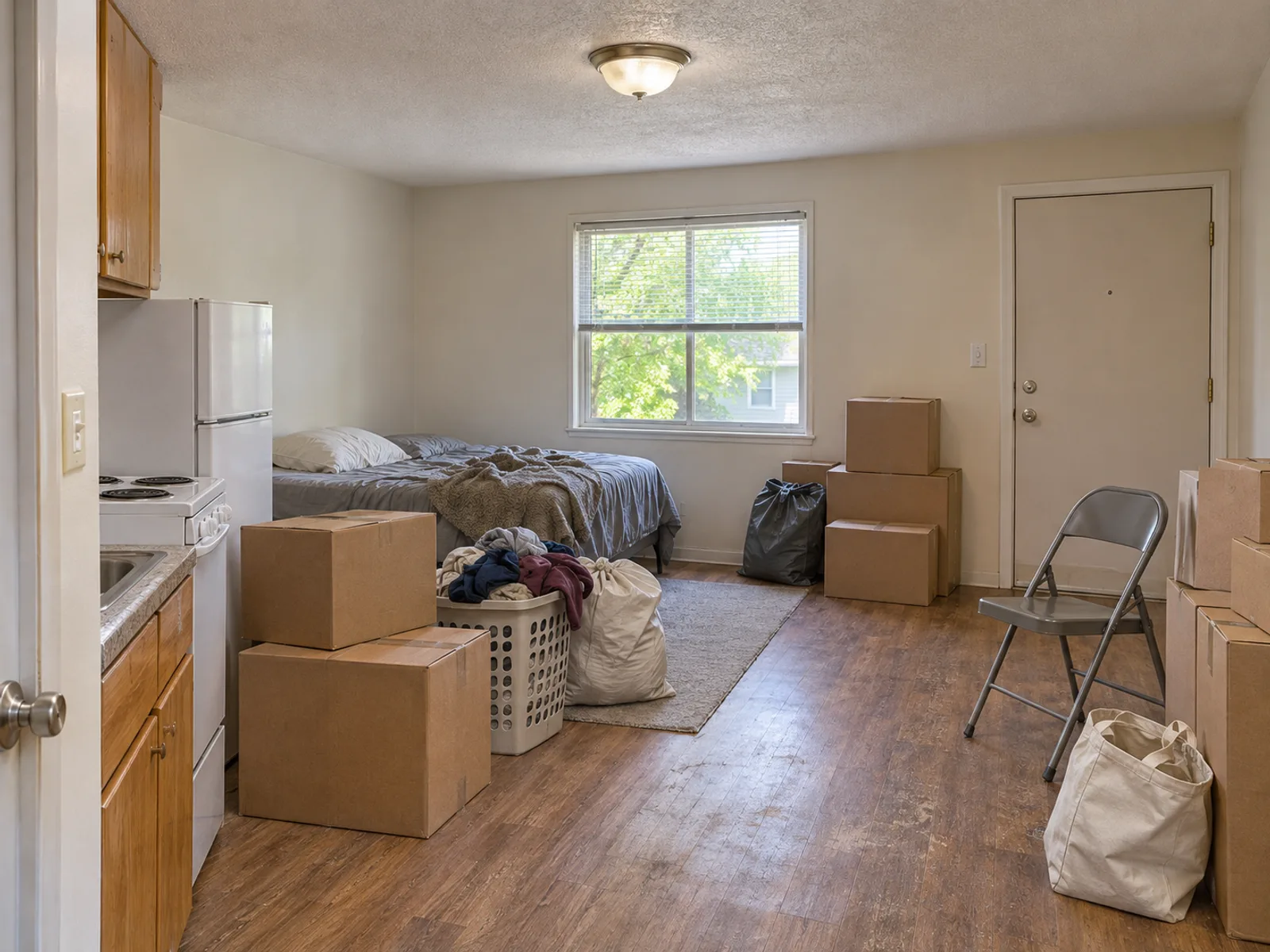
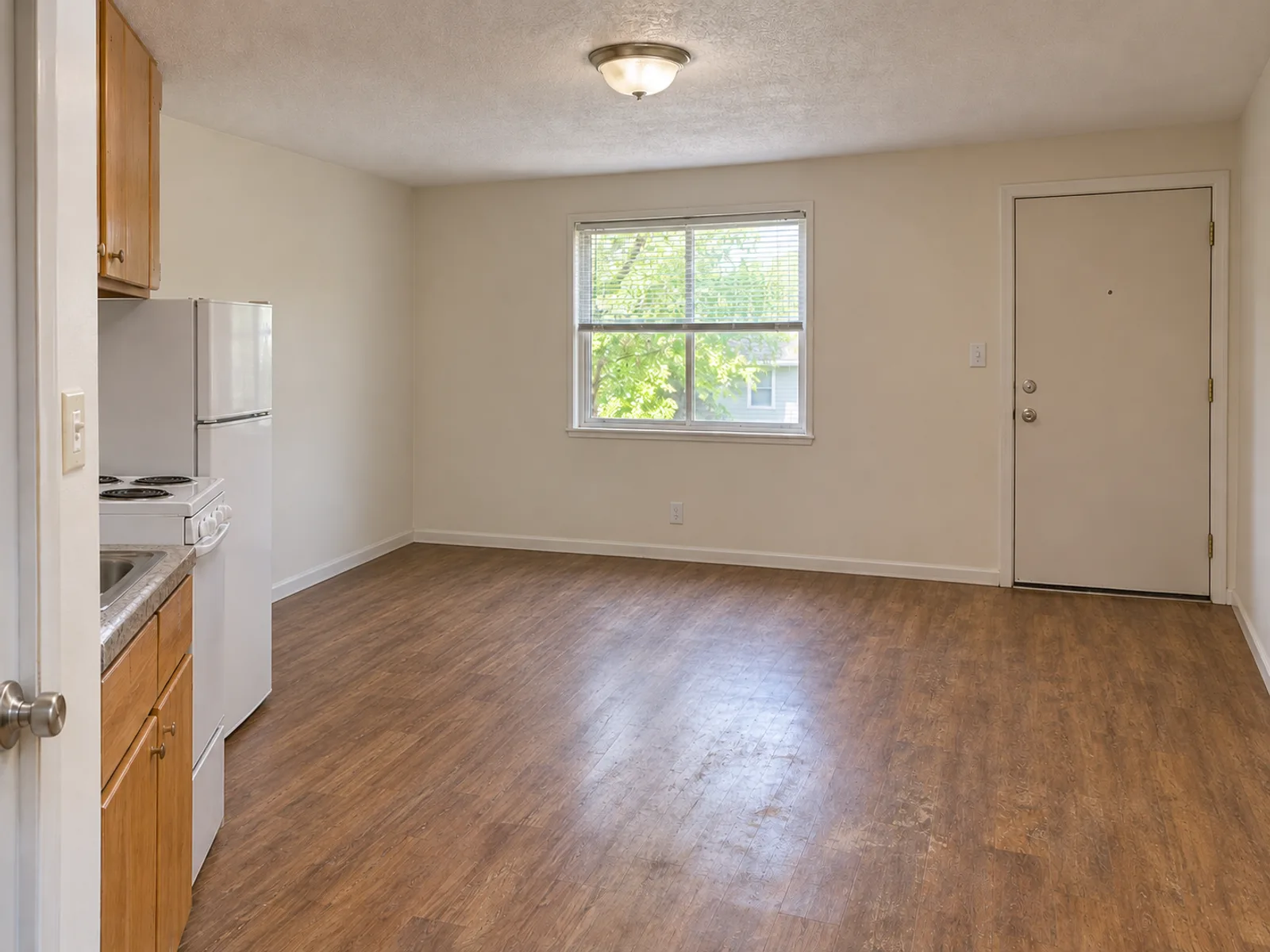
Small studio apartment with moving boxes, bags, laundry and a folding chairThe same studio apartment cleared of movable furniture and clutterAfter
Studio · cleared
Try it with your photo
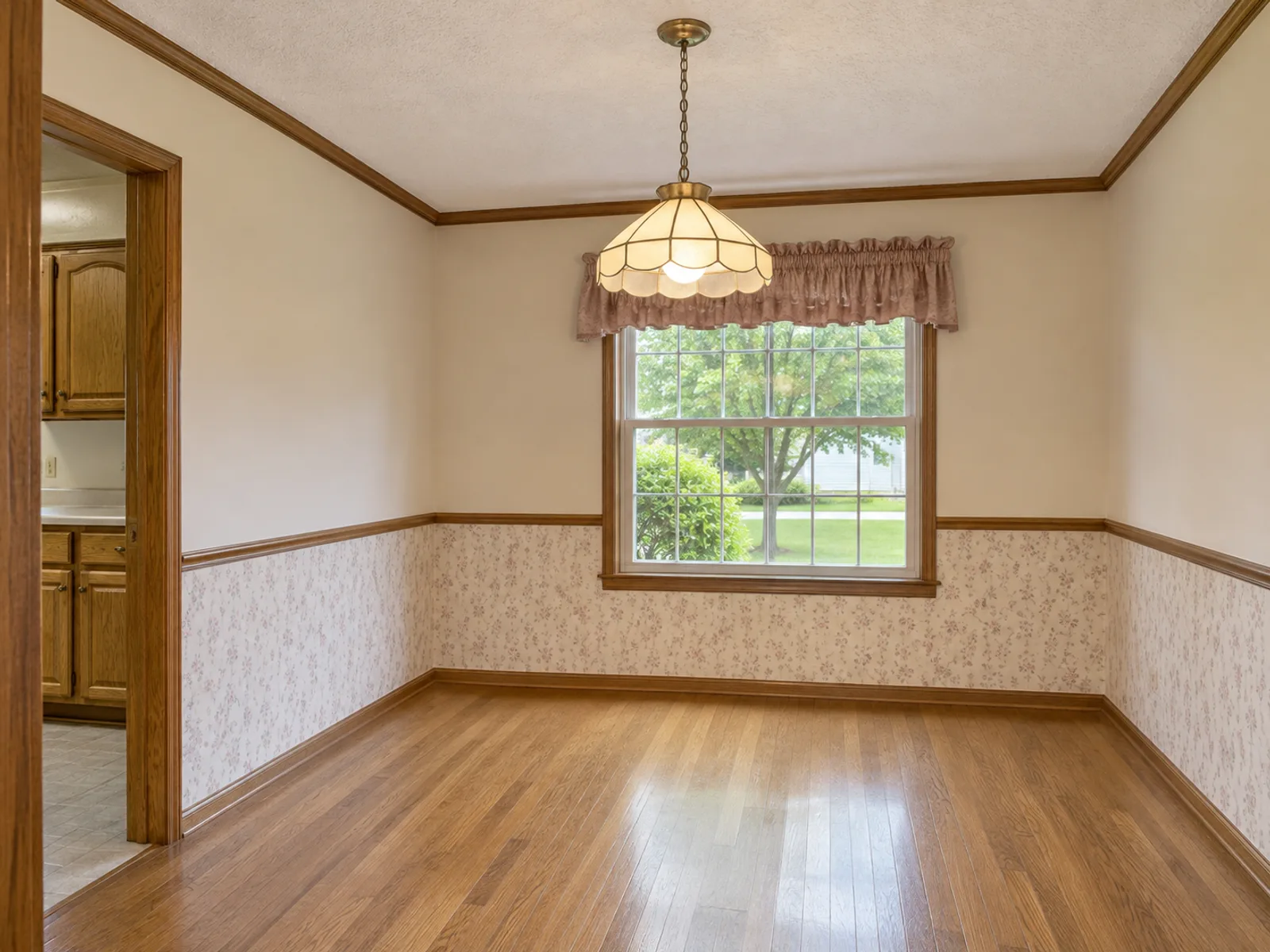
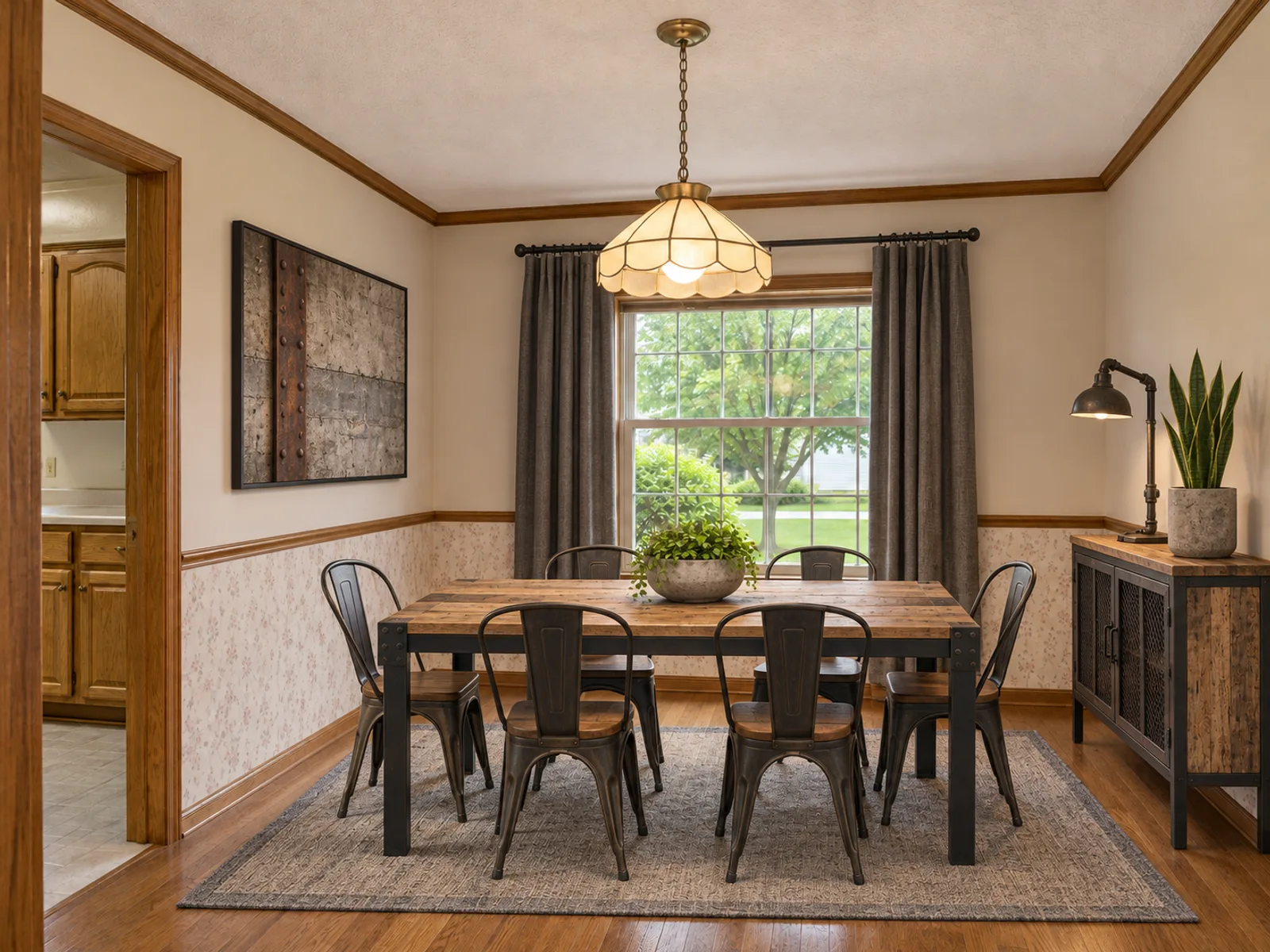
Empty dining room with wood flooring and a windowIndustrial dining room with a wood table and black metal chairsAfter

How to Furnish an Empty Room

An empty room is hard to imagine because nothing anchors the eye. Start with the piece that sets the scale, usually the sofa or the bed, and let rugs, lamps and art follow.

If the space is partially furnished, list what already exists in "Add details", for example "keep the gray sofa and the floor lamp". The AI styles the rest of the room around those pieces.

Furnish my room
Cluttered living room before emptying it with the AI room decoratorThe same living room emptied of furniture and clutter by the AI room decoratorAfter

Empty a Room and Remove Furniture from a Photo

The "Empty the room" mode removes furniture, boxes and clutter from a photo, then fills in the floor and walls that were hidden. Use it for a blank starting point, or when an old photo shows a previous owner's things.

Type pieces to keep in the "items to keep" box, such as "built-in shelves, ceiling fan, piano". Everything else is cleared. Hidden areas are filled in by the AI, so check corners and baseboards.

Empty my room
Bright vacant living room before virtual stagingThe same living room furnished in a modern styleAfter

Virtual Staging for Listings

Sellers and agents use AI-furnished photos to help buyers picture a vacant home. These are AI concept images: small details can shift, and none of the virtual furniture comes with the home.

If you use virtually staged photos in a real-estate listing, many markets and listing services require you to disclose it. Check the rules where you sell, label each staged image, and show the original empty photo alongside.

Try virtual staging

Decorating Styles to Try

Run the same empty photo through two of these before buying anything big.

How to Use the AI Room Decorator

  1. Upload your room photo

    Add a JPG, PNG or WebP photo up to 10 MB and choose the room type, such as Living Room, Bedroom or Dining Room. No photo yet? Switch to "From description" and describe the space instead.

  2. Pick a mode and a style

    Choose "Furnish the room" and a style (Modern, Bohemian, Industrial or Luxury), or "Empty the room", which has no style step. When furnishing, use "Add details" for specifics, for example "keep the oak floor, add a reading chair by the window".

  3. Generate and compare

    Ask for one to four variations per run. Each design costs 14 credits and the total appears before you confirm. Downloads carry no watermark and every result is saved in My designs.

Who Can Use the AI Room Decorator

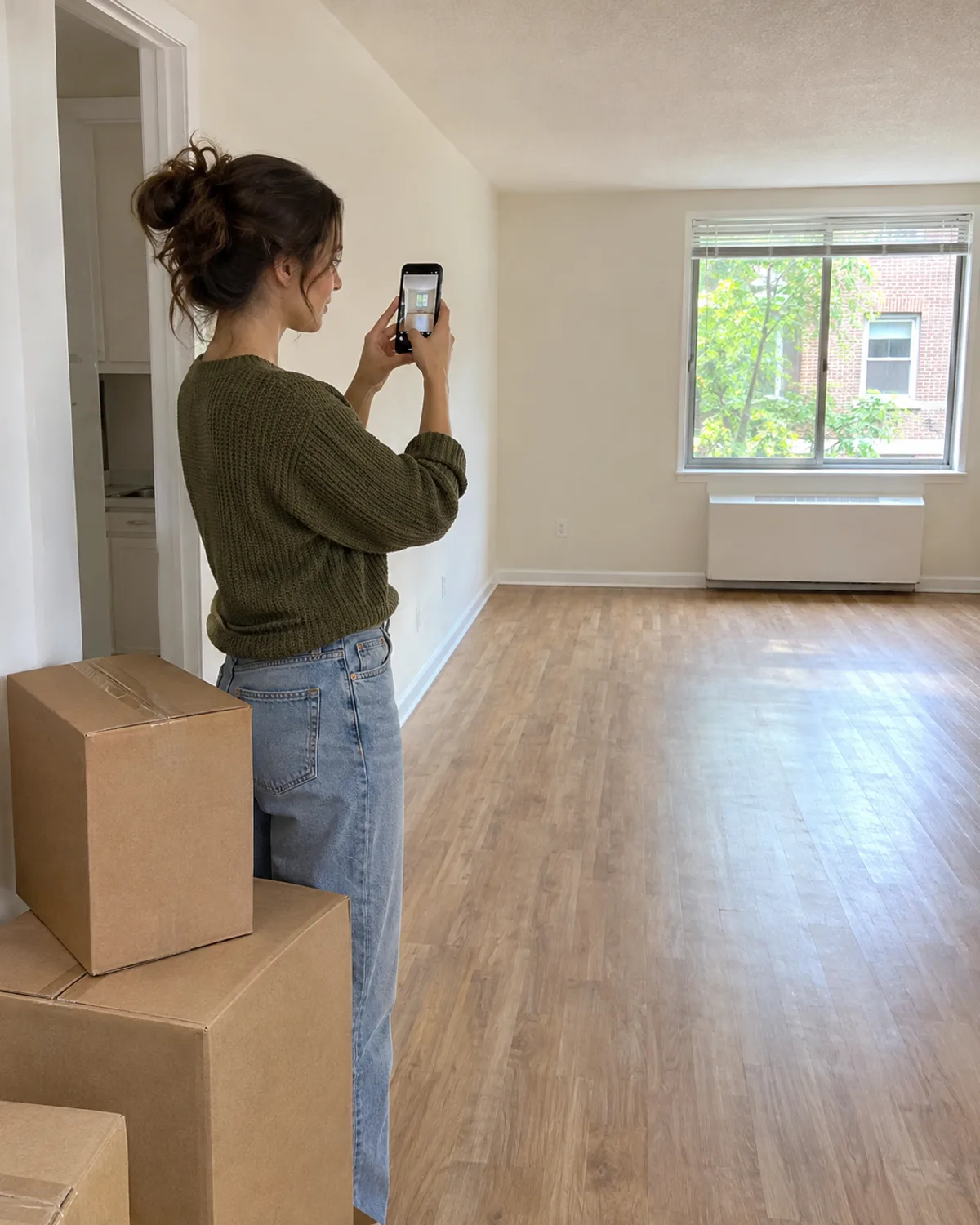
A new resident photographing an empty apartment beside moving boxes

Just moved in

See a full layout before buying in a rush. Get the large pieces first and add small decor later.

A young renter in a rust-red T-shirt unrolling a rug in a modest rental living room

Renters

Test furniture, rugs and textiles you can take with you when you move.

A rental host reviewing a tablet in a furnished living room

Landlords and hosts

Compare durable, neutral decor for a rental unit before ordering in bulk.

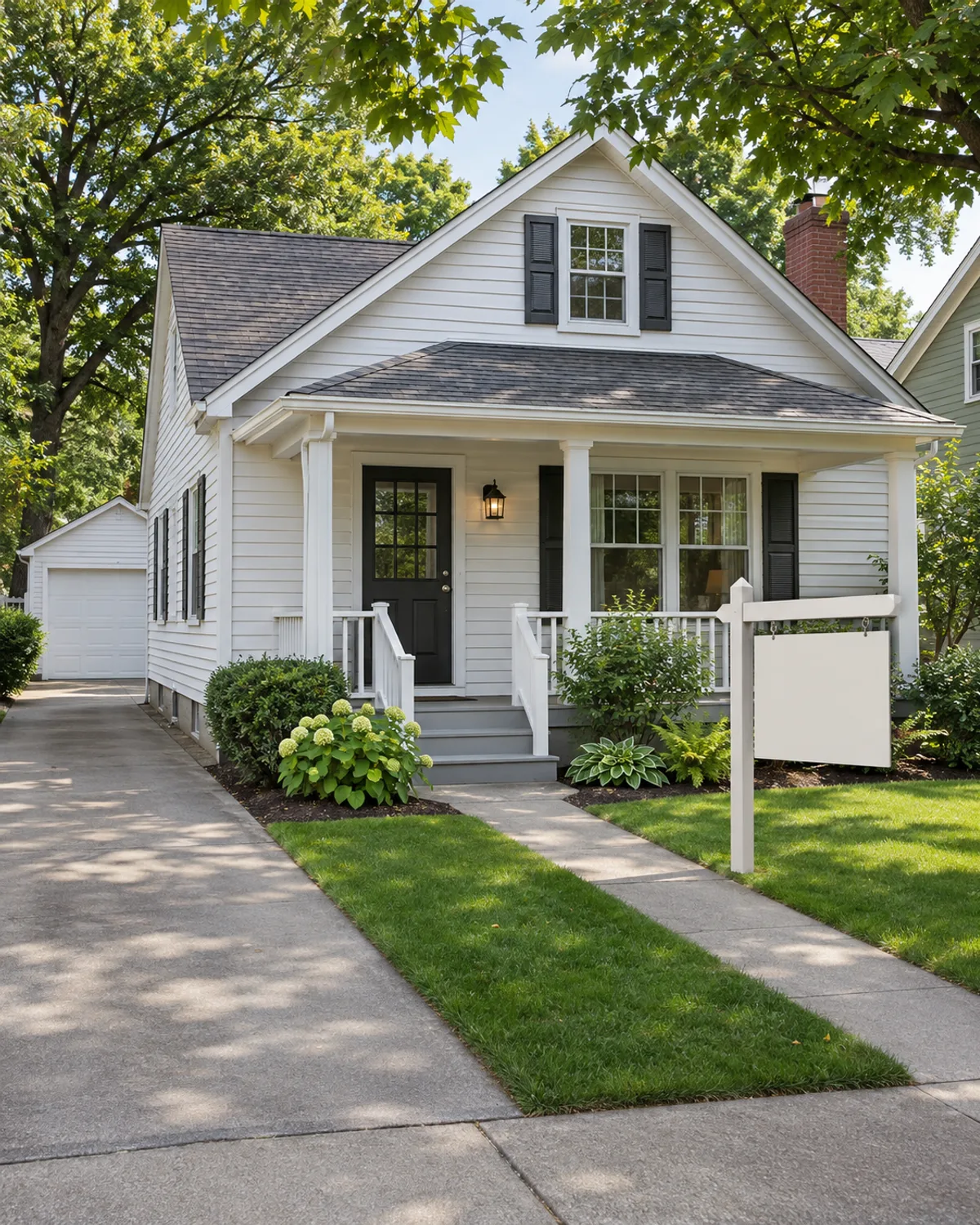
A home prepared for sale with a blank real estate sign

Home sellers

Show what a vacant space could hold, then decide whether physical staging is worth it.

Interiors

Decorate an Empty Room From One Photo

The AI room decorator takes a photo of a bare or sparsely furnished space and fills it with furniture, rugs and lighting in the style you pick. It works well for a first apartment, a rental between tenants, or a house going on the market.

Your walls, windows, doors and the camera angle stay where they are, so the furnished picture still feels like your room. Treat each result as a concept image, not a measured plan. Small details like trim can shift.

There are two modes. "Furnish the room" adds pieces to an empty or partially furnished space. "Empty the room" clears out furniture and clutter. An optional "Items to keep" field lets you name pieces to leave in place.

Furnishing Measurements Decorators Use

Check whether the furniture in a generated image would really fit, or guide the AI with realistic sizes.

ItemRule of thumb
Living room rug8 x 10 ft (2.4 x 3 m) or 9 x 12 ft (2.7 x 3.7 m); front legs of sofa and chairs on the rug
Rug to wall gap12–18 in (30–45 cm) in small rooms, about 24 in (60 cm) in large ones
Bedroom rug8 x 10 ft (2.4 x 3 m) under a queen, 9 x 12 ft (2.7 x 3.7 m) under a king; about 24 in (60 cm) showing at each side
Dining rugAt least 24 in (60 cm) beyond the table edge on every side, so pulled-out chairs stay on it
Sofa to coffee table14–18 in (35–45 cm)
Main walkway30–36 in (75–90 cm) wide
Art heightCenter at about 57–60 in (145–152 cm) from the floor; 8–10 in (20–25 cm) above a sofa back
Curtain rod4–6 in (10–15 cm) above the frame or halfway to the ceiling; 8–12 in (20–30 cm) past each side
Side tableTop within about 2 in (5 cm) of the sofa arm height
TV distanceAbout 1.5 x the screen diagonal; a 65 in TV sits roughly 8 ft (2.4 m) away
Lighting layersAt least three: ceiling (ambient), lamps (task), and accent such as picture or shelf lights
Hanging fixturesBottom at least 7 ft (2.1 m) above walkways; 30–36 in (75–90 cm) above a dining table

Common decorating rules of thumb, not building code. Adjust them to your furniture and how you use the space.

Photo Tips for Empty Rooms

Shoot from a corner at chest height

Hold the camera about 4–5 ft (1.2–1.5 m) high and capture two full walls plus the floor. That depth helps furniture land at a believable size.

Turn every light on

Switch on overhead lights and open the blinds. A dim, empty room often comes back with muddy floors and lamps glowing from nowhere.

Keep the whole floor in frame

The floor line tells the AI where a rug and sofa can sit. Crop it off and furniture tends to hover or shrink. Skip the 0.5x lens, which stretches the edges.

FAQ

Yes. Upload a photo, choose "Furnish the room" and a style, and you get furnished versions of your space from the same camera angle.

Furnish Your Empty Room Today

Upload one photo to the AI room decorator, pick a decorating style, and see the space filled before you spend on furniture.

Start your design