RoomDesign Genius

AI Room Designer

Restyle a furnished room from a photo or a short description, and compare makeovers side by side.

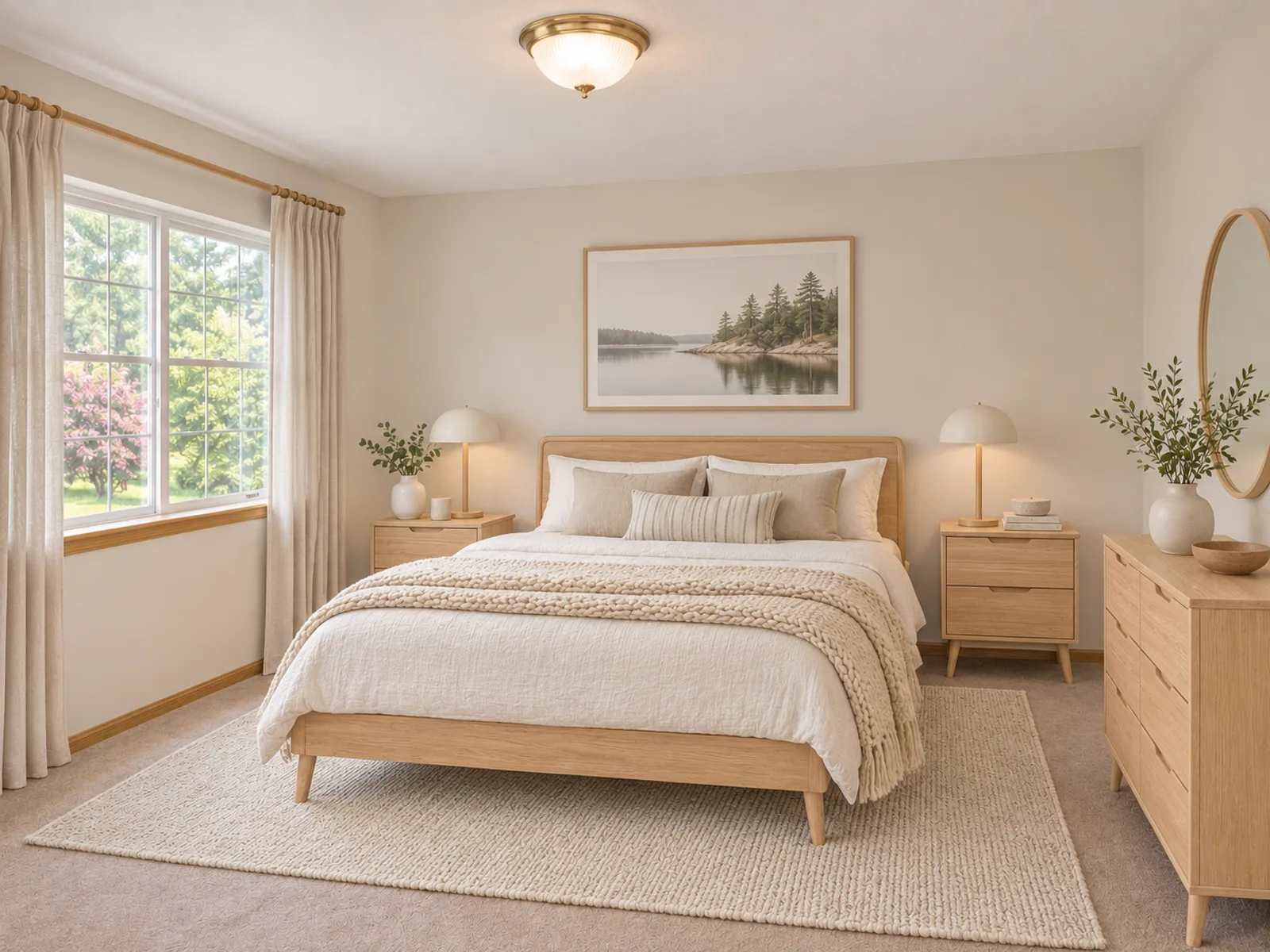
The same bedroom furnished in Scandinavian
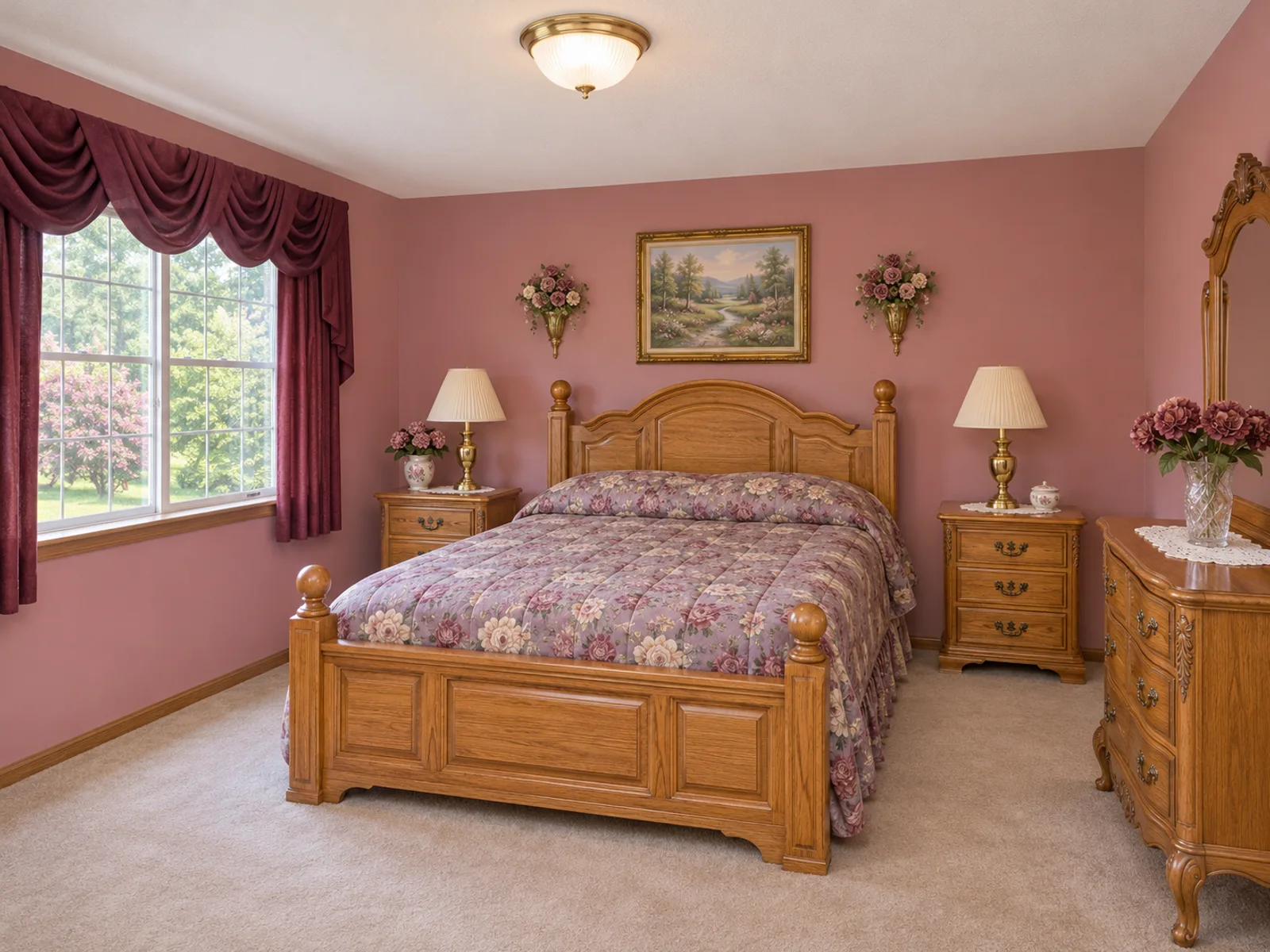
Dated tidy bedroom with mauve walls, floral bedding and oak furniture
BeforeAfter

Before and After Room Makeovers

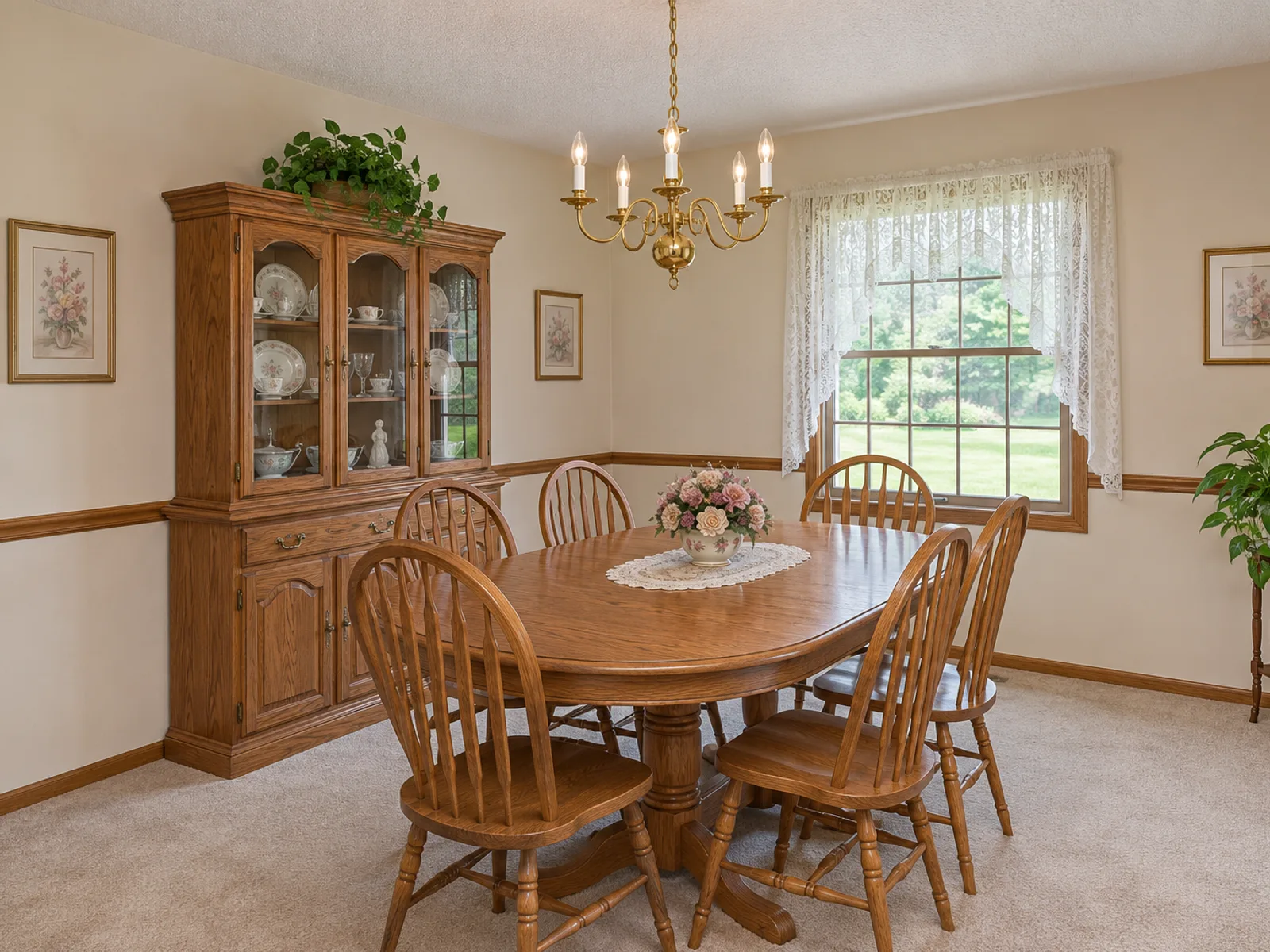
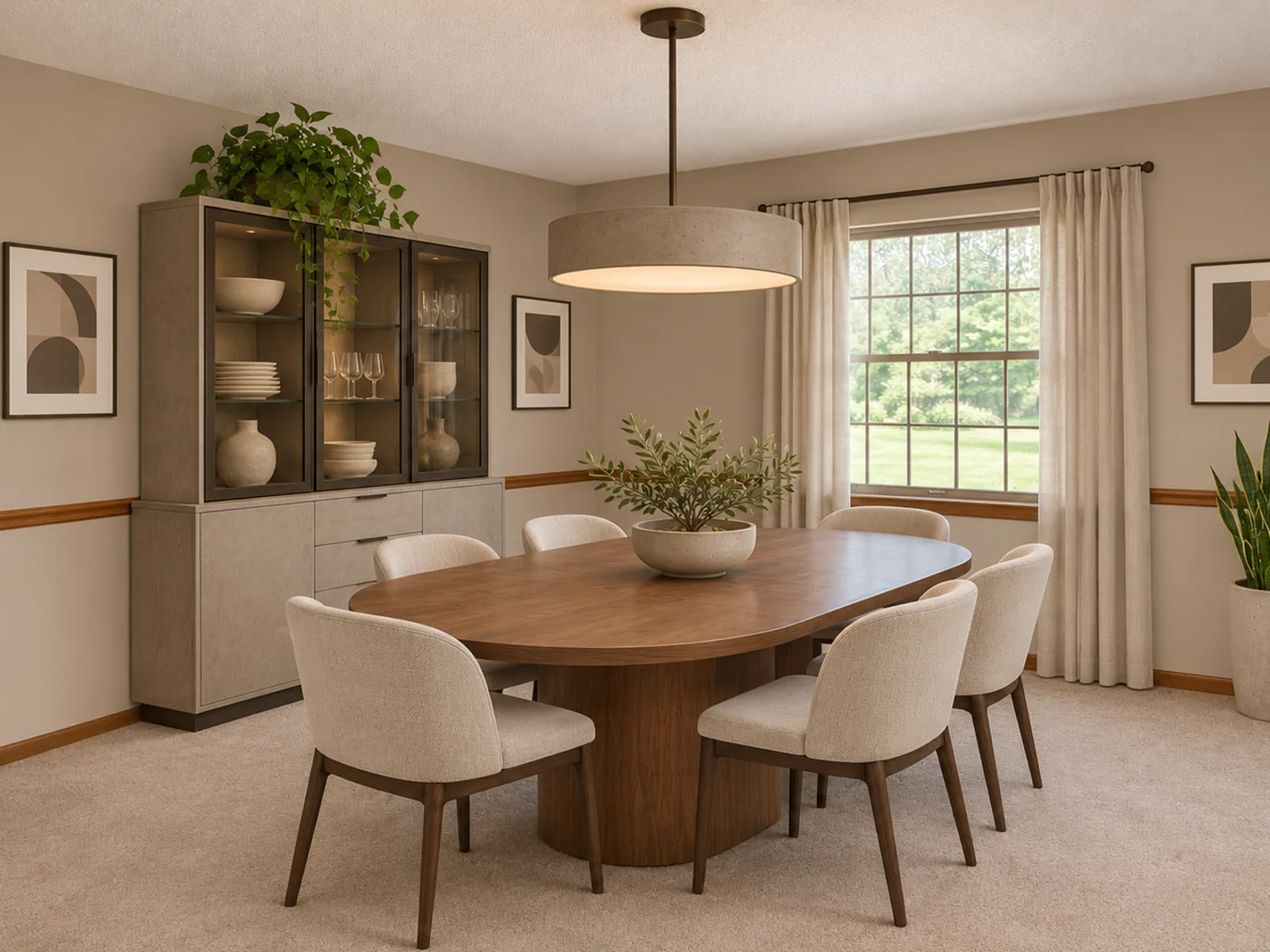
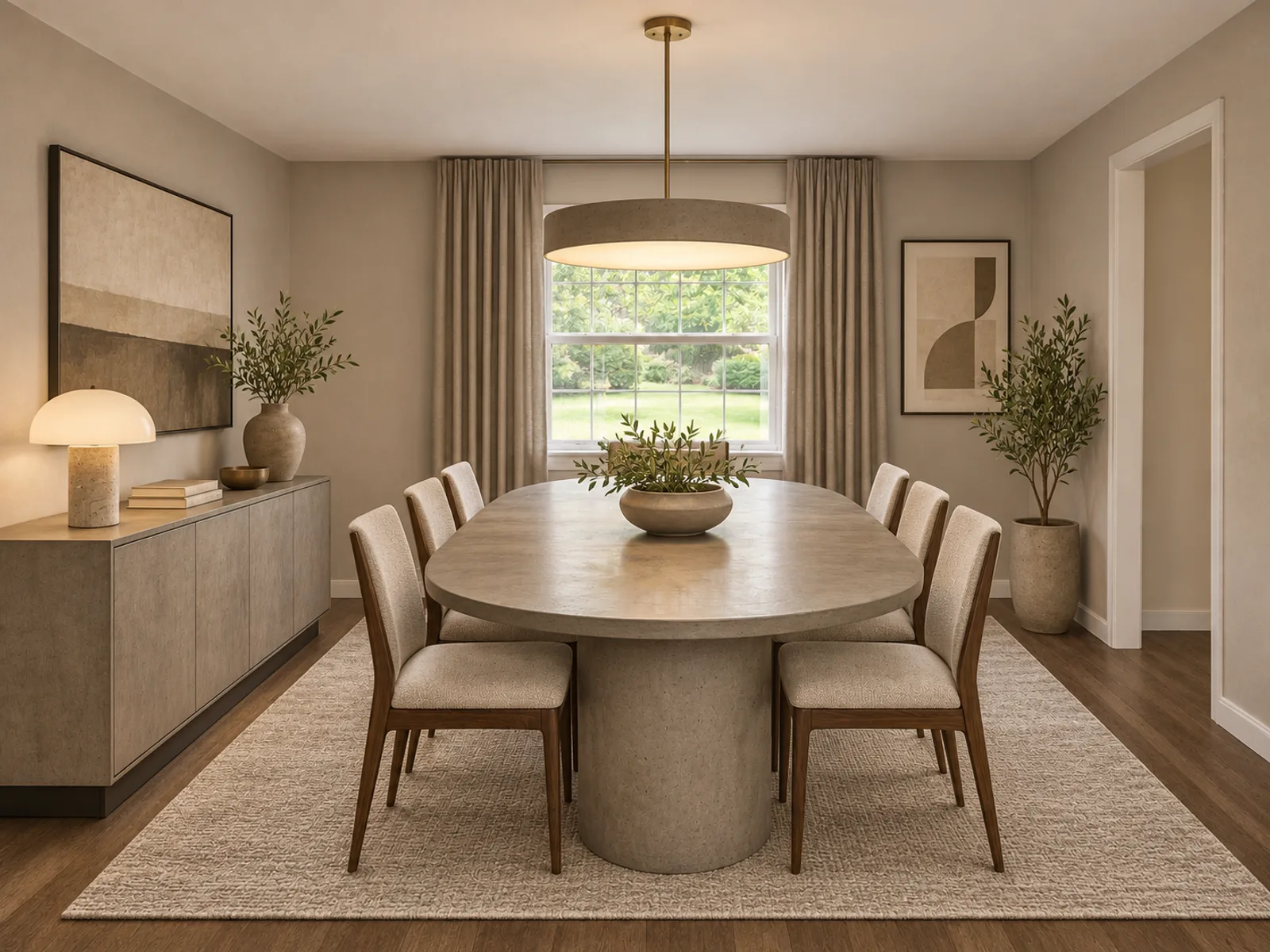
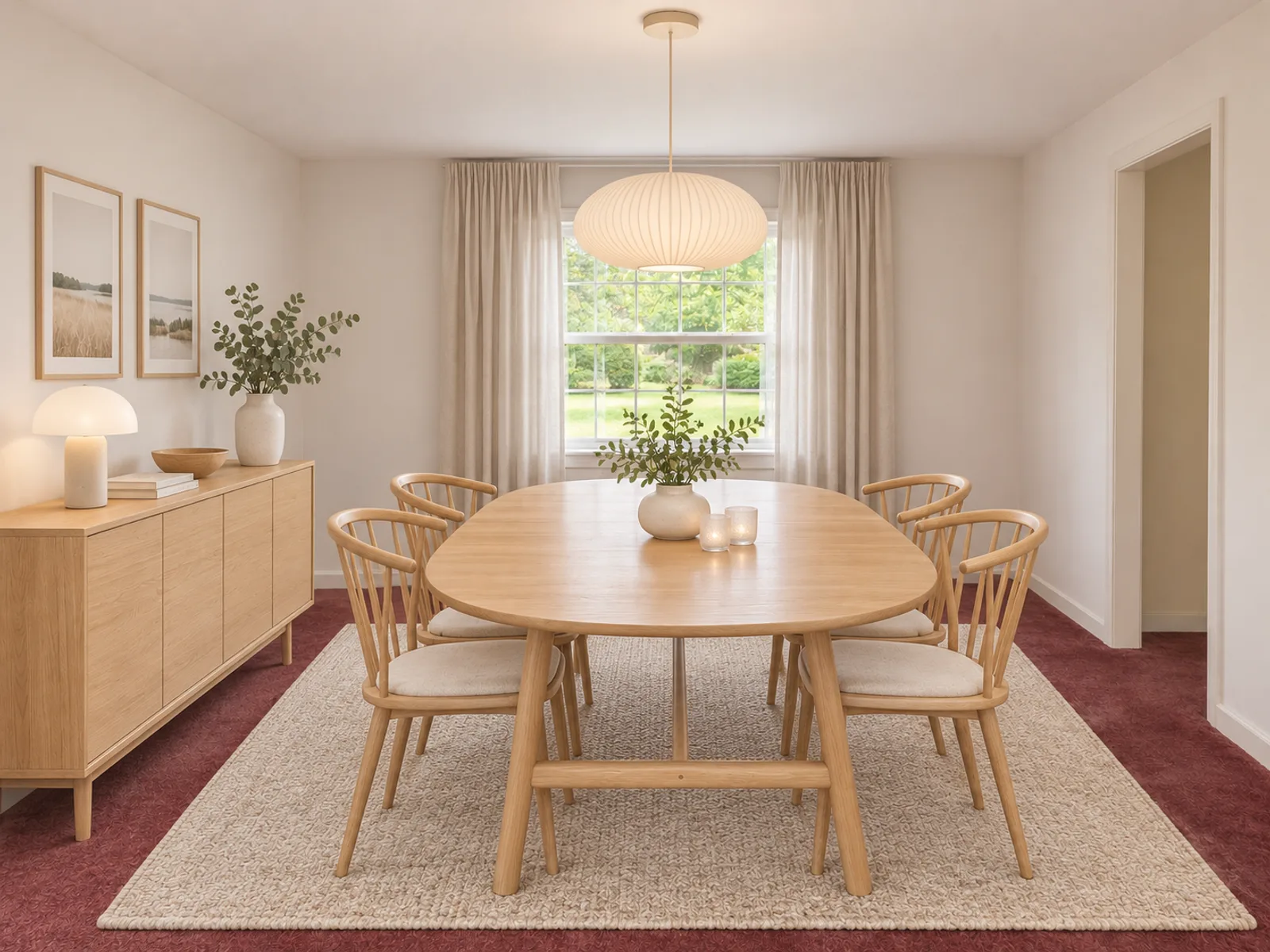
Dated dining room with an oak table and china cabinet before the AI room designerThe same dining room in Modern style from the AI room designerAfter
Dining room · furnished in Modern
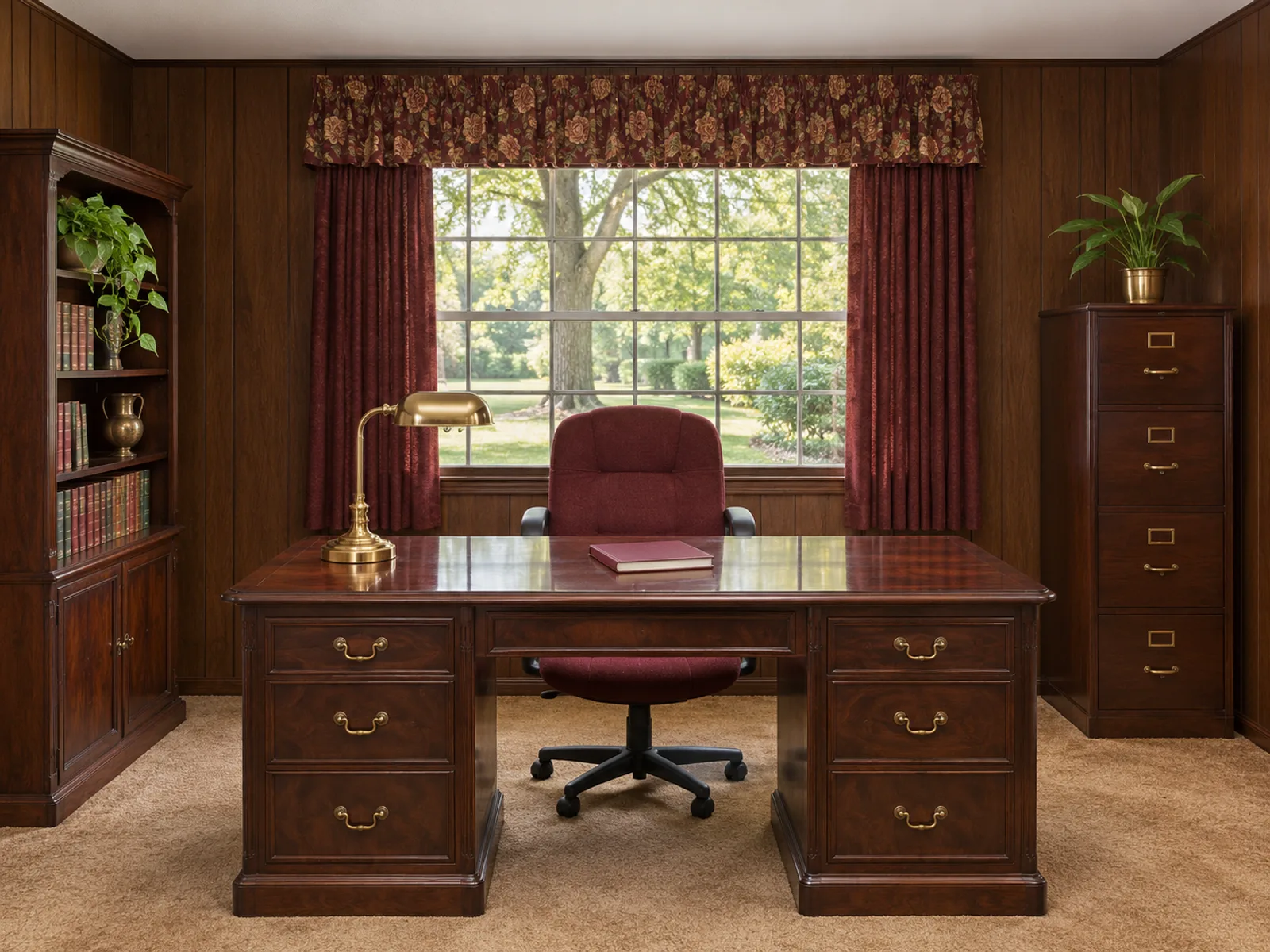
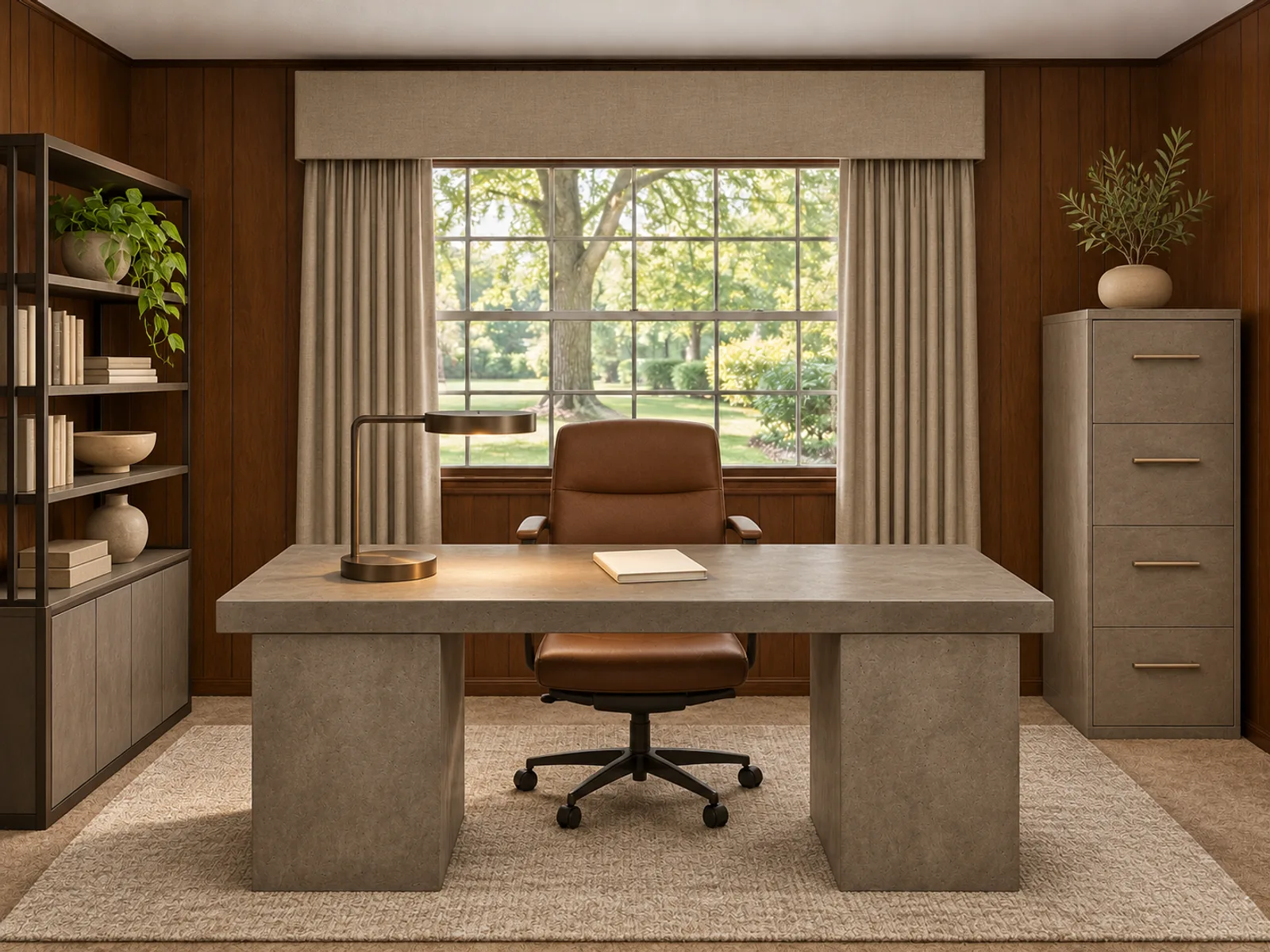
Dated wood-paneled home office with heavy dark desk and burgundy chair, without computers or screensThe same home office furnished in ModernAfter
Home office · furnished in Modern
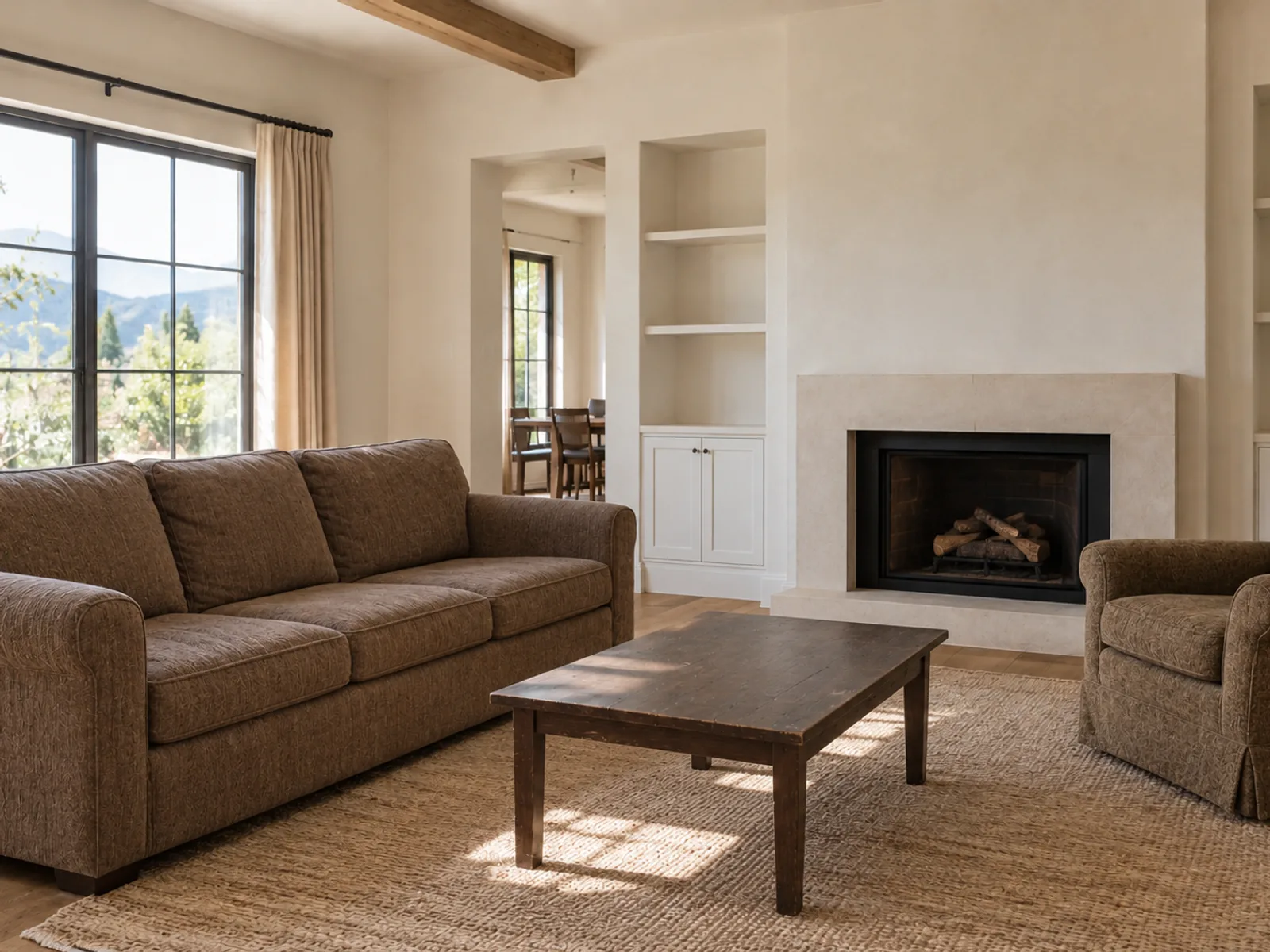
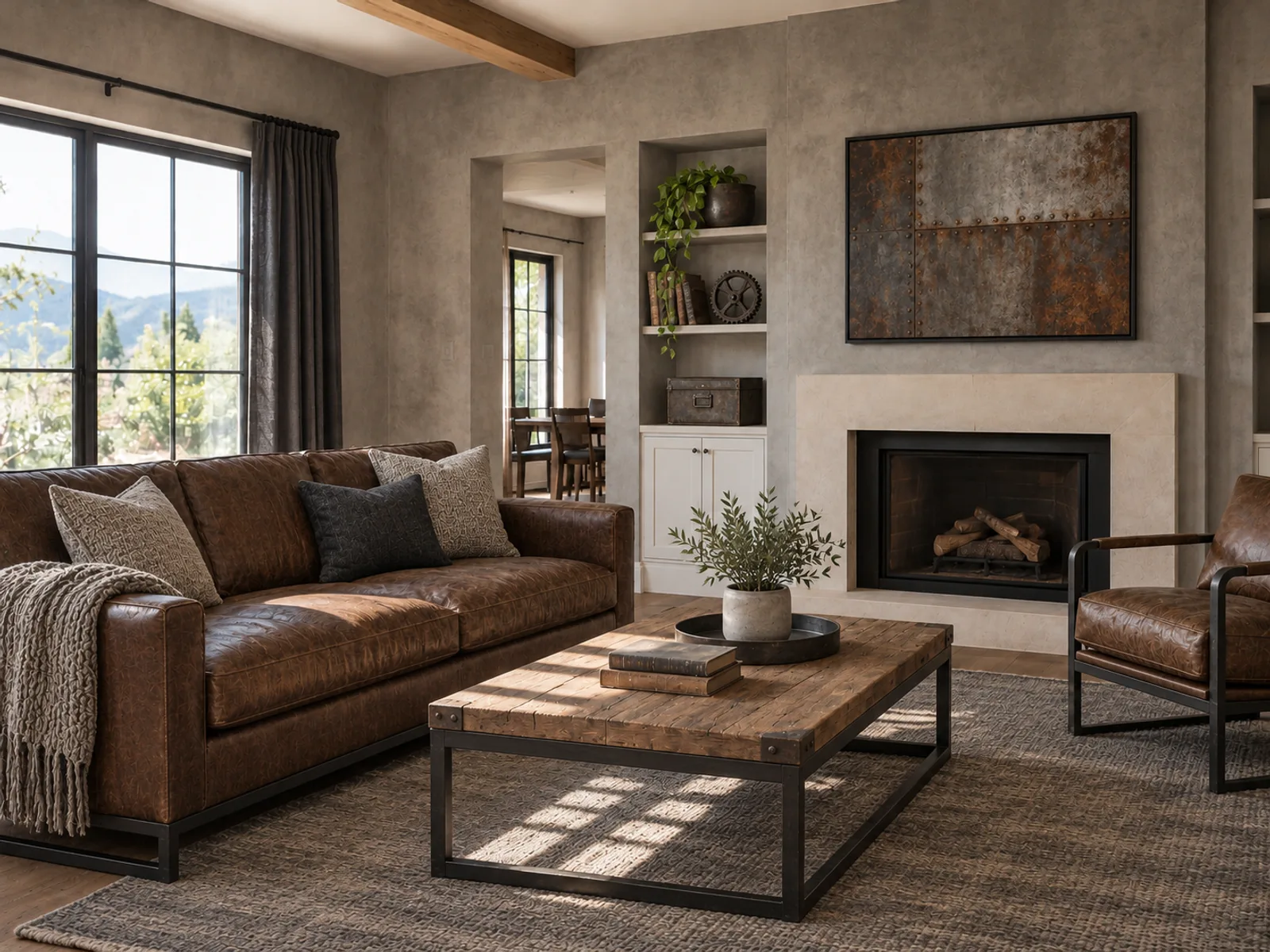
Dated brown sofa and worn dark coffee table before an Industrial room makeoverThe same living room furnished in IndustrialAfter
Living room · furnished in Industrial
Try it with your photo
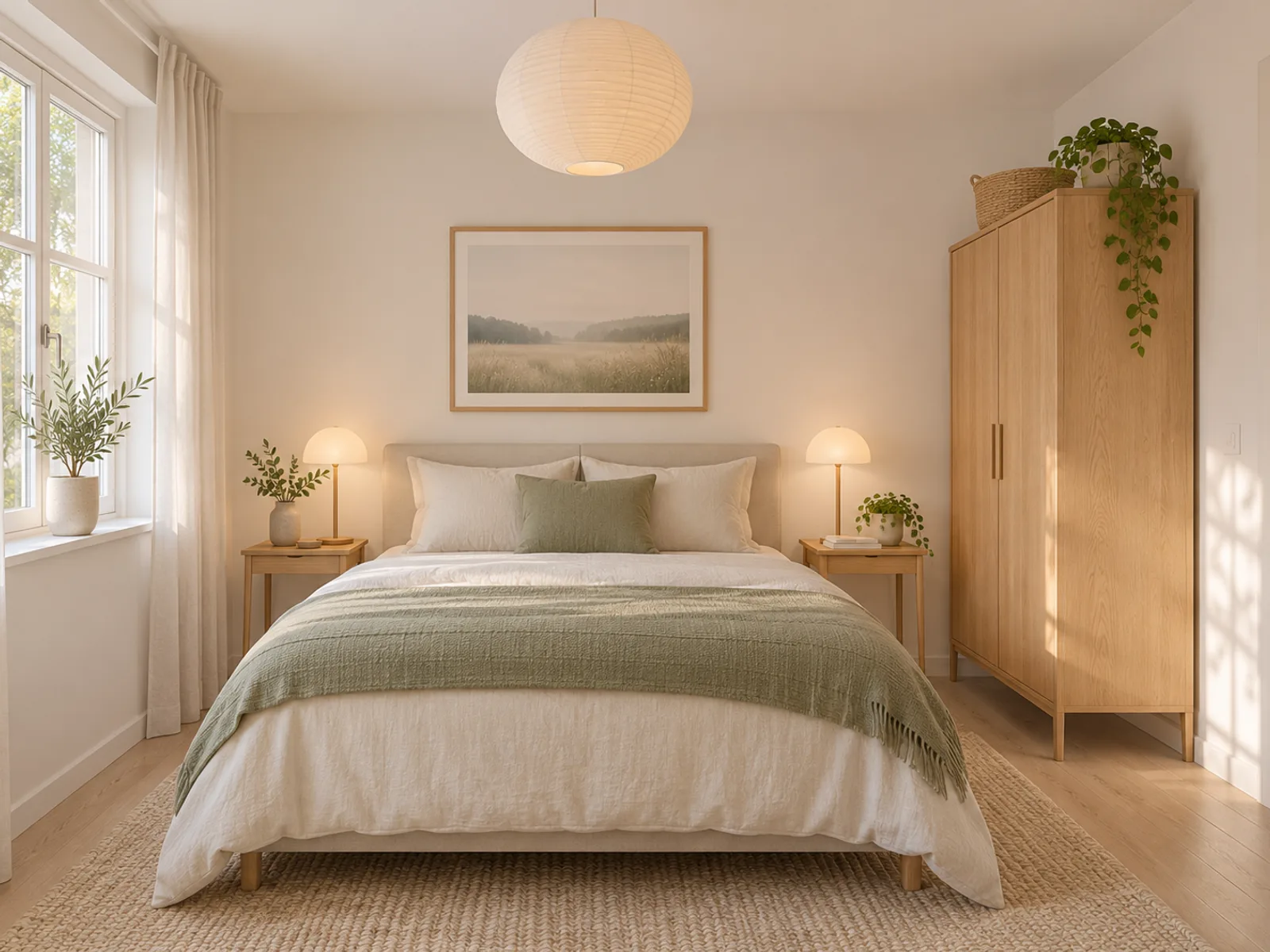
Scandinavian bedroom concept created from a written brief

Redesign a Room From a Text Description

The description mode turns your written notes into an image, with no photo required. A good description runs about 40 to 80 words and names five things: room type and size, where the windows are, the light, two or three materials and any items that must stay.

An example: "Bedroom, 12 x 14 ft (3.7 x 4.3 m), one large window on the left wall facing east, soft morning light, white oak floor, linen bedding, rust and sand palette, keep the antique dresser." Vague prompts such as "make it nice" leave too much to chance.

Describe my bedroom design
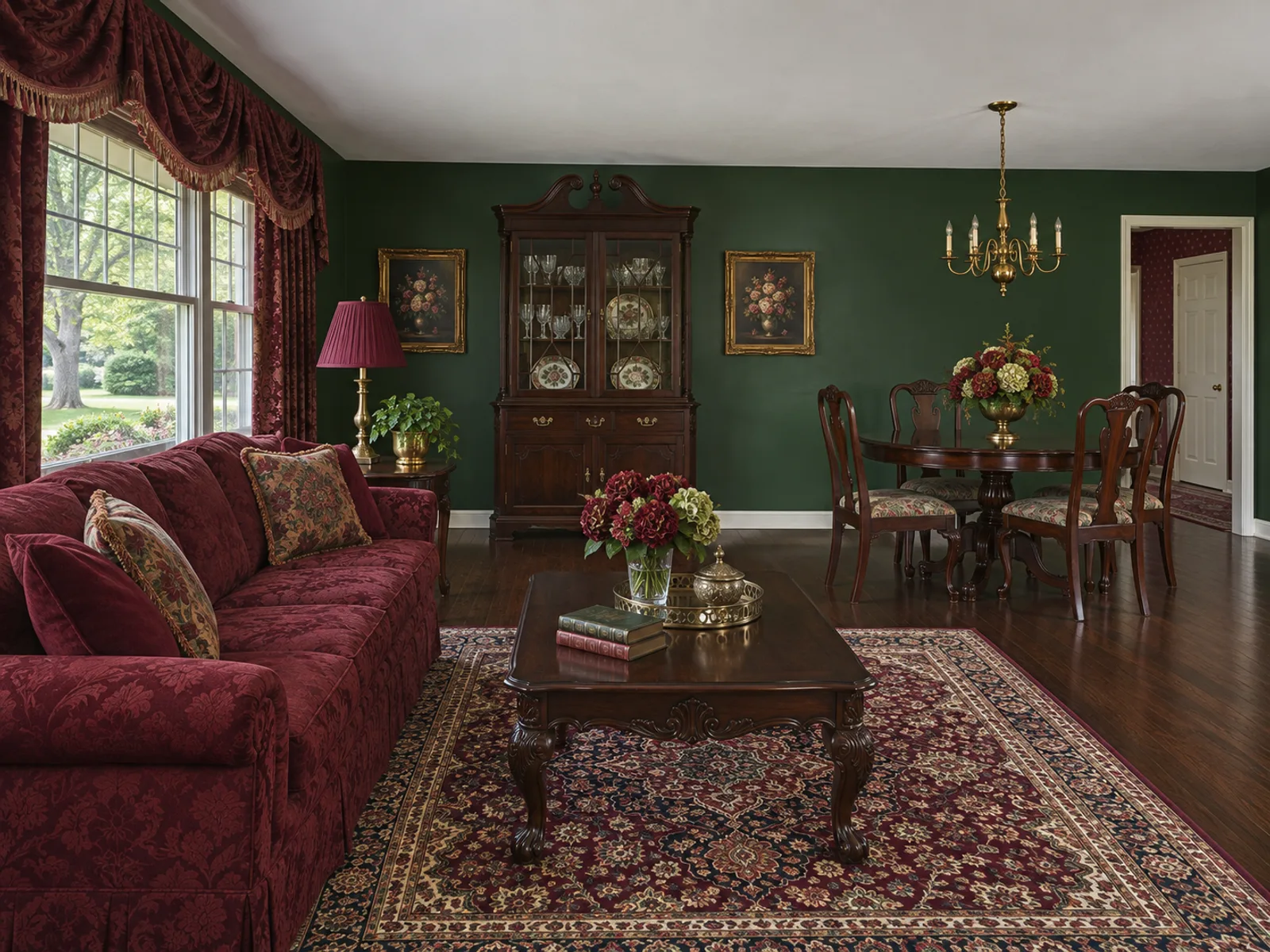
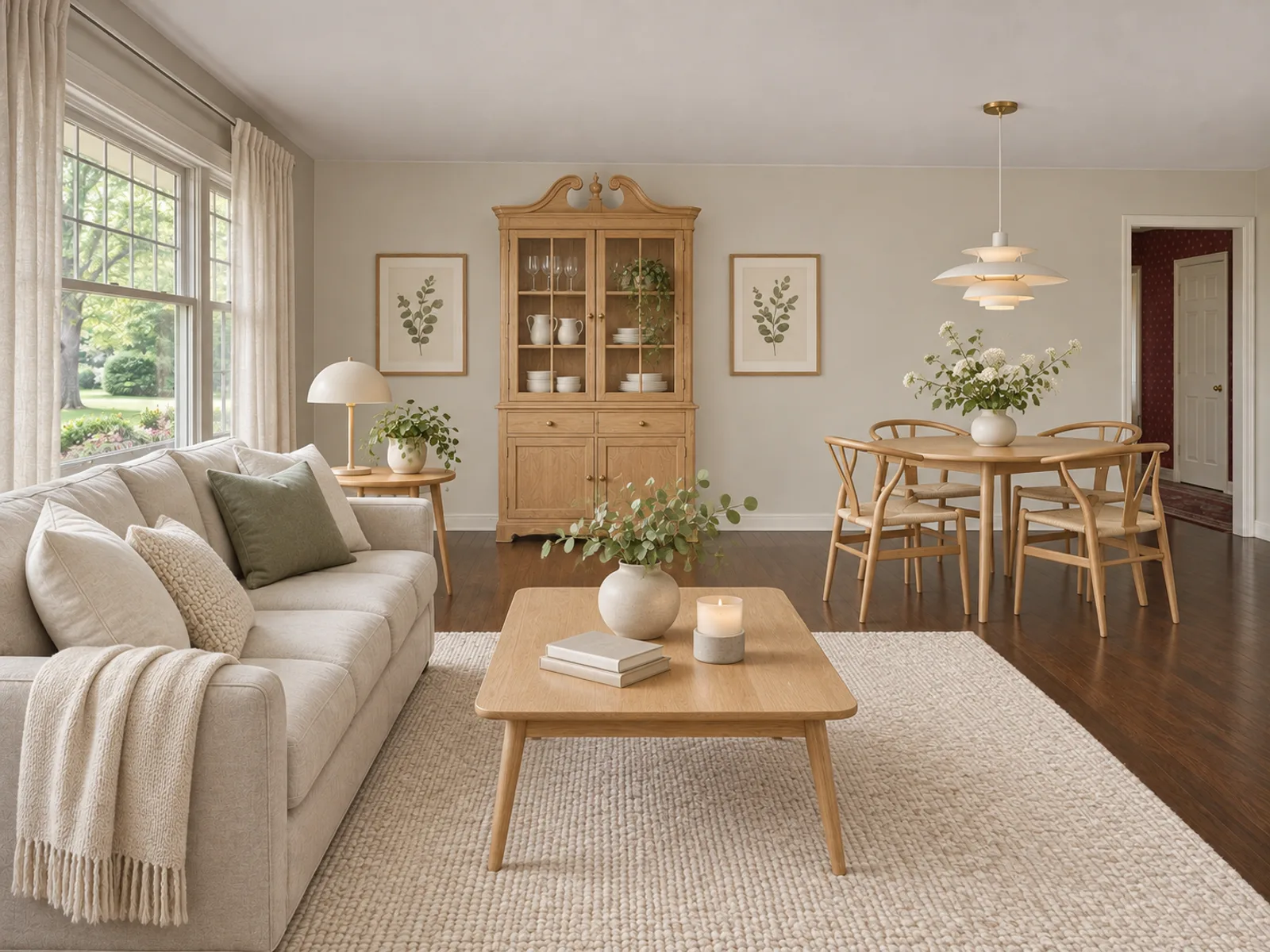
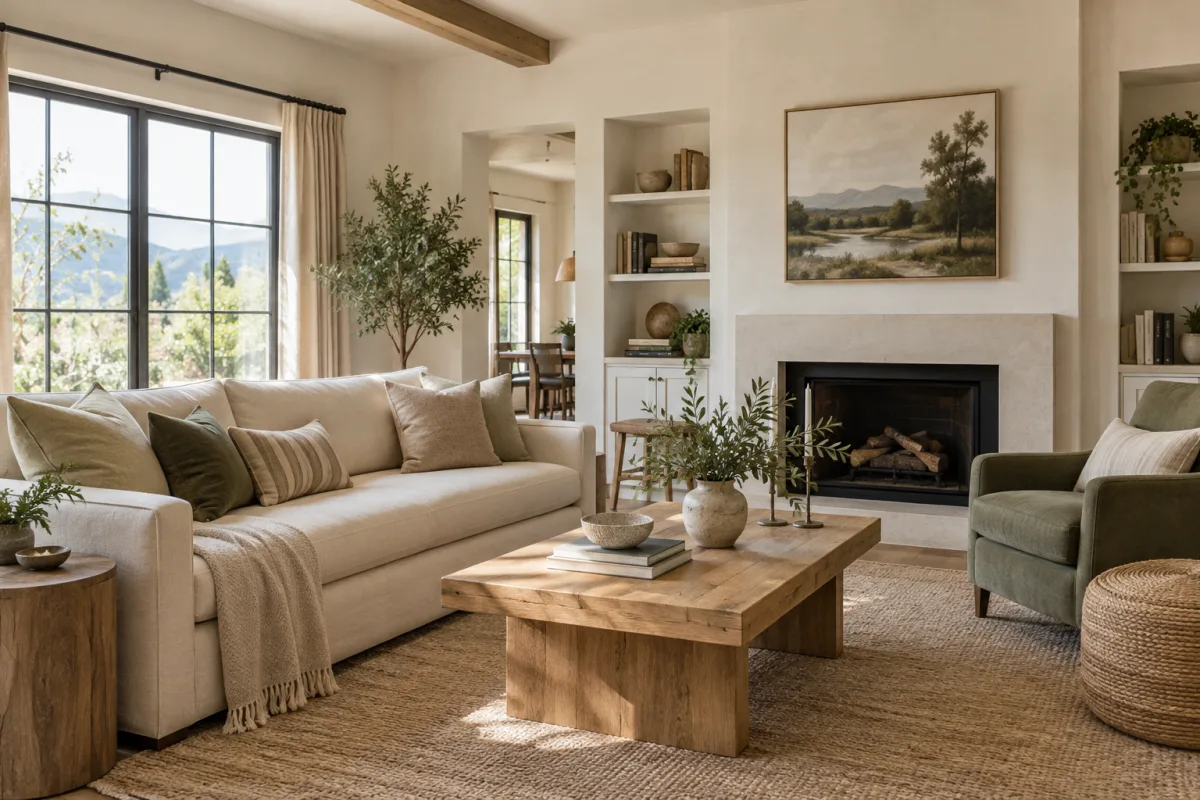
Traditional open living and dining room with dark furniture, forest-green walls, maroon seating and a busy rugThe same open living and dining room restyled with linen seating, pale wood and warm white wallsAfter

Plan a Room Makeover Before Spending

A room makeover often means changing several things at once: paint, flooring, large furniture and lighting. Seeing them together in one image shows whether the combination works before any single purchase locks you in.

Try the same photo in two contrasting styles, then a third run with the parts you liked written into "Add details".

Preview my room makeover

Makeover Styles

How to Use the AI Room Designer

  1. Choose photo or description

    Select "From photo" to upload a JPG, PNG or WebP up to 10 MB, or select "From description" to describe your space. Then choose the room type, for example Bedroom, Kitchen or Home Office.

  2. Set the style and must-keeps

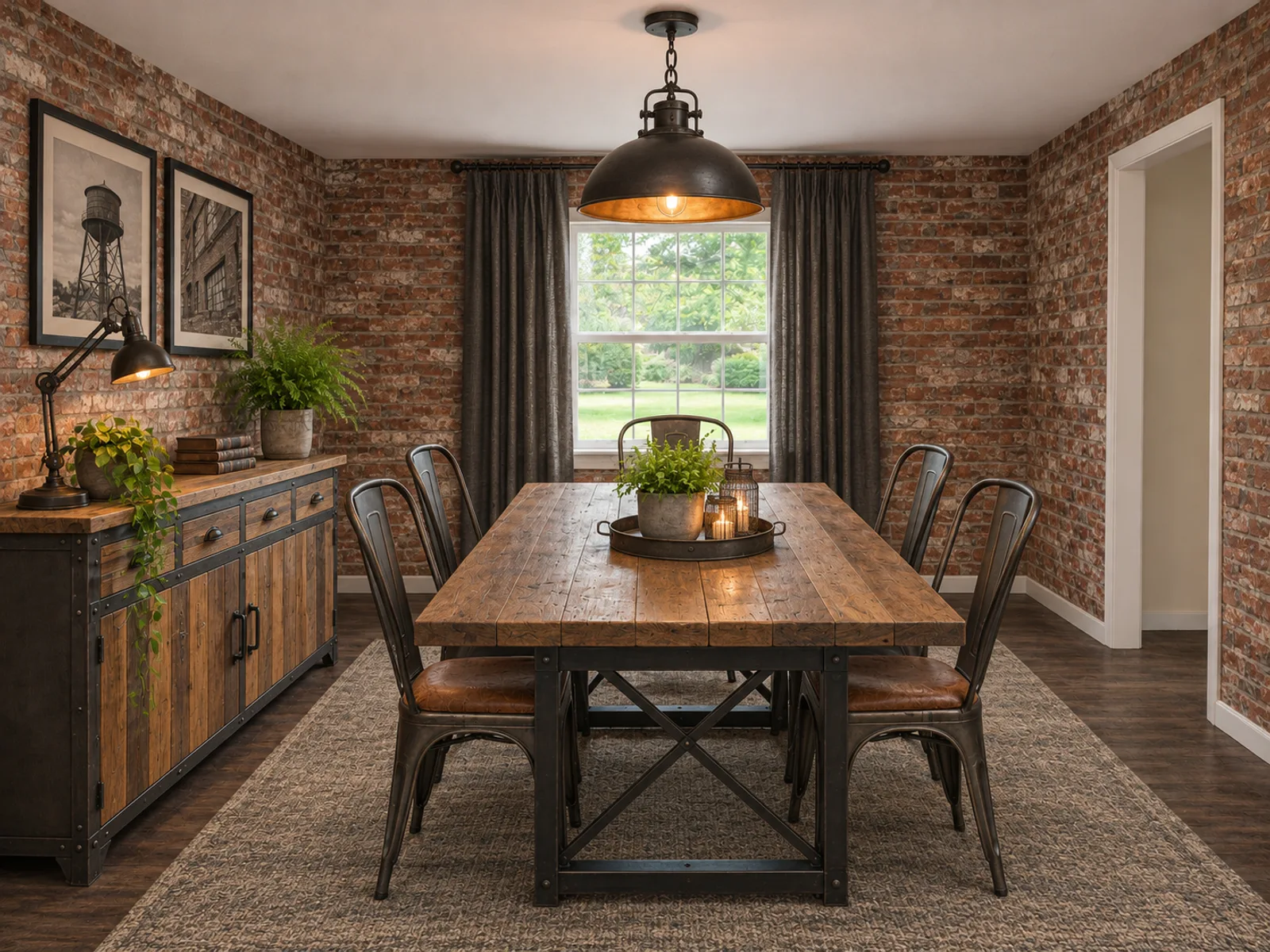
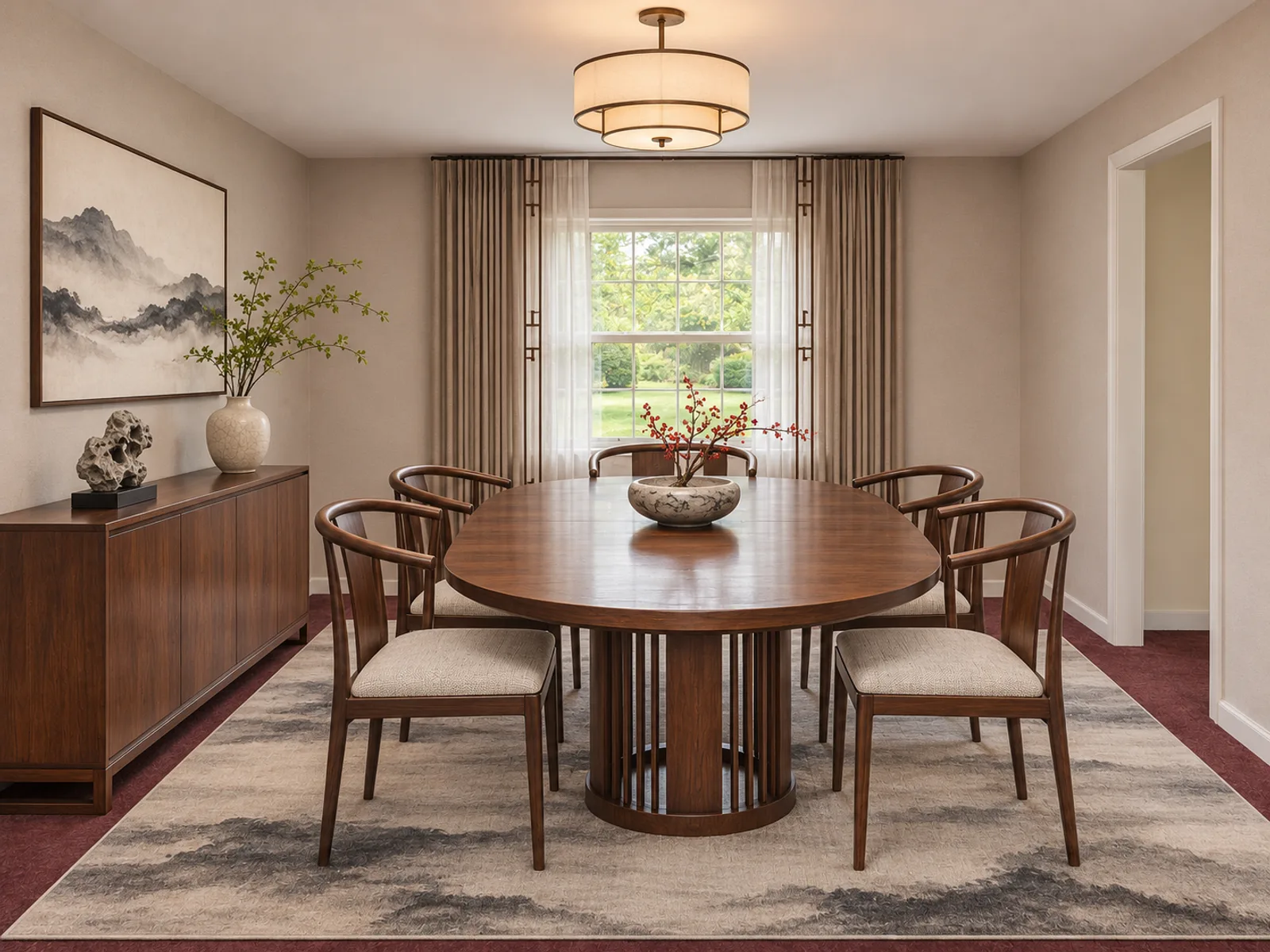
    Choose Modern, Scandinavian, Industrial or New Chinese. In "Add details", name any pieces you want to keep, such as "keep the fireplace and the walnut dining table".

  3. Generate one to four versions

    A single design uses 14 credits, and the total for all versions is shown first. Results download without a watermark and are stored in My designs.

Interiors

Restyle a Room You Already Live In

This AI room designer is for spaces that are already furnished but no longer feel right. Upload a photo and it replaces the furniture, wall colors and lighting with a fresh look, while keeping your walls, windows and doors in place.

You can also skip the photo and describe the room in words instead. That helps when you are planning a move, pitching ideas to a client or cannot take a photo yet.

Every result is a concept to guide your choices, not a measured plan, so check measurements before you order anything.

What a Makeover Changes and What It Keeps

Use this split to judge results and write sharper instructions.

ElementFrom a photoFrom a description
Walls, windows, doorsKept in their positionsPlaced from your brief; name their count and side
Camera angleKeptChosen by the AI unless you specify one, e.g. "view from the doorway"
Ceiling height and shapeKeptStated in the brief, e.g. "8 ft (2.4 m) flat ceiling"
FurnitureReplaced, unless listed as a keepGenerated from the brief
Floor, wall and ceiling finishesRestyled to match the chosen styleTaken from the materials you name
Color paletteChangedSet by the 2–3 colors you name
LightingNew fixtures and moodFollows the light you describe, e.g. "north light, warm lamps"

Results are AI concept images: keeps are respected in most runs, but small details can drift. Generate 2–4 variations to compare.

Photo Tips for a Full Restyle

Frame the whole room, windows included

Back into a corner or doorway so at least two walls and one window are visible. Windows tell the AI where light falls.

Leave the furniture where it is

The existing pieces get replaced anyway. Just clear loose items off the floor so the room outline is easy to read.

Shoot in daylight

Midday daylight with lamps off gives your true wall and floor colors. Strong evening light tints the photo orange and shifts the colors in your redesign.
FAQ

Yes. Upload a photo of your furnished room, pick a style and the AI generates a restyled image from the same camera angle, keeping your walls, windows and doors in place.

Restyle Your Room Now

Upload a photo or describe your space to see a full makeover of the room you already have.

Start your design