AI Room Design from One Photo
Redesign any room, home or garden in minutes.
Upload a photo, pick a style and compare realistic redesigns. Walls, windows and perspective stay put.Upload a photo and get realistic redesigns for living rooms, bedrooms, kitchens, bathrooms, house exteriors and gardens, or test paint colors and sketch floor plans. Walls, windows and perspective stay where they are.
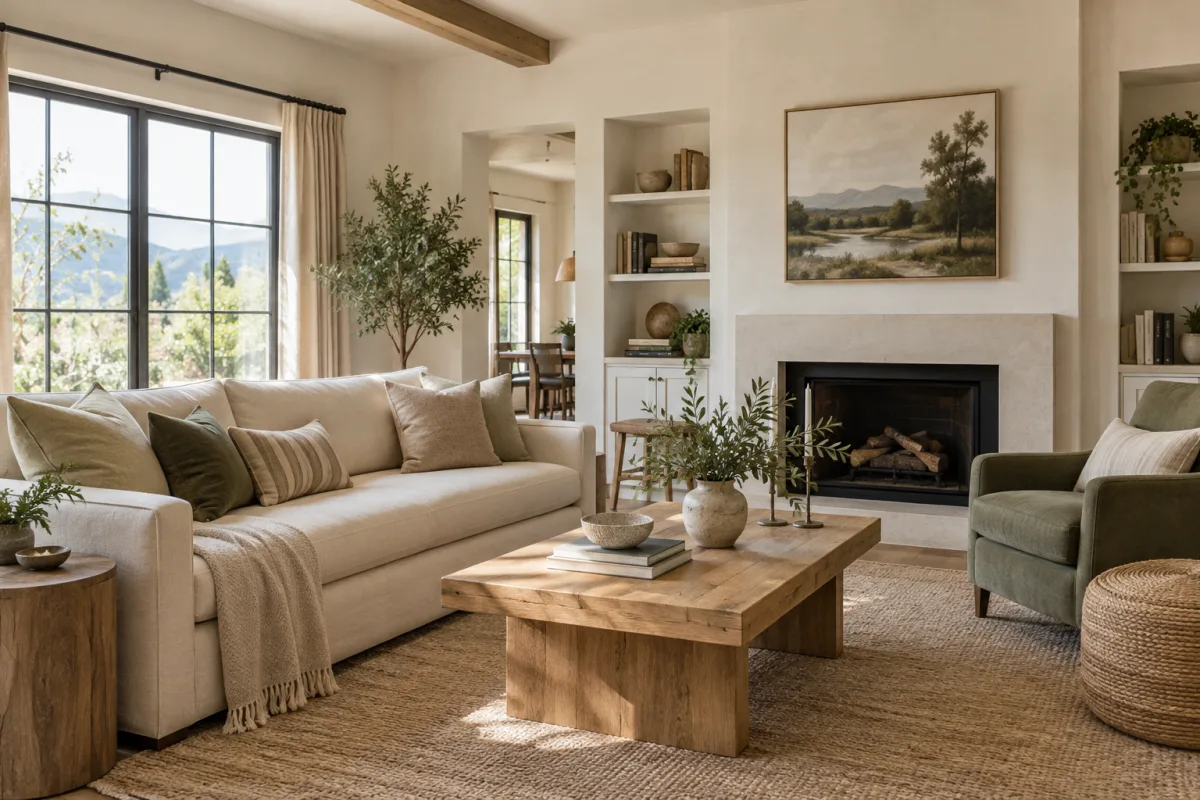
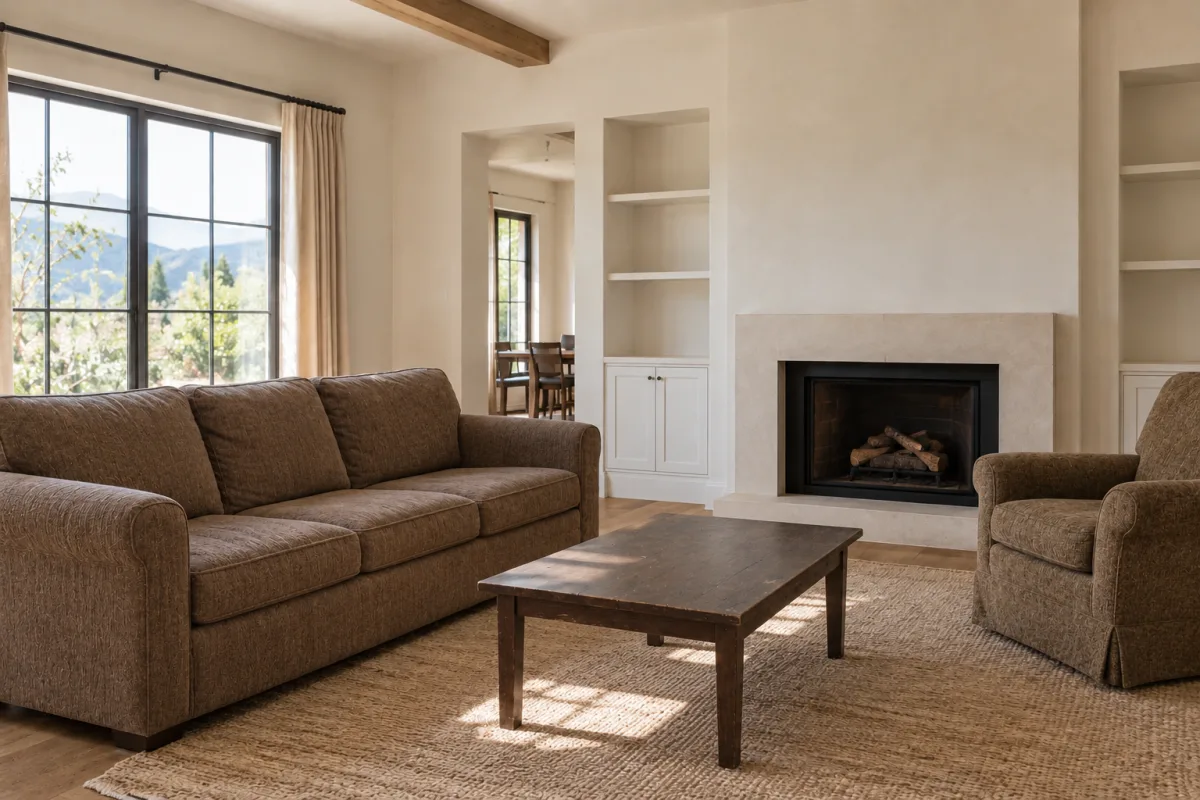
14 credits per photo redesign · plans from $19/month · cancel anytime
- Keeps your walls, windows and perspective
- 1–4 variations per run
- Every design saved to your history
One studio for every space you live in.
Interiors · Redesign a room 5 tools
Living rooms, bedrooms, kitchens, bathrooms and home offices.
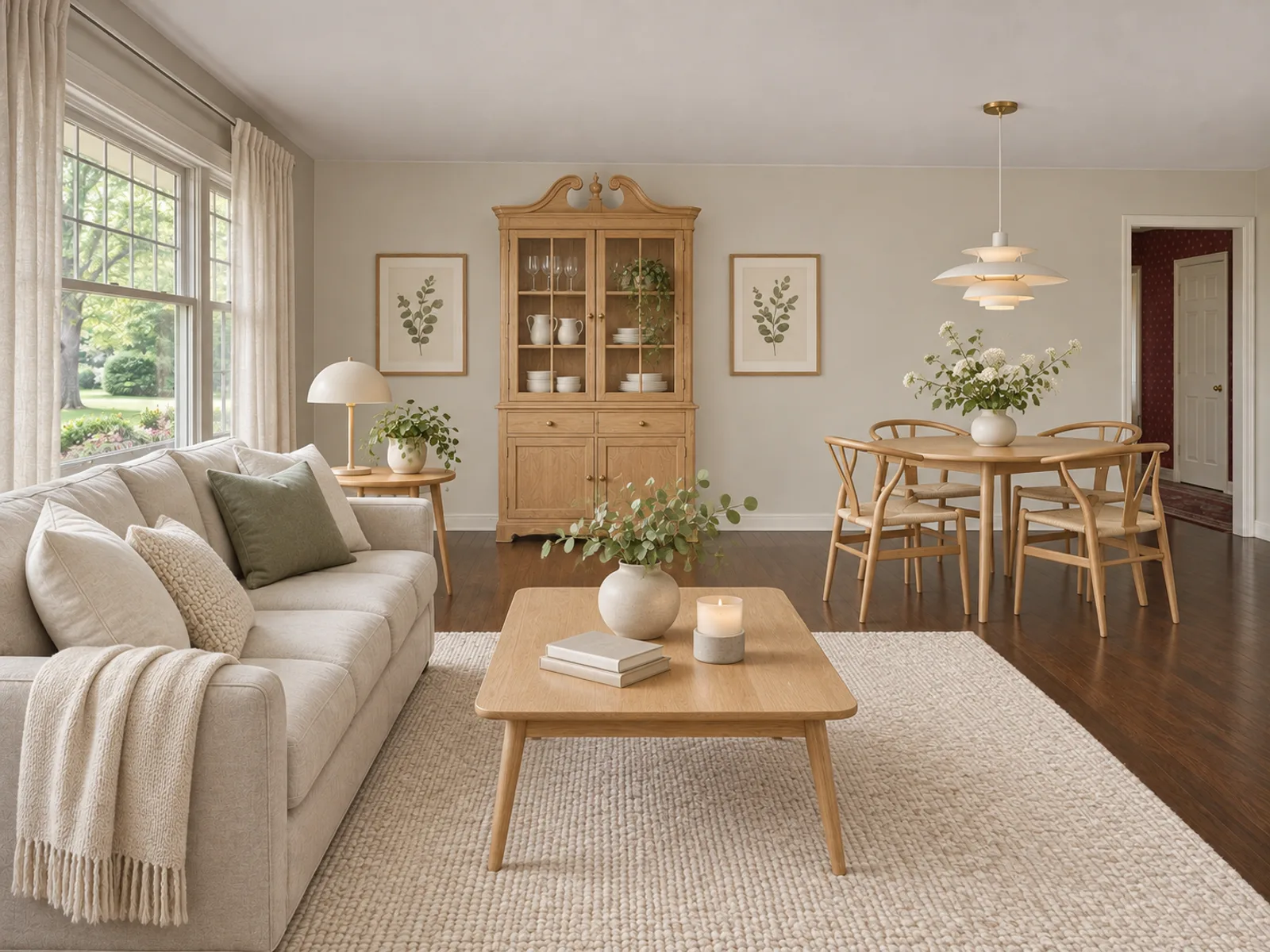
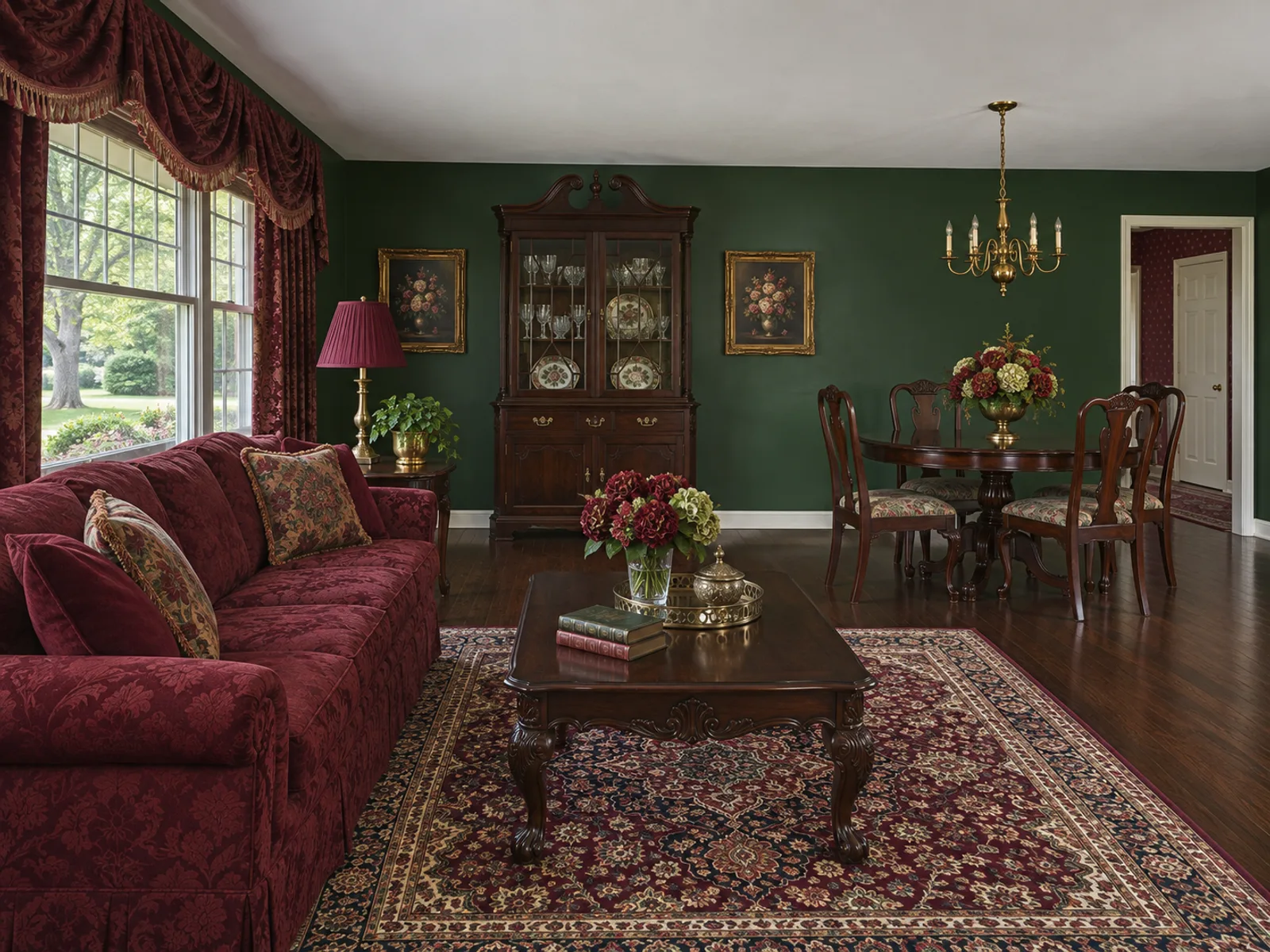
Edit a photo · Change one thing 2 tools
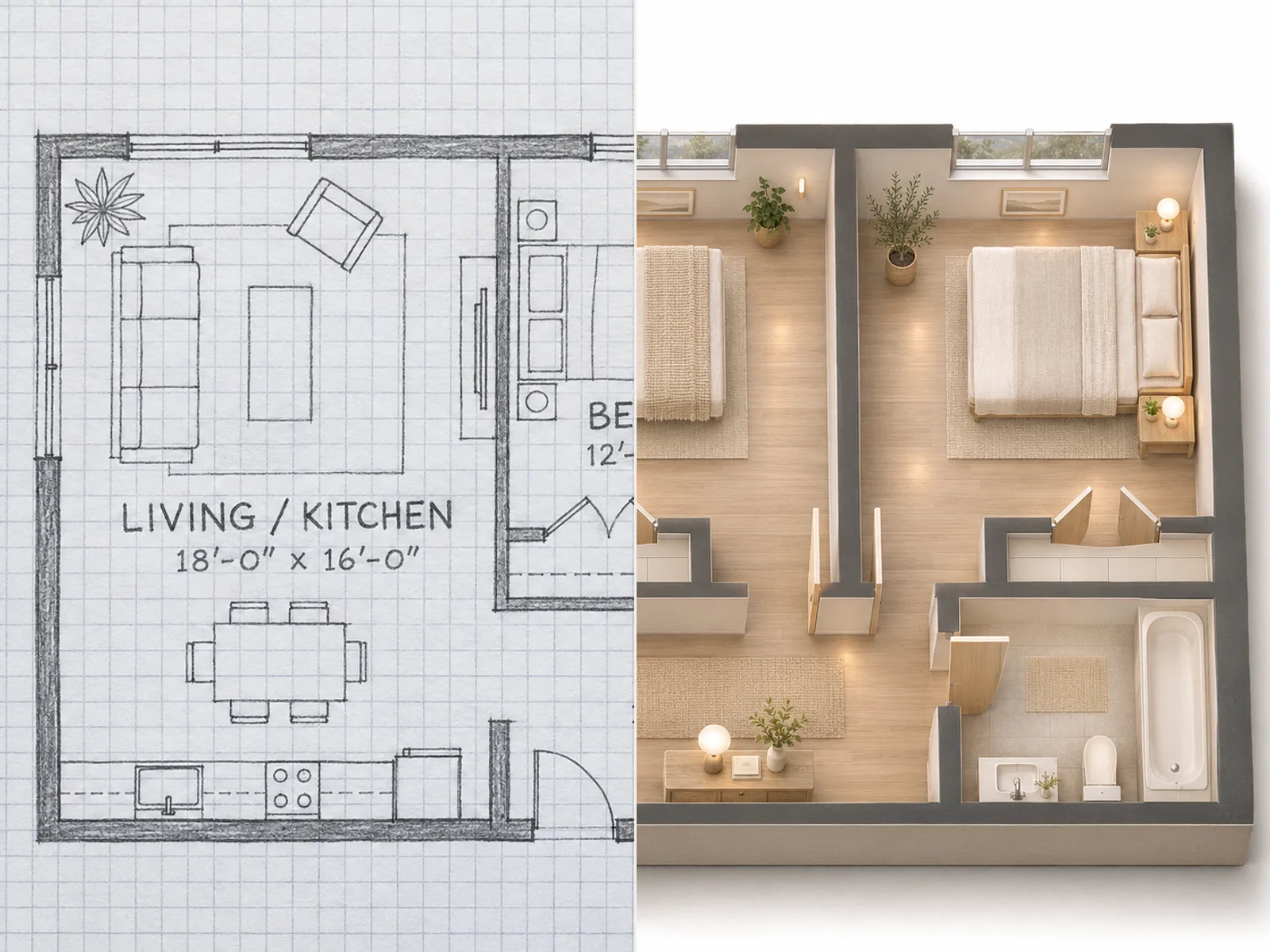
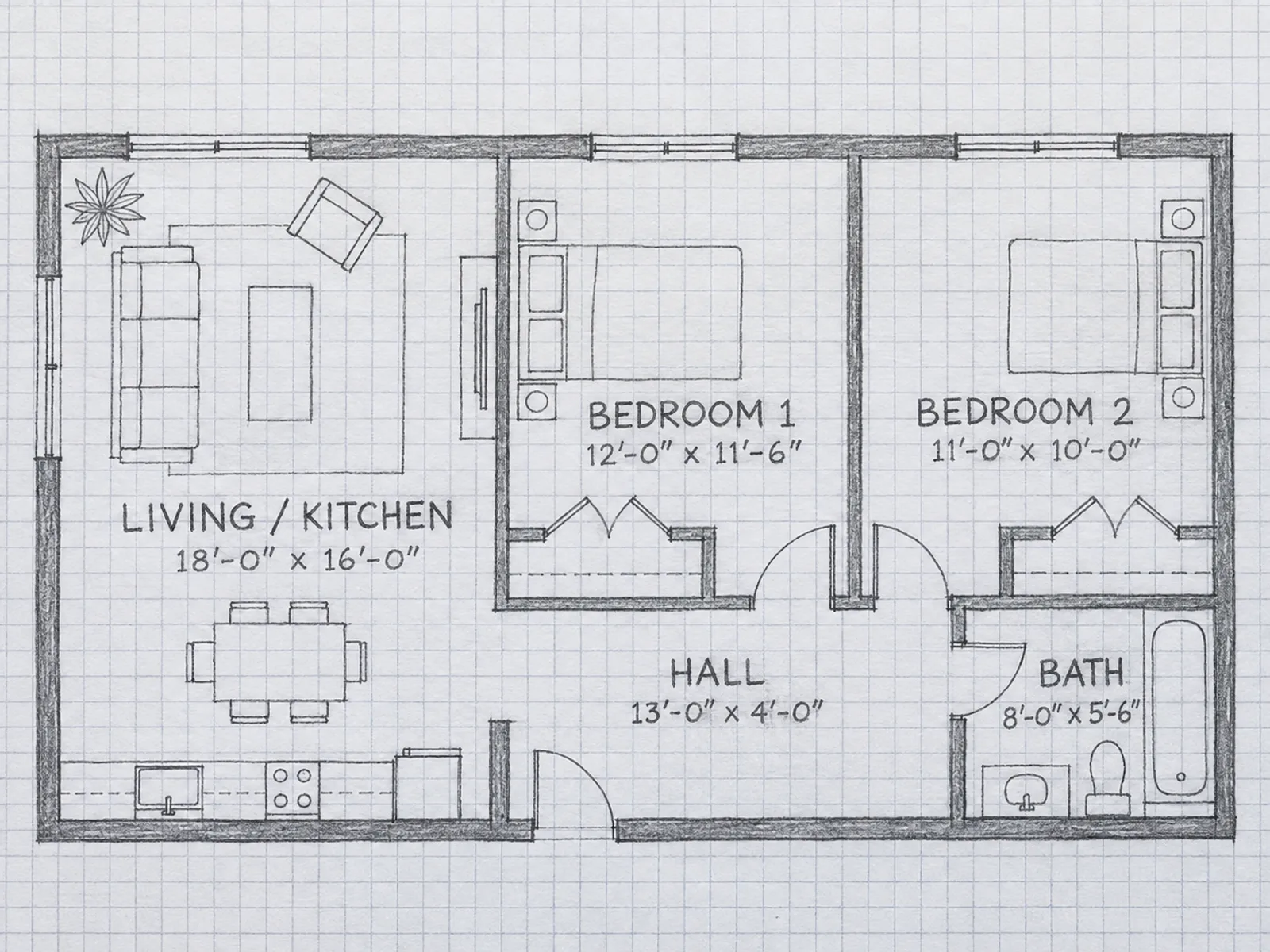
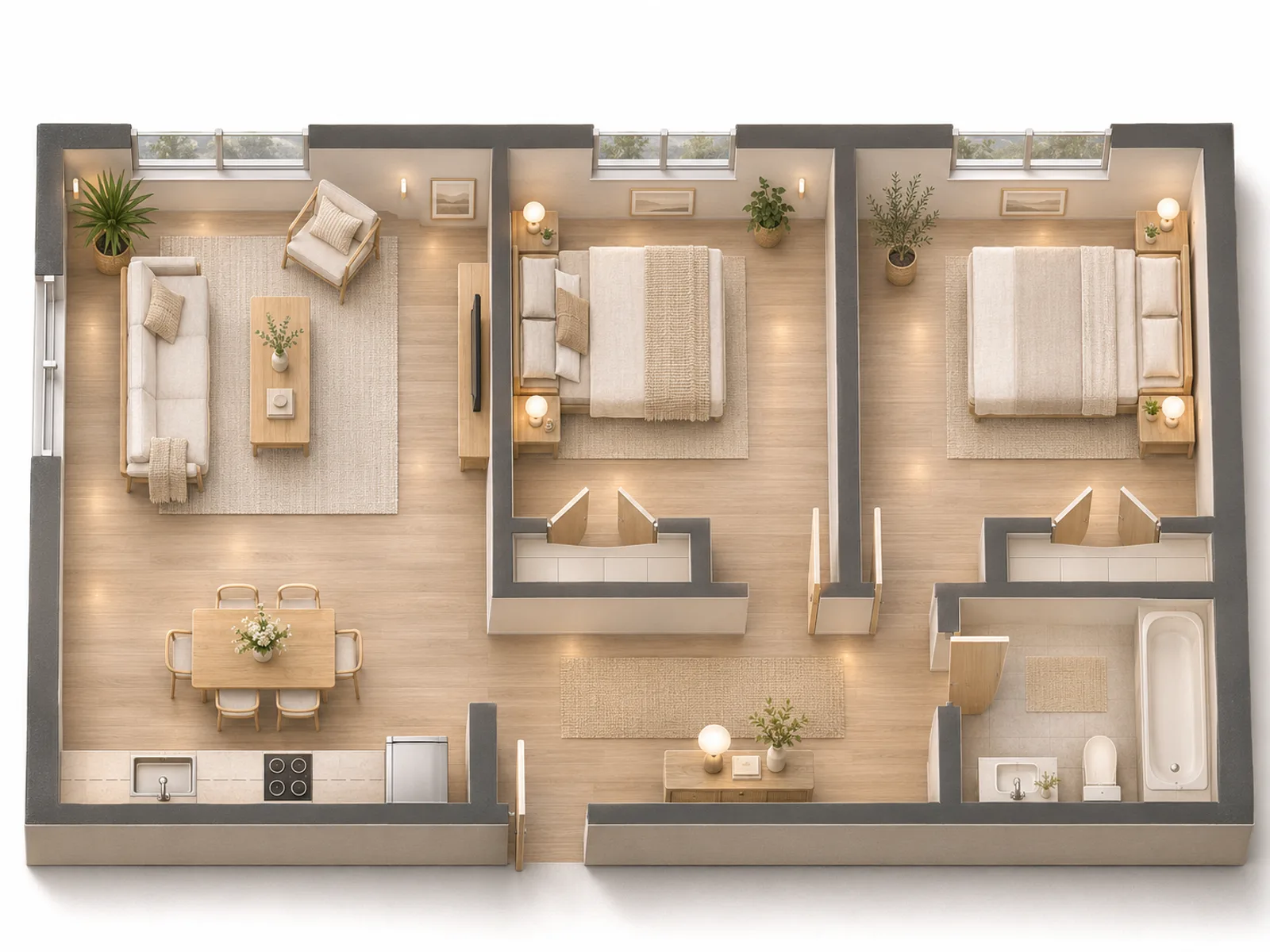
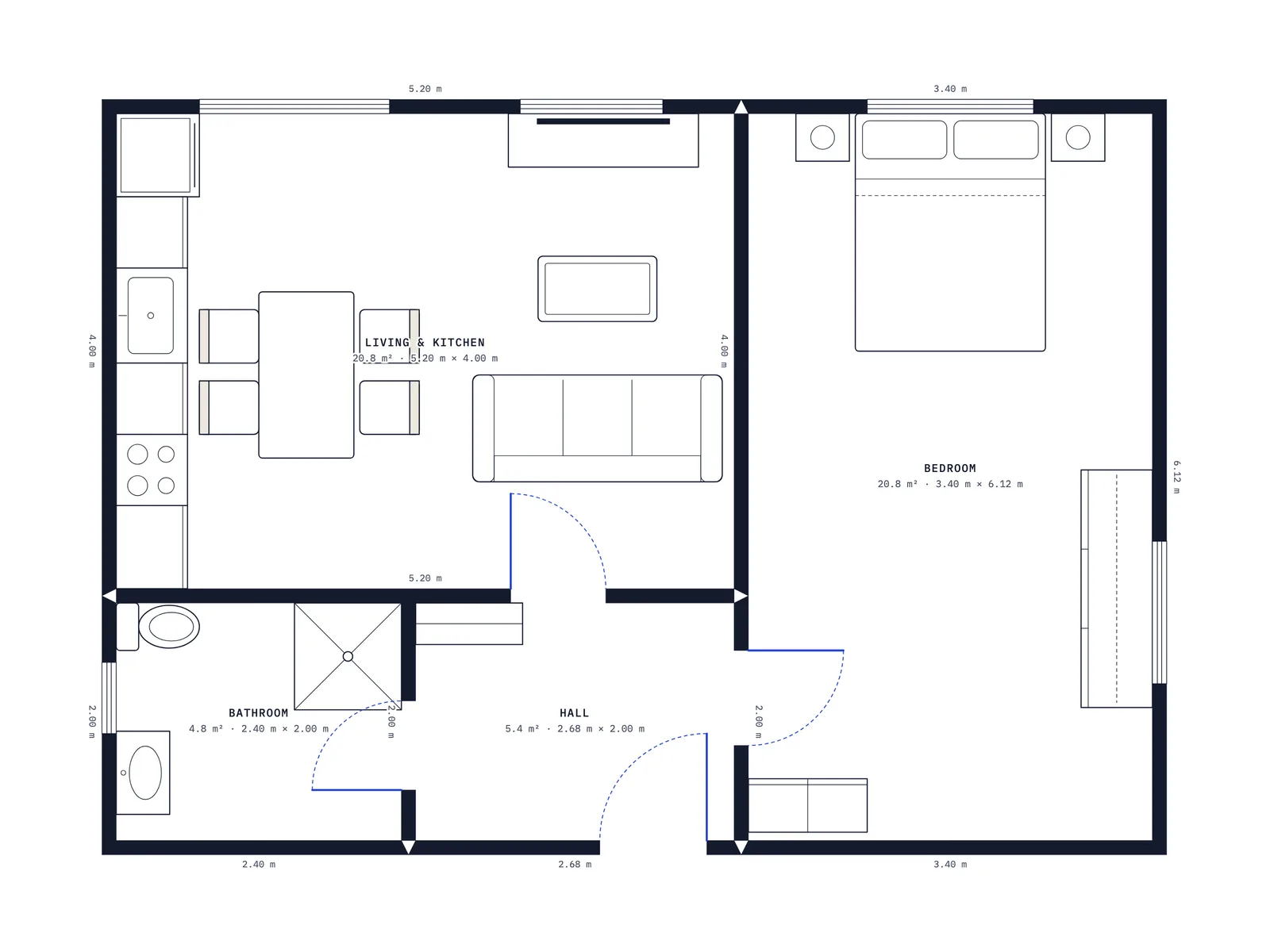
Furnish or empty a room, test a paint color or generate a floor plan.
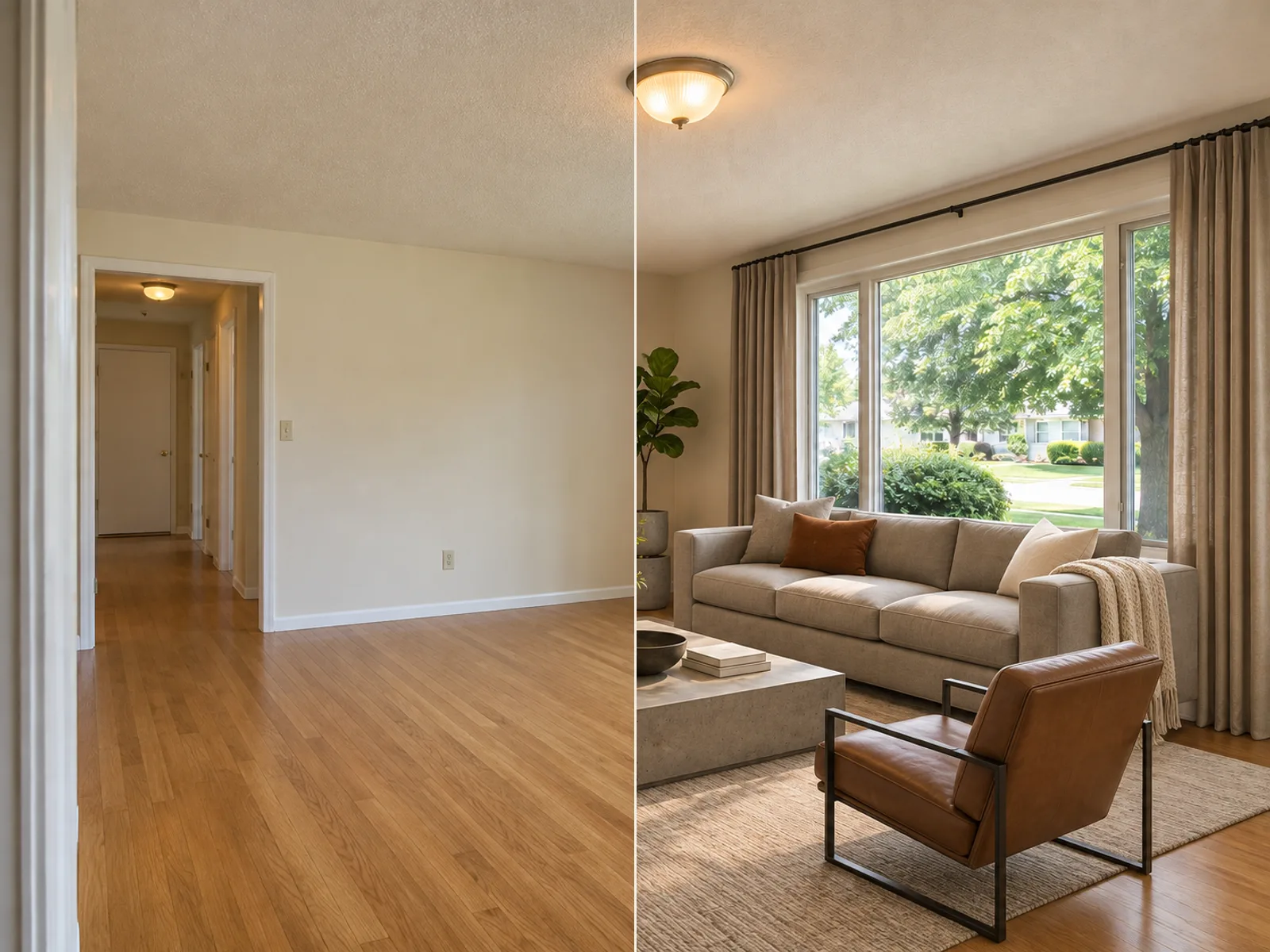
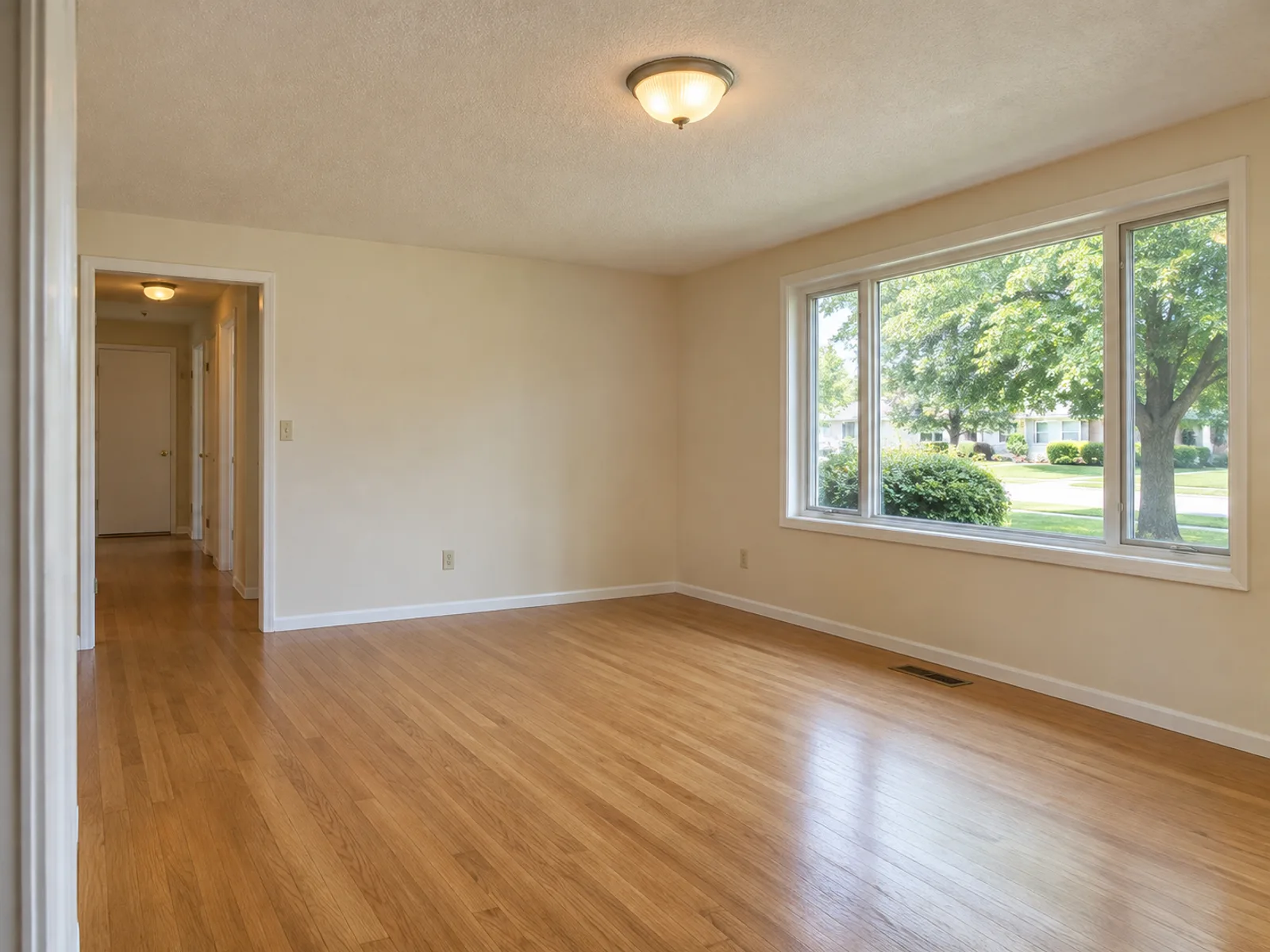
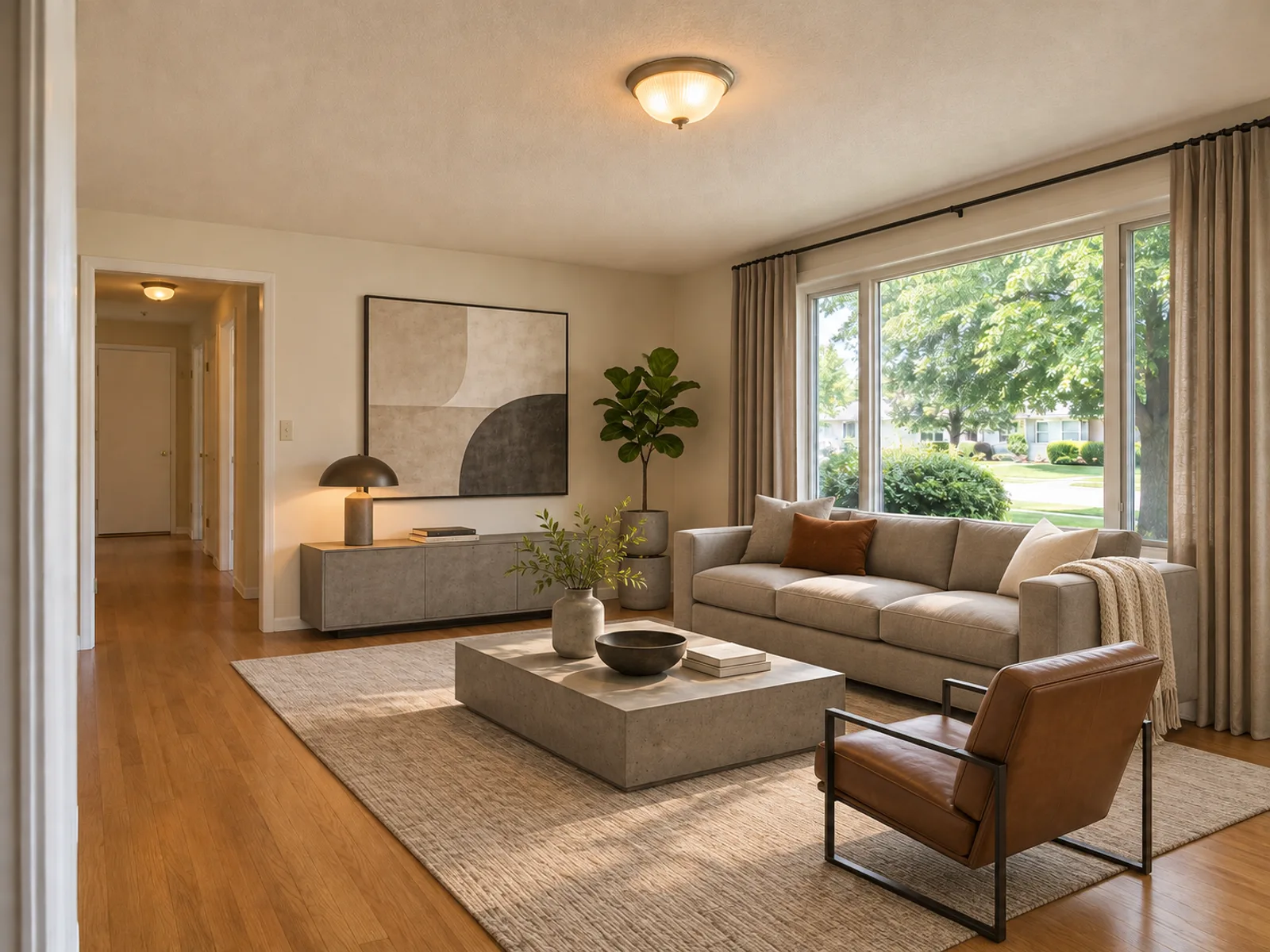
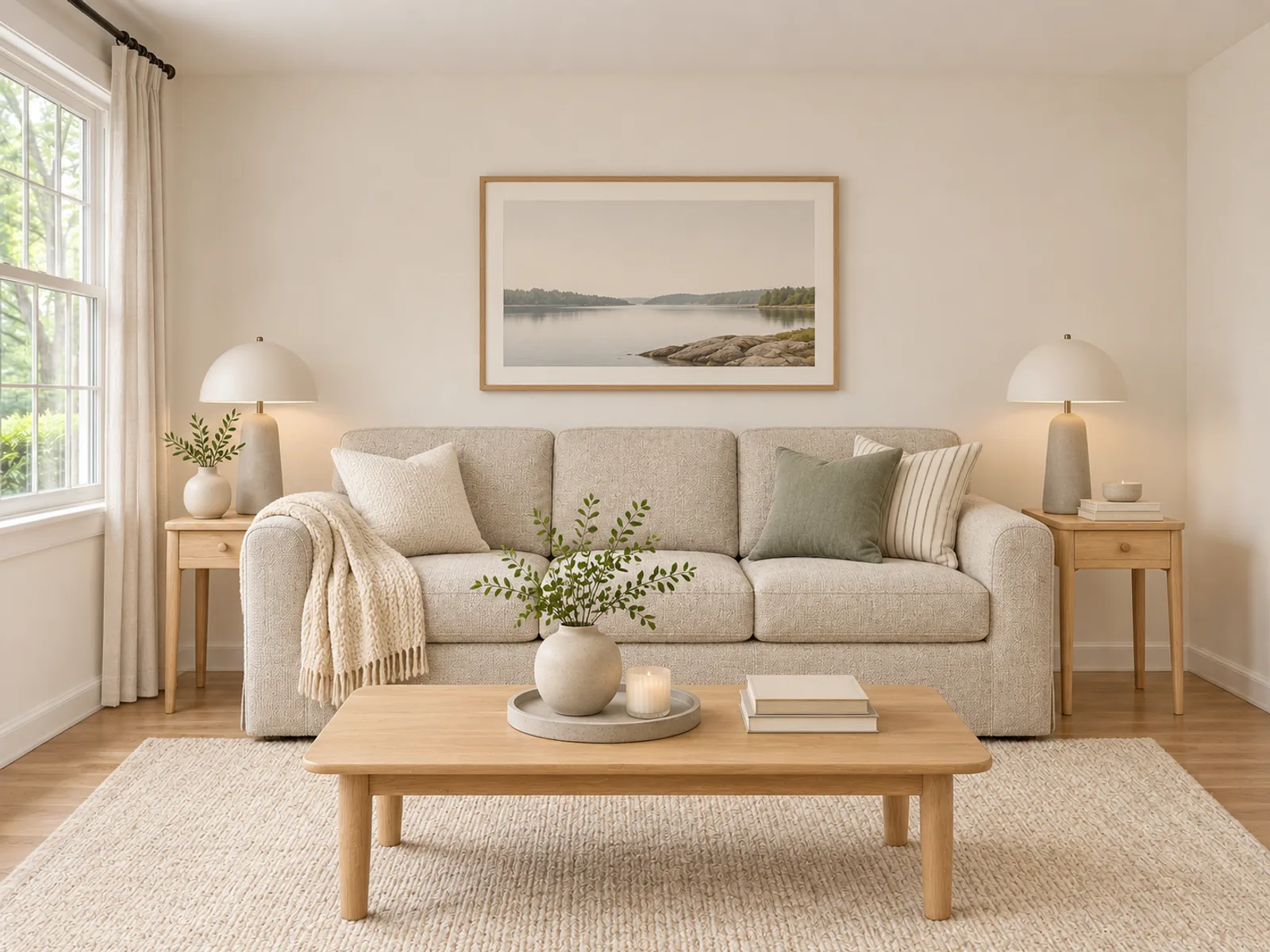
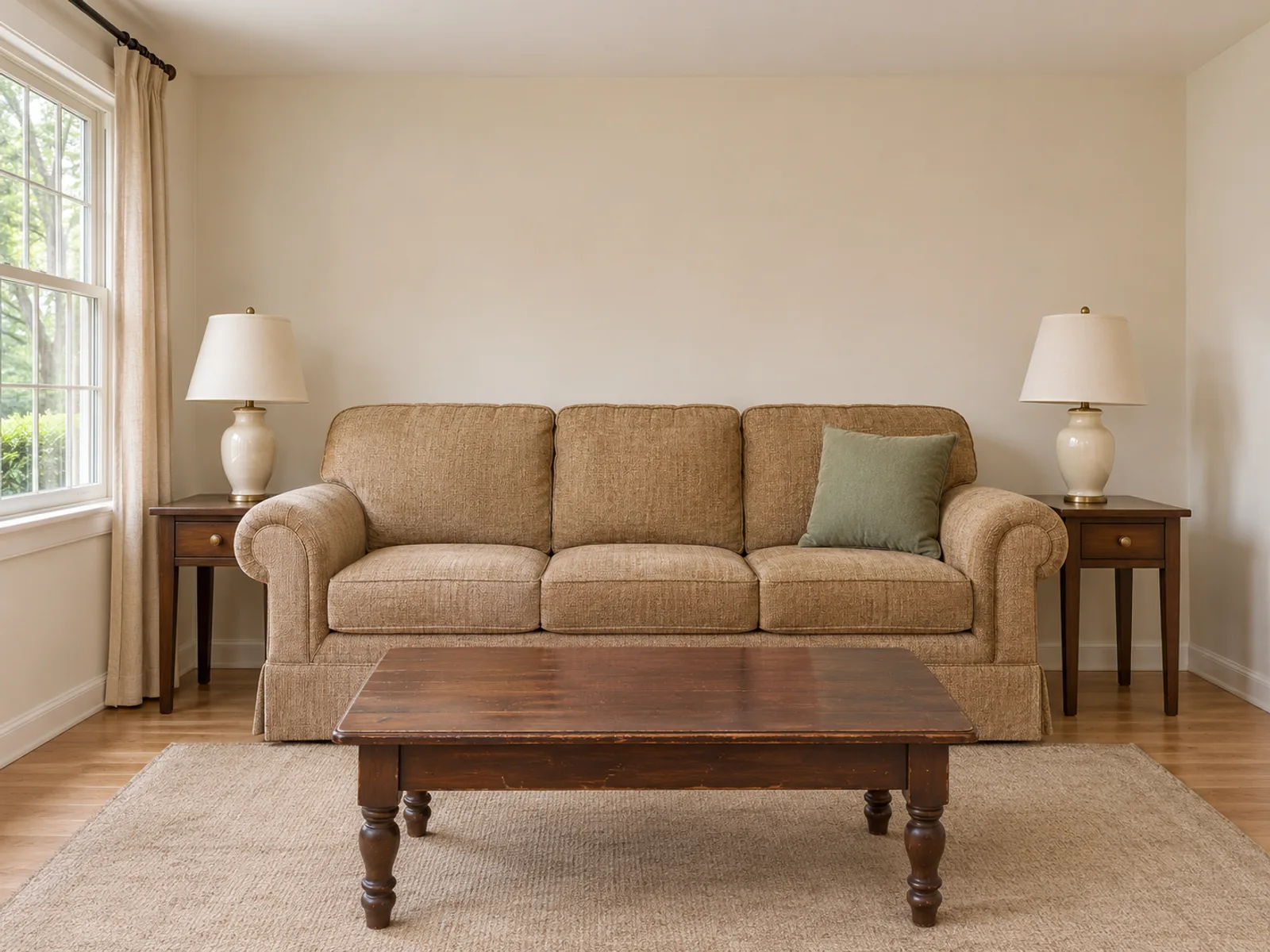
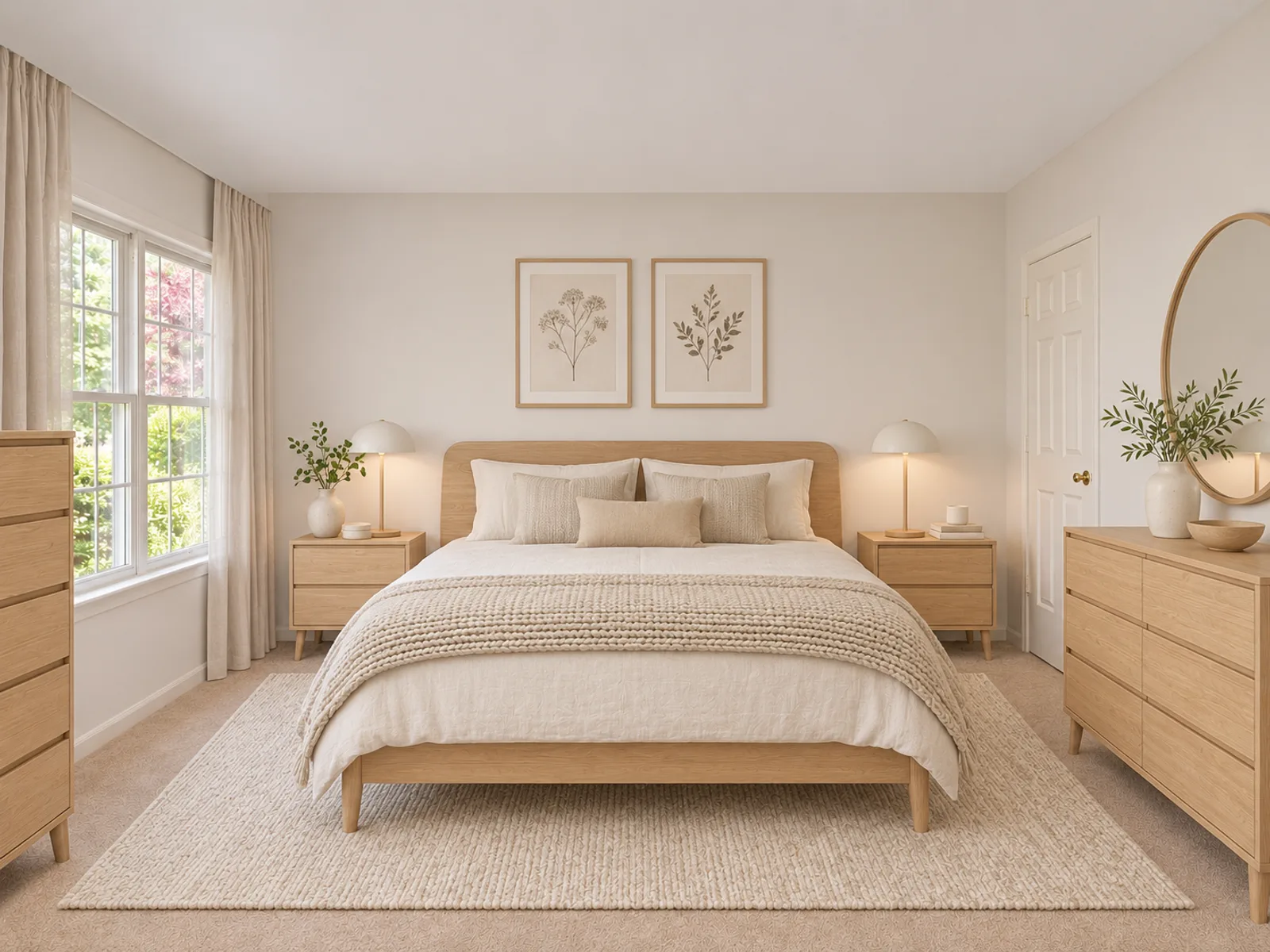
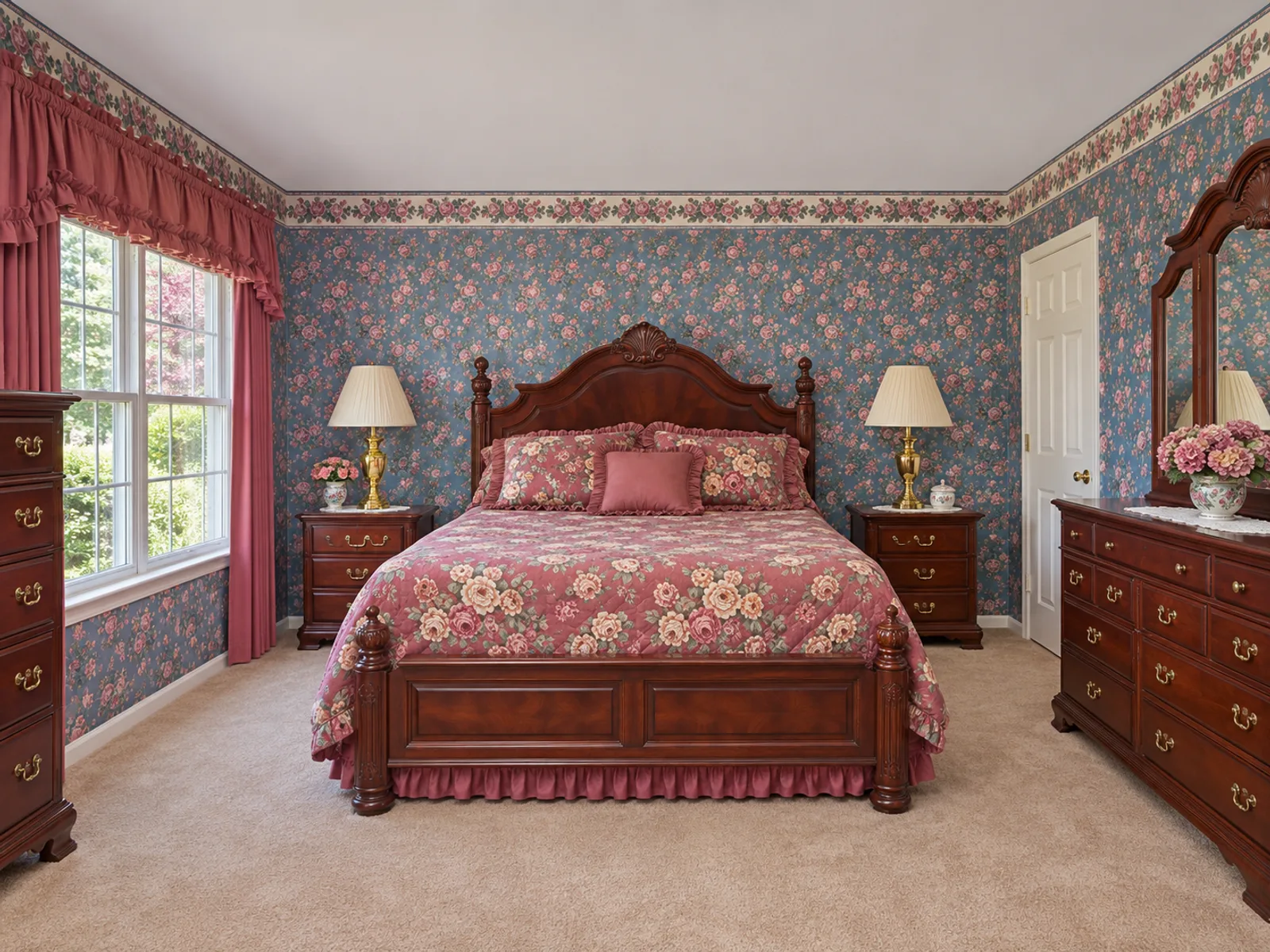
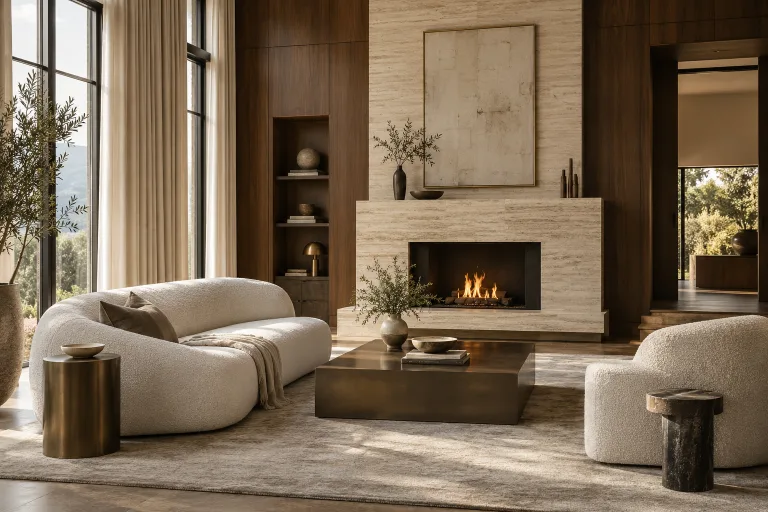
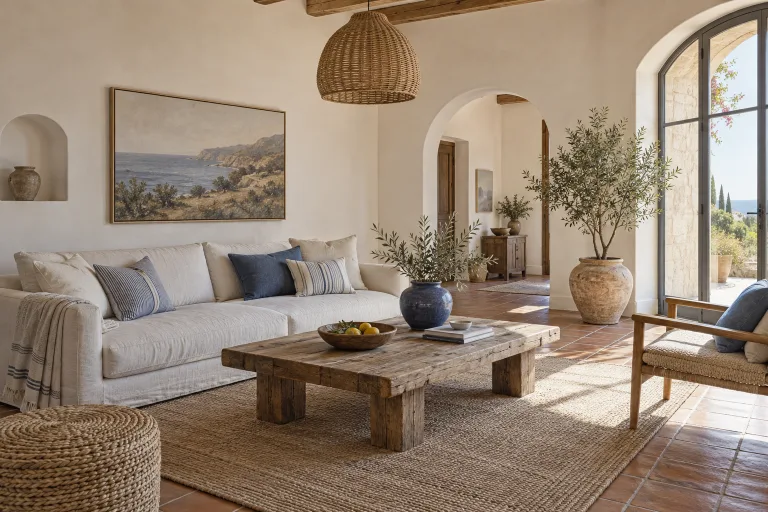
Same room. Six moods.
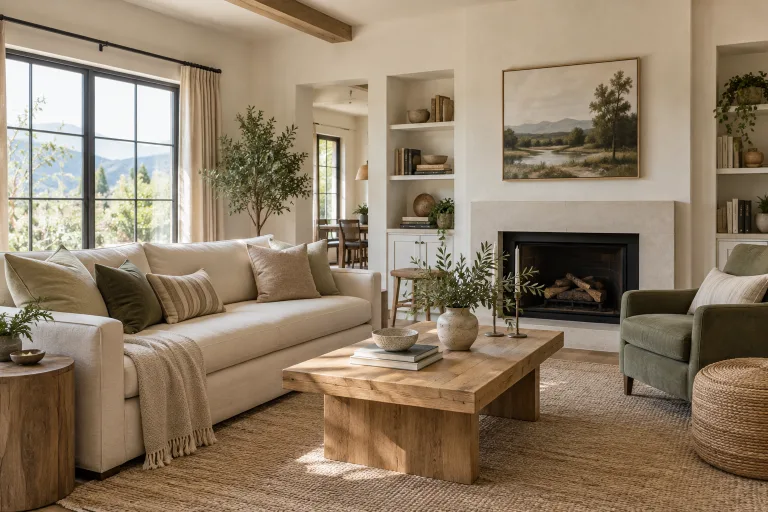
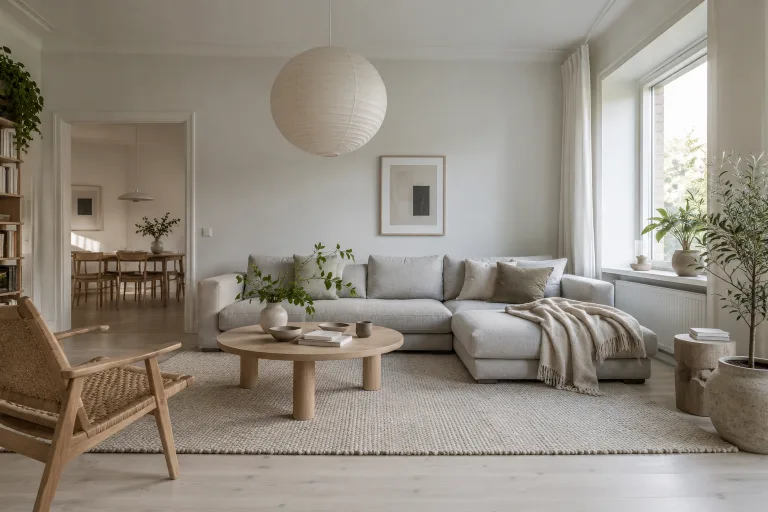
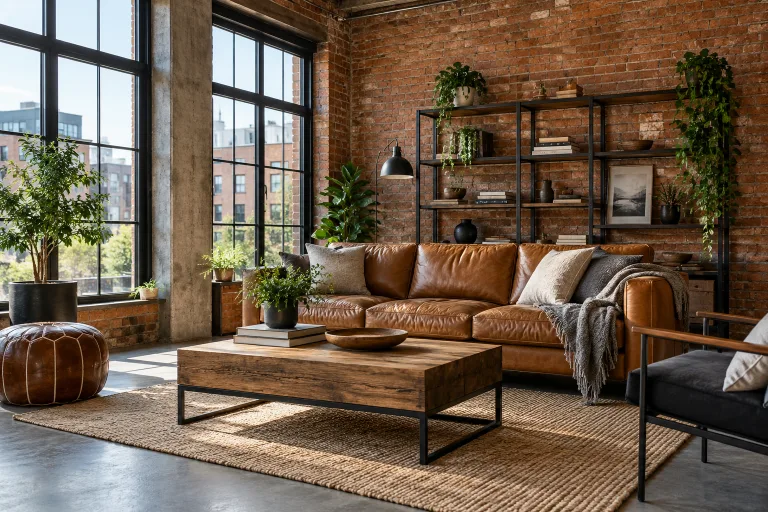
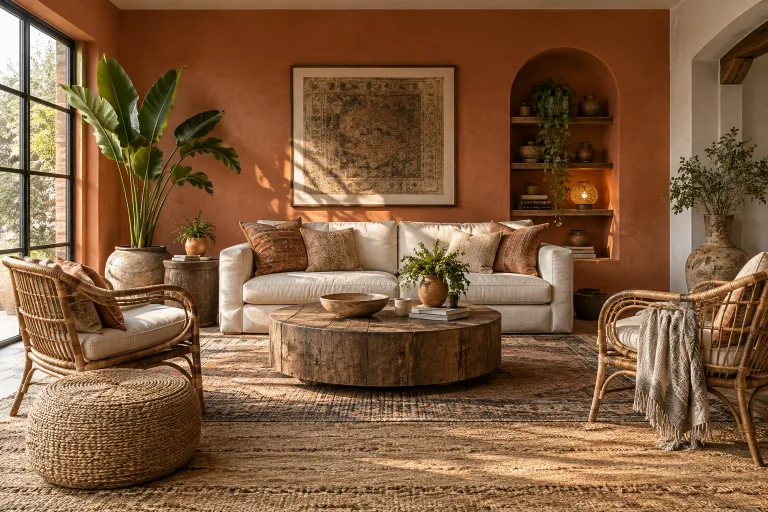
Three steps, about a minute.
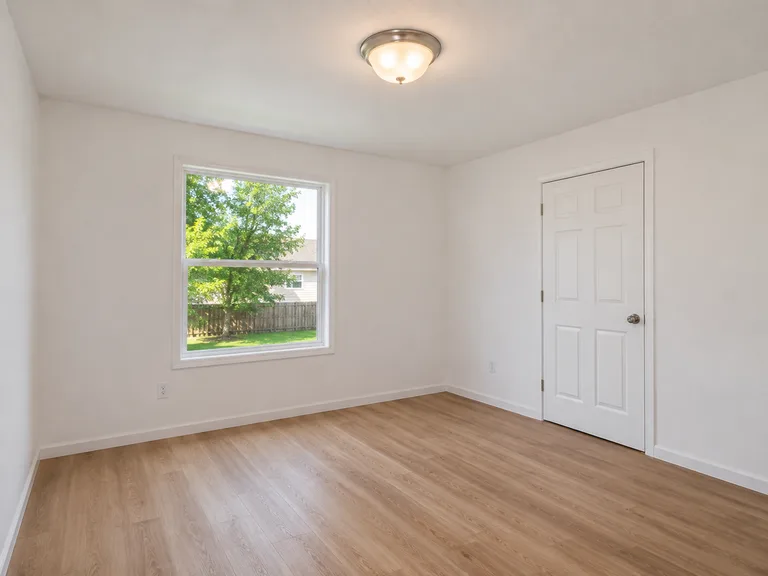
Photograph the room
Stand in a corner, shoot wide, in daylight. One clear photo is enough, and no measurements are needed.
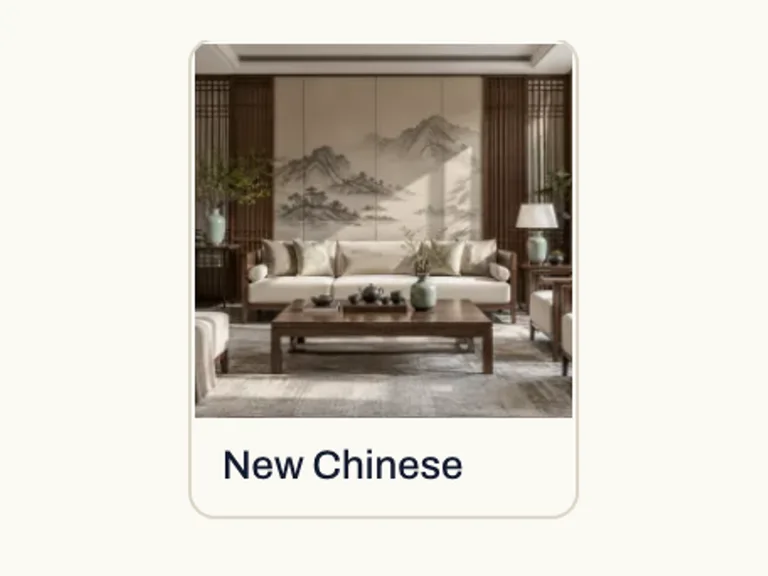
Pick a style or describe it
Choose from the library, or write what you want: “warm oak, linen sofa, keep the fireplace.”
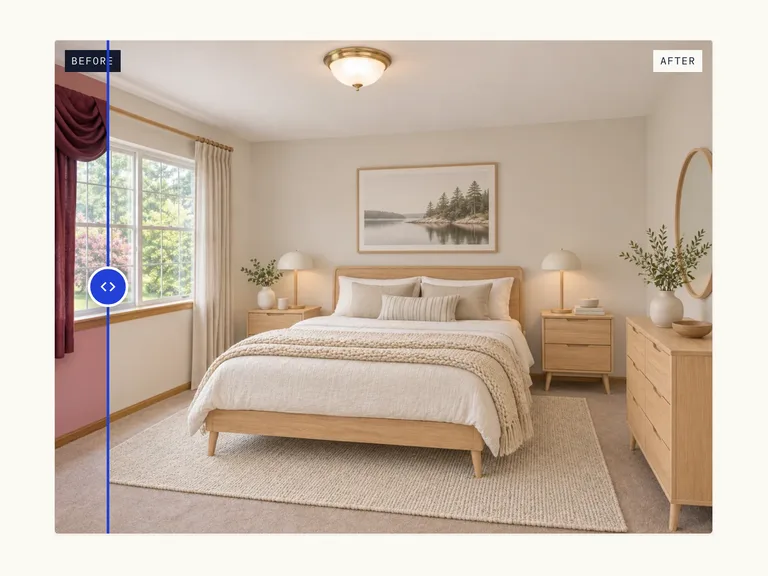
Compare, refine, download
Slide between before and after, generate variations side by side, keep the one that fits.
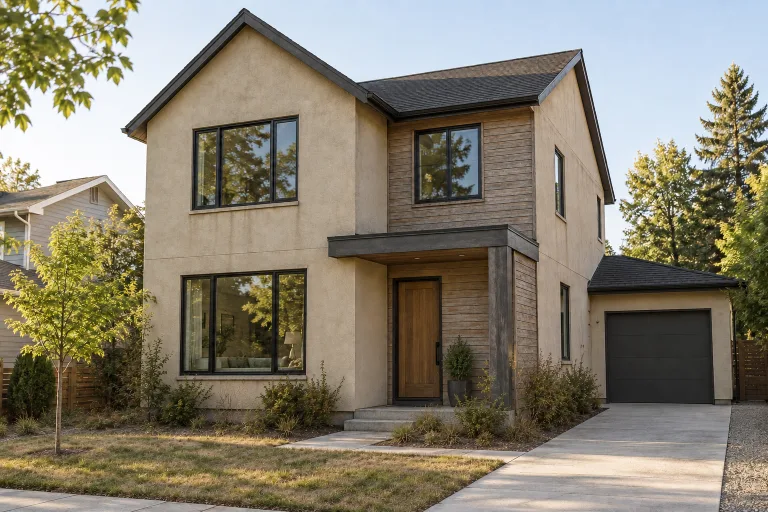
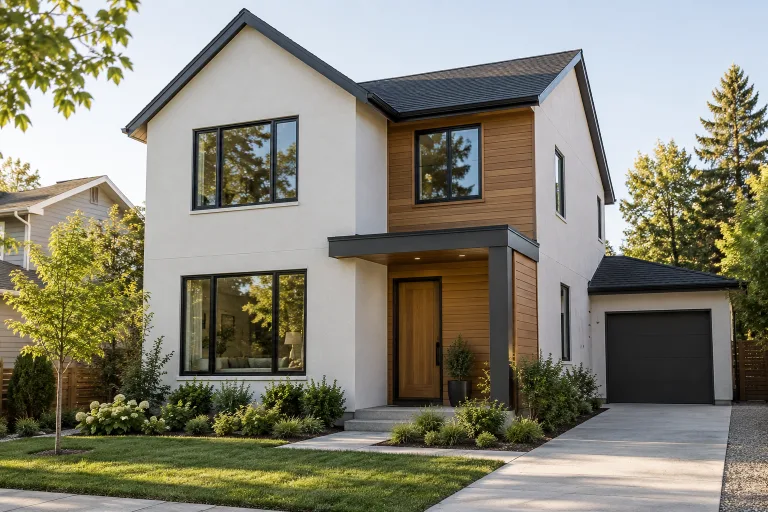
Settle the argument before the contractor arrives.
Show your partner, your client or your builder exactly what you mean. Concepts are for direction, not construction, so always confirm dimensions on site.
Try it on your roomCredits your way.
- Starter$391,400 credits≈ 100 photo redesigns · $0.39 eachTry a few styles on one room.Choose Starter
- Most chosenStudio$1497,000 credits≈ 500 photo redesigns · $0.30 eachA whole-home refresh, room by room.Choose Studio
- Pro$29916,800 credits≈ 1200 photo redesigns · $0.25 eachFor stagers, agents and designers.Choose Pro
If a design fails, its credits come back automatically.See monthly and yearly plans
Design Any Space From a Single Photo
AI room design turns one photo of your space into realistic new versions in the style you choose. It brings AI interior design to every room in the house and your outdoor spaces too, and it all runs in your browser.
What AI room design changes, and what it keeps
You upload a photo, pick a style and the AI redraws the furniture, wall colors and lighting. The walls, windows, doors and camera angle from your photo stay in place, so the result still looks like your home.
Each image is a concept for choosing a direction. It is not a measured drawing or a construction document, and small details can differ from the real room.
Rooms and spaces you can redo
Each space has its own tool with styles made for that room.
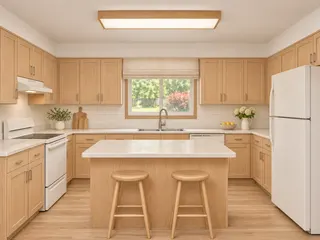
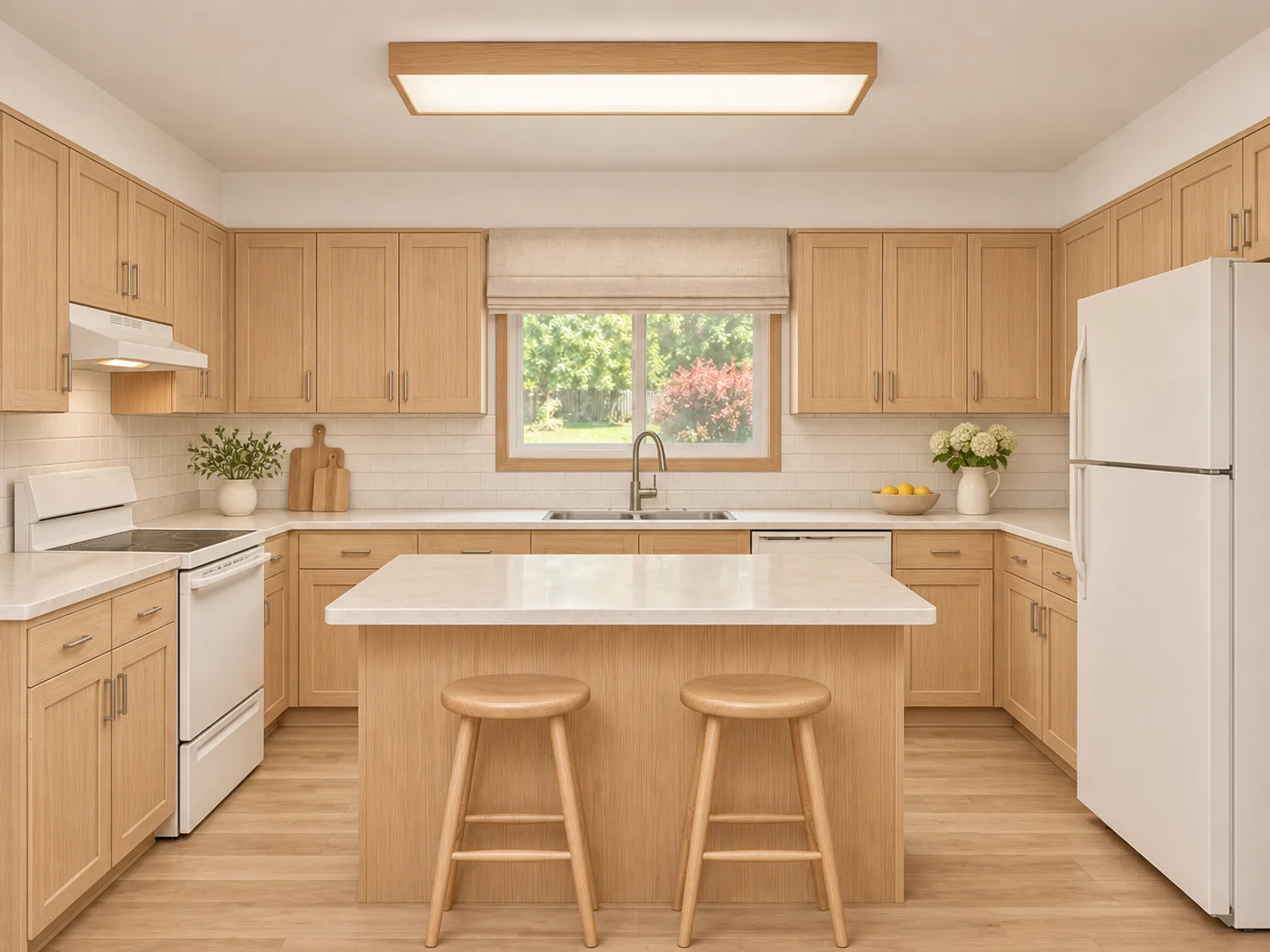
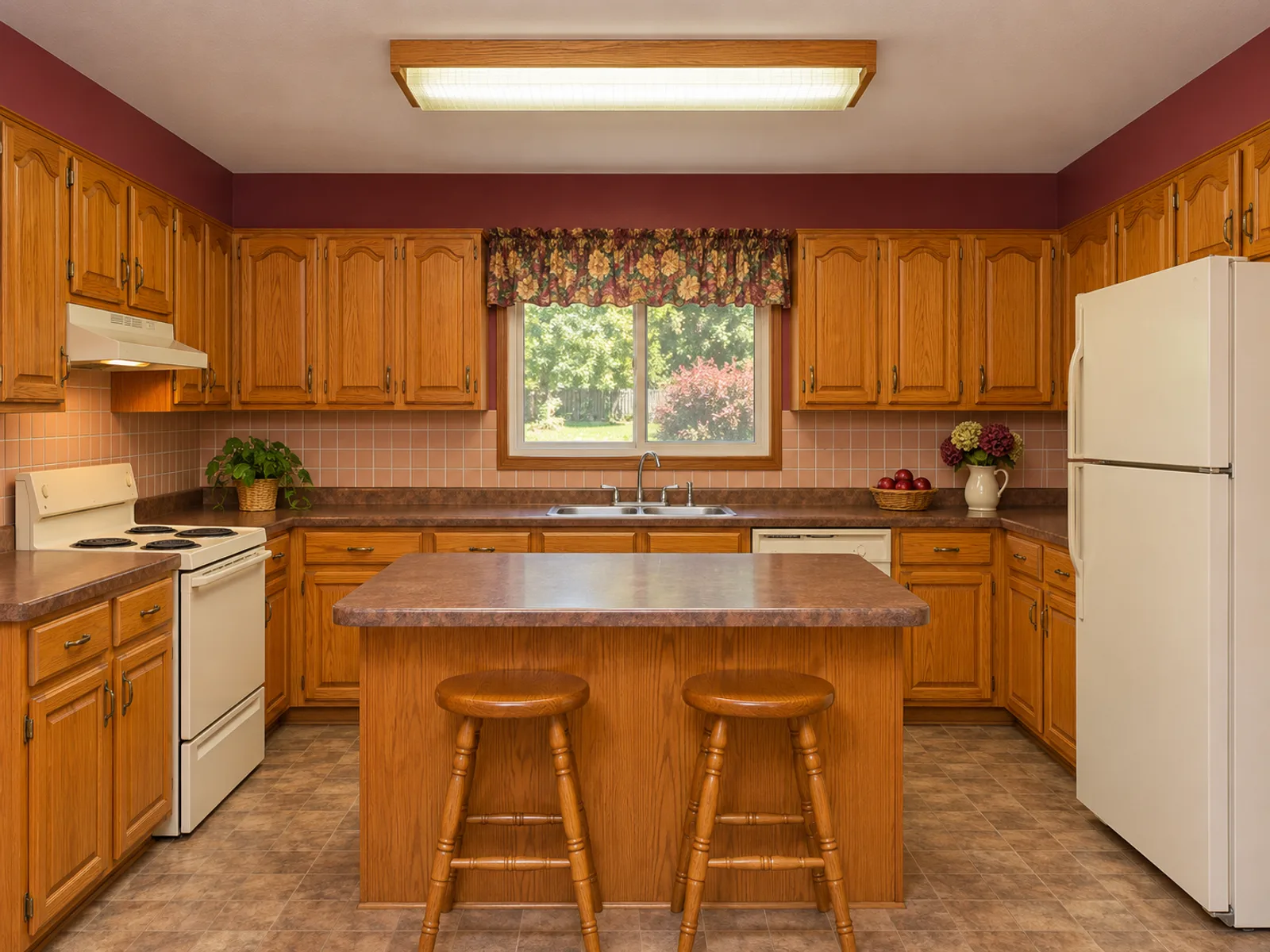
Kitchens
New cabinets, counters and lighting, with the sink and cooktop left where the plumbing and gas are.
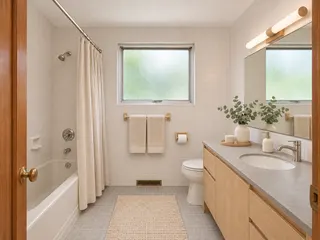
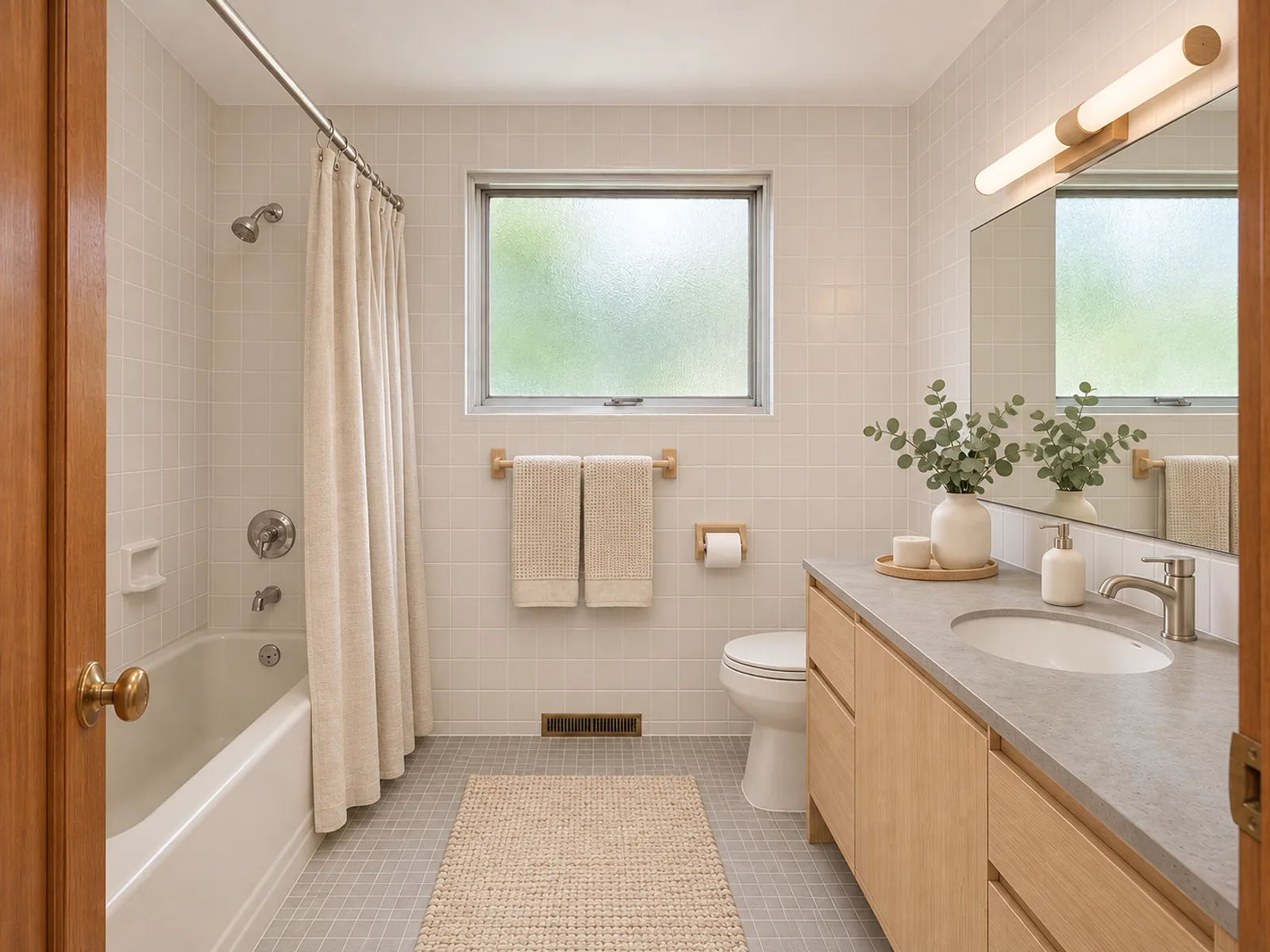
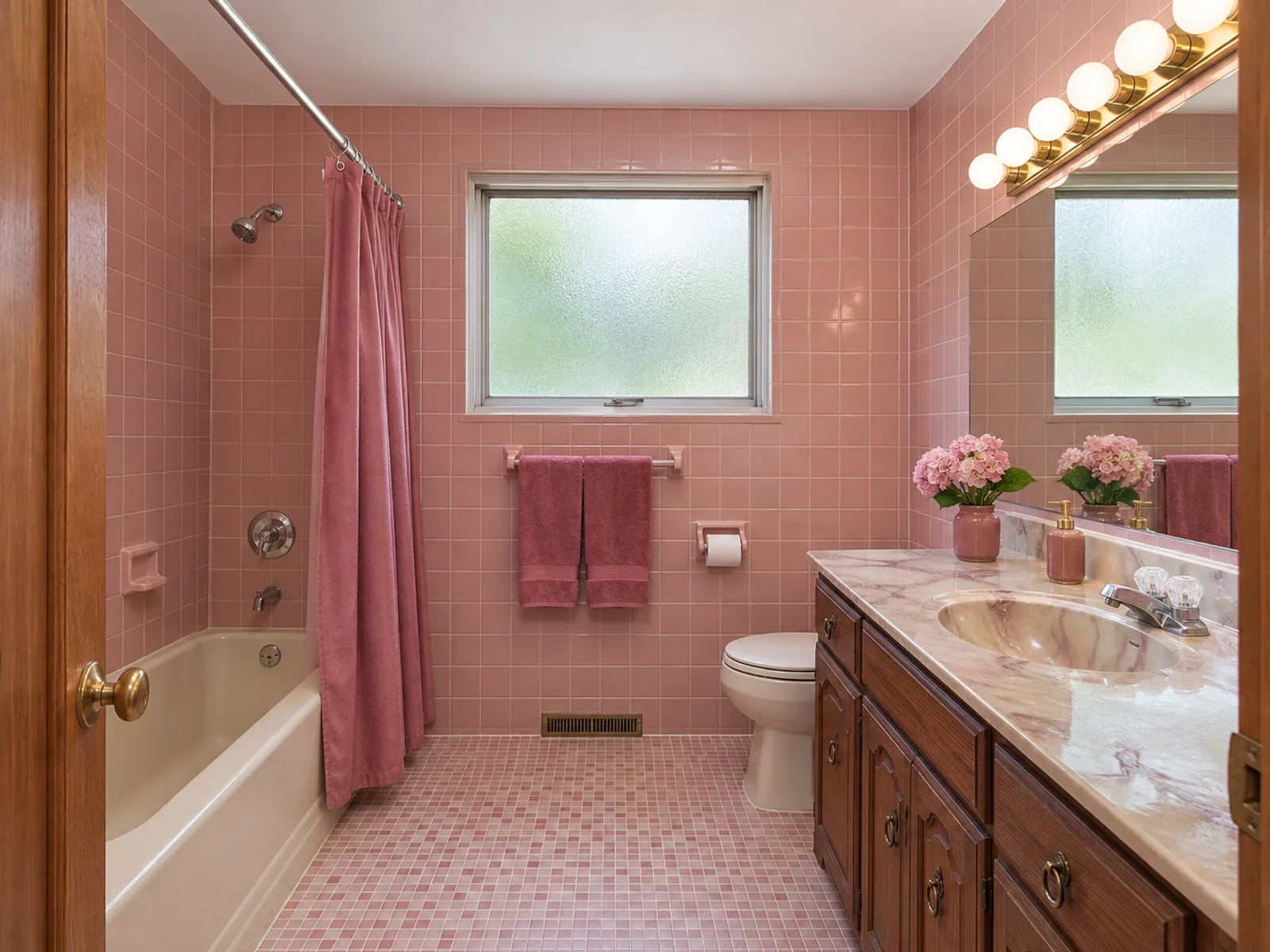
Bathrooms
Tile, vanities and showers restyled around the existing fixtures.
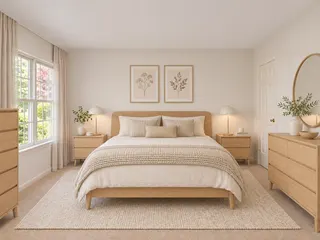
Bedrooms and living rooms
New beds, sofas, rugs and lighting.
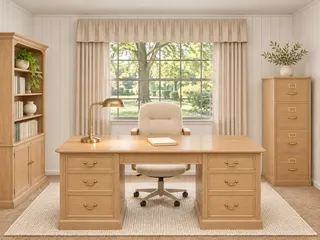
Home offices
Desks, storage and task lighting.
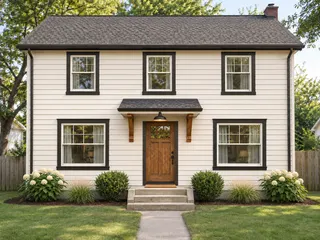
House exteriors
Siding, trim, doors and porch lighting on the same house shape.
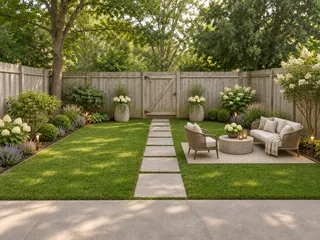
Landscapes
Lawns, planting, paths and patios for front and back yards.
How to get a good result
Shoot in daylight from a corner or doorway so two walls and the floor are visible. Skip the ultra-wide lens, which can warp wall lines.
Use "Add details" to name anything that must stay, such as "keep the oak floor and the piano". Generate two to four variations and compare them, since each run interprets the style a little differently.
Free tools and credits
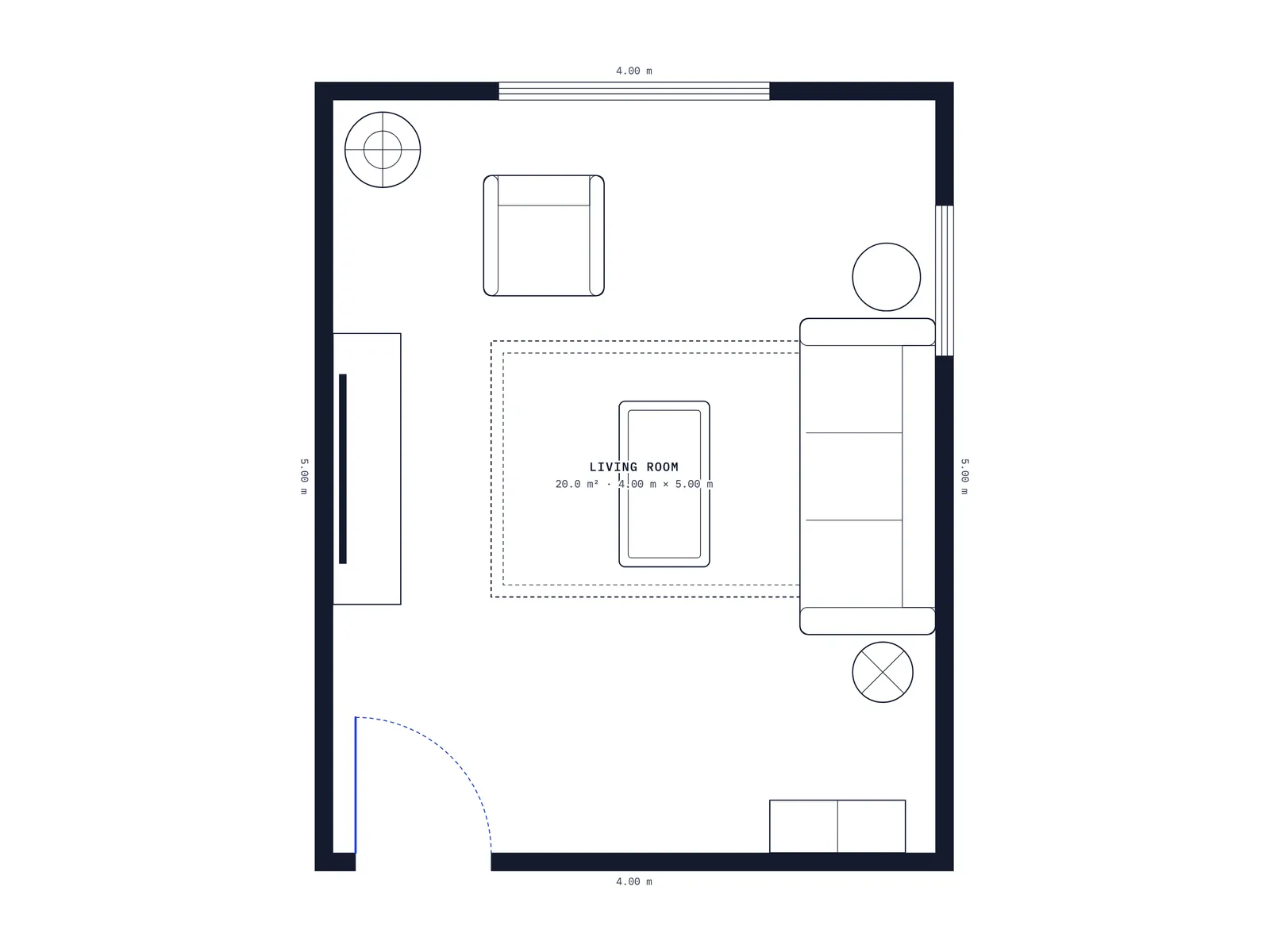
All five 2D planners for floor plans and rooms are completely free and never need an account. Draw to scale, check what fits and export a PNG.
The AI tools let you set up a design without signing in. New accounts get free credits to try them. After that, each design uses 14 credits from a monthly or yearly plan or a one-time pack. Credits for a failed run are returned automatically.
See Your Room in a New Style
Pick a room, upload a photo and compare realistic redesigns on your own walls.
Start designingQuestions, answered plainly.
What is AI room design?
It restyles a real space from a photo. The AI keeps the walls, windows and layout in place while updating the furniture, wall colors and lighting to match the style you choose.
Is it free to try?
Yes. The 2D planners are free to use right away with no sign-up. For the AI tools, new accounts get free credits to try them.
Can I design a room without a photo?
Yes. The room tools have a "From description" mode where you describe the space in words and get a concept image.
What photos can I upload?
JPG, PNG or WebP files up to 10 MB. A bright, level shot from a corner works best.
Do I own the images?
Downloads have no watermark and can be used for personal and commercial projects. Every result is also saved in My designs.
Does it create 3D models or shopping lists?
No. The room tools produce realistic images from the angle of your photo. The only 3D option is the isometric cut-away in the AI floor plan generator.
Is there a mobile app?
There is no app to install. The site works in any modern browser on phones, tablets and computers.